13. OPERATING PROCEDURES
13.9 SELECTING PRINT ITEM
13- 15
13.10 DATE CHANGE
Menu: REG., M.DOWN, or REWRAP
Mode: WEIGH, FIX, or BY COUNT
The date can be changed temporarily.
NOTES:
1. A store code can be printed in place of a ‘packed on date’ and ‘sell by date’ by changing the
initial settings #6-5 and #6-6.
To print a store code, select ‘packed on date’ or ‘sell by date’ as a print item using the above
procedure
Additionally the print of “packed on time” with alphabetical code can be selected with Initial
setting #6-6.
2. Setting data will not be changed by turning the power off, changing the mode or calling a PLU.
3. The key has no function.
4. Pressing the key allows you to return to the step of selecting the ‘packed on date’.
5. The range of idle time=0 to 99 seconds. A setting 0 prohibits display of an auto message.
6. Item 29 is operable only when the initial setting #1-5 is set to ‘0’.
7. Be sure to press the key after the key when changing the label format.
0
C
FEED
PRT/*
Press:
1
2
NOTE: The scale will check the details of the date input. An invalid date will result in an error.
1
8
9
4
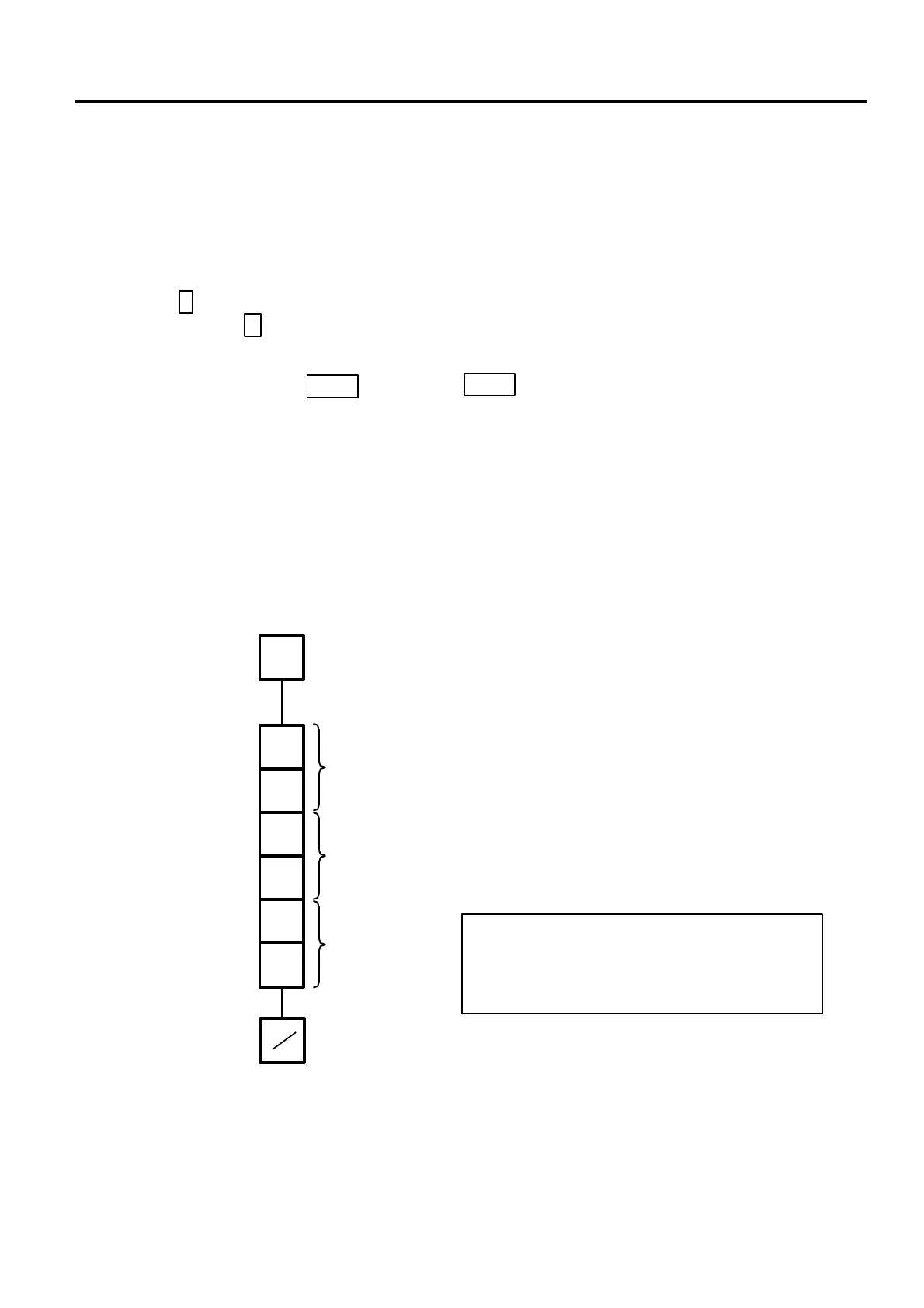
Enter the new date.
(Ex. Dec. 18, 1994)
Day
Year
Month
DT/TM
DATE 1 2 1 8 9 4
PRT



 To Next Page