14. TOTAL OPERATION
14. TOTAL OPERATION
14- 1
14. TOTAL OPERATION
In Report or Reset mode you can issue a sales report or reset report with either a label or journal
paper.
Menu: REPORT or RESET
REPORT
The totals will not be cleared after they are printed on labels or journal paper.
RESET
The totals will be cleared after they are printed on labels or journal paper.
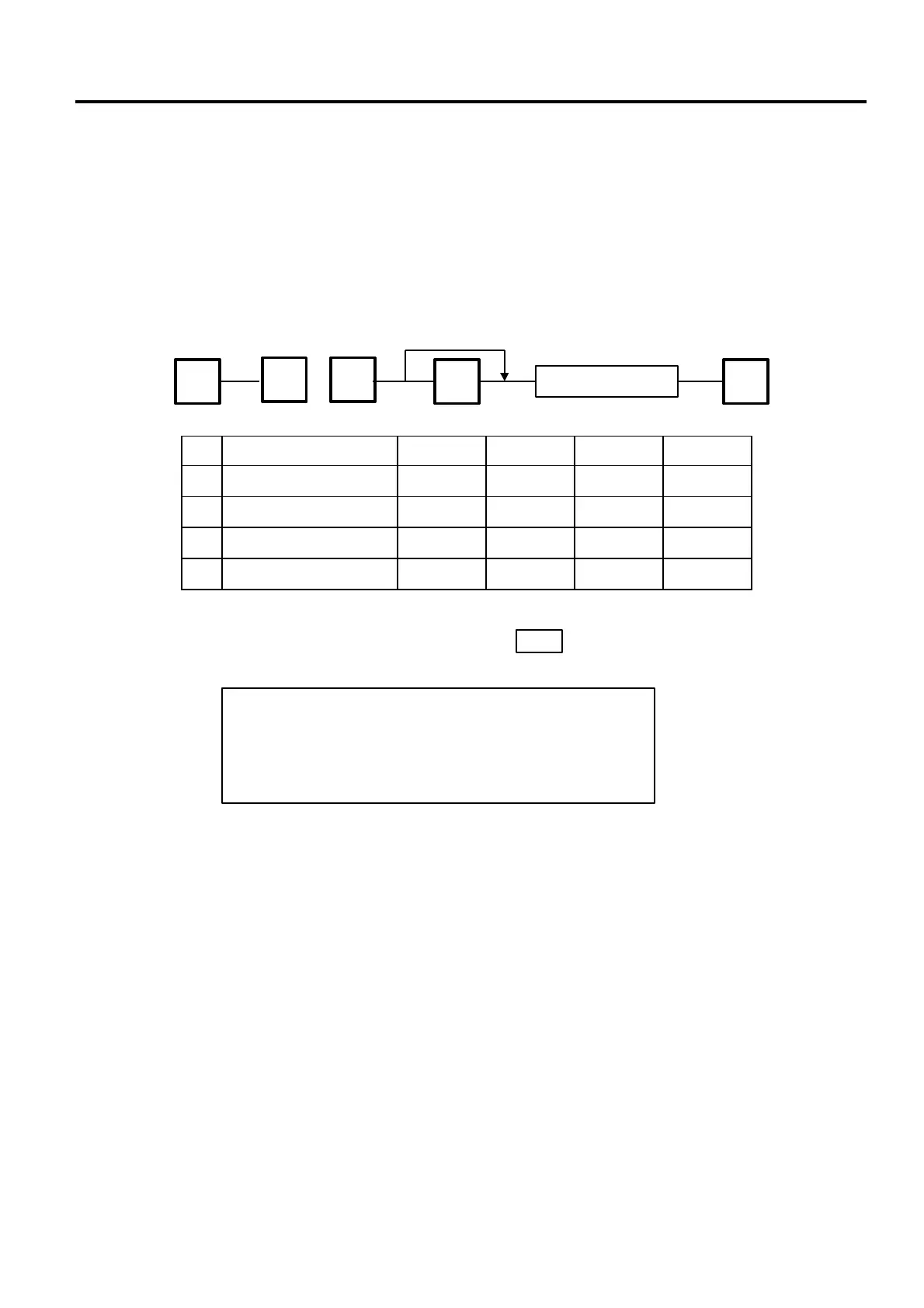
No. ITEM REPORT RESET JOURNAL LABEL
0 HOURLY TOTAL ○ ○ ○ ○
1 GRAND TOTAL ○ ○ ○ ○
2 PLU TOTAL ○ ○ ○ ○
3 VENDOR TOTAL ○ ○ ○ ○
ESC.
Label
Ö Journal
◇ ESC.
Issue each Report
■
How to access REPORT or RESET menu
The following main menu is displayed after pressing the key. Enter ‘5’ to enter the REPORT menu or
‘6’ to enter the RESET menu. When those menus are protected, enter the menu No. and the password.
ESC.
0. PROG. 5. REPORT
1. REG. 6. RESET
2. MARK DOWN 7.
3. REWRAP 8.
4. SECURITY 9.
(Refer to the following pages.)
65
or



 To Next Page