13. OPERATING PROCEDURES
13.12 VISUAL COMMODITY LIBRARY
13- 19
13.12 VISUAL COMMODITY LIBRARY
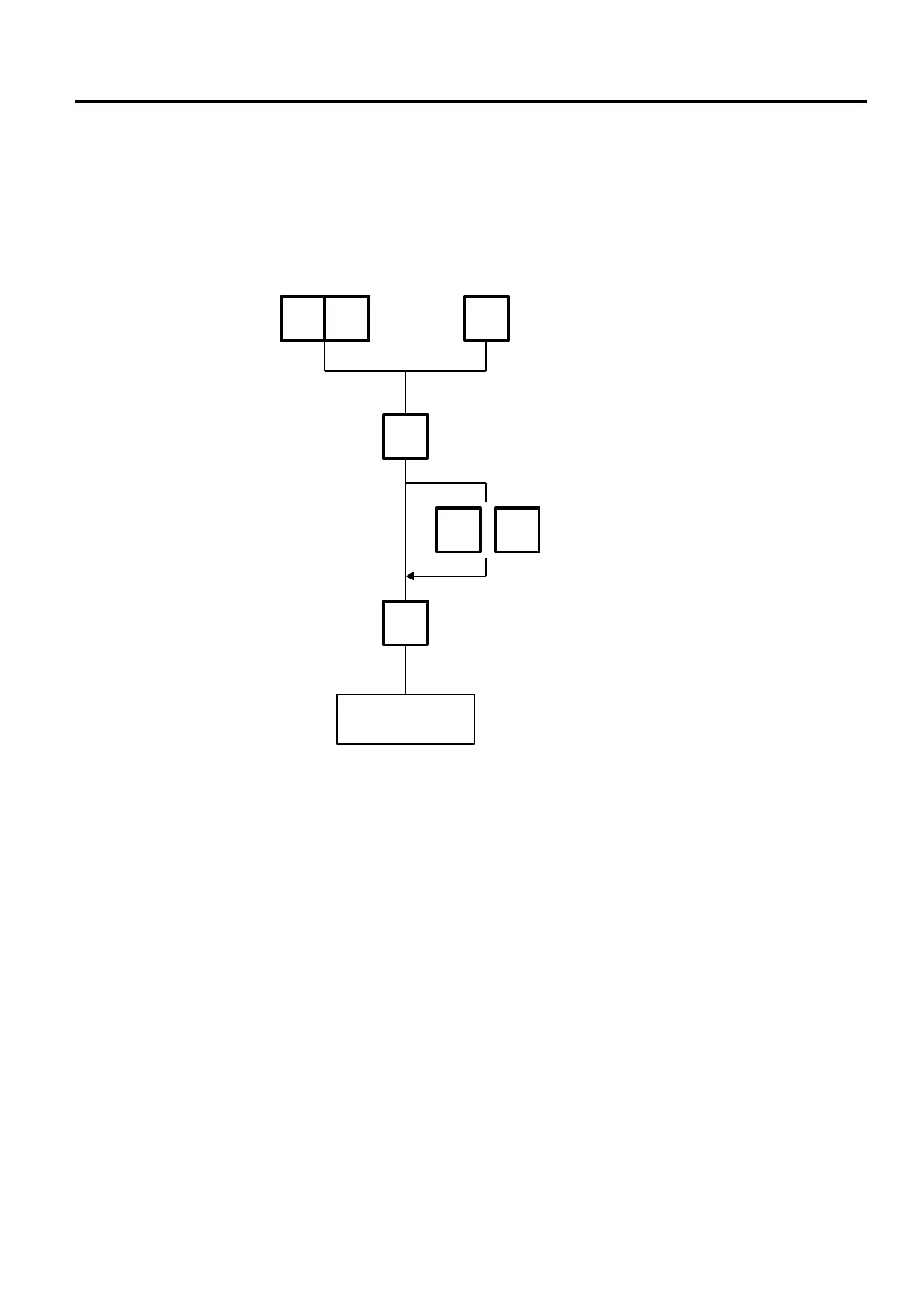
Menu: REG., M.DOWN, or REWRAP
Mode: WEIGH, FIX, or BY COUNT
In the following procedure, entering a group # (the upper two digits of PLU#) allows you to call 6
commodities which belong to the group. This function is convenient when calling a commodity which
PLU# you do not know.
1 2
Dpt #
12
Proceed to basic
operation.
Press:
Group
#
NEXT
PLU
VOID
2
Enter a group # using the
speed key.
Enter a group #.
NEXT PLU: go to next page
VOID: go to previous page
Enter a number in the
brackets to call the PLU.



 To Next Page