10. PROGRAMMING PROCEDURES
10.16 BAR CODE FORMAT
10-27
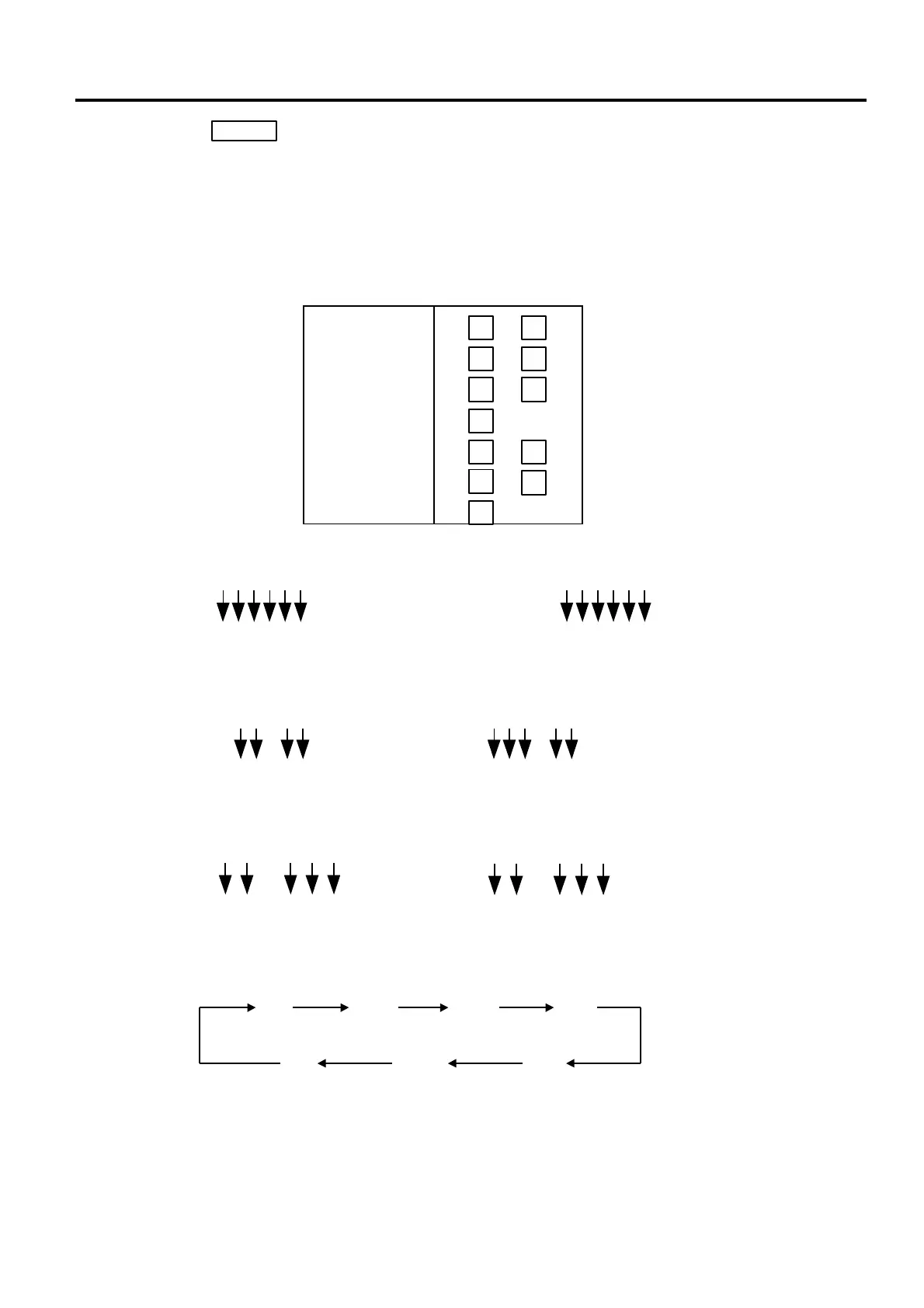
2. When the key is pressed, bar code format is checked. An error occurs in
the following cases.
① Check digit (C/D) is at other than digit-13.
② Price chec
k digit (PC/D) cannot be calculated. (Price is other than 4 or 5
digits.)
③ Price is not set serially beginning from P1 (P1 to P4, or P1 to P5).
④ Weight is not set serially beginning from W1 (W1 to W5).
3. The usable keys to set the column are as follows:
ENTER
4. Digits and display of PLU # 5. Digits and display of UPC #
6. Digits and display of price
7. Display of weight digits
8. Setting Items
1
Flag
2
PLU #
3
UPC #
4
PC/D
C/D
7
Weight
6
Price
5
FLAG
PLU #
UPC #
PC/D
PRICE
WEIGHT
C/D
to
to
to
to
to
Price $ 1 2
3 4
Display
P P P P
1 2 3 4
5
3
$ 1 2 3
4
P
1 2 4 5
P P P P
Weight 1 2
3 4 5
Display
W
1 2 3 4 5
lb
W W W W
1 2
3 4 5
W
1 2 3 4 5
Kg
W W W W
PLU # 1 2 3 4 5 6
Display
H H H H H H
1 2 3 4 5 6
UPC #
Display
1 2 3 4 5 6
C
1 2 3 4 5 6
C C C C C



 To Next Page