12. PASSWORD SECURITY
12.1 SETTING PASSWORD AND PROTECT MENU
12- 2
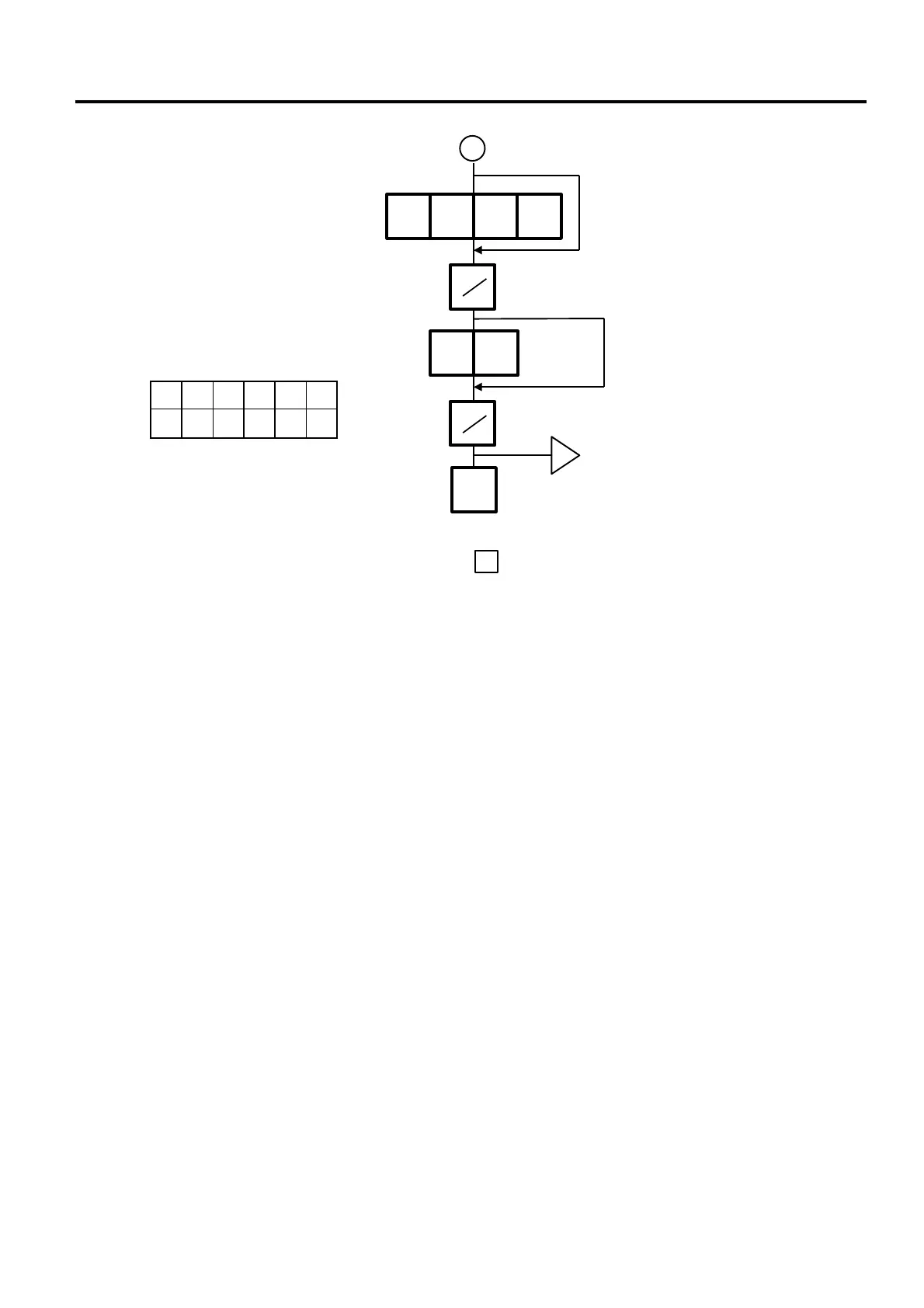
P M R S X Z
○ × ○ ○ ー ×
Enter password B in 4 digits.
Select the menus the password B
cannot access.
○: Valid
×: Invalid
ー: Not need
1 2 3 4
2 6
w
NOTES:
1. Select validity of the password by pressing the key
2. When the same password is entered for password A and B, password A has priority over the
password B.
3. Be careful if you exclude the same menu from the accessible menus with both password A and B,
you will not be able to access the menu.
◇
ESC.
PRT
PRT
B



 To Next Page