13. OPERATING PROCEDURES
13.11 BATCH PRINT MODE (with 30 Items Run Assignment)
13- 17
●
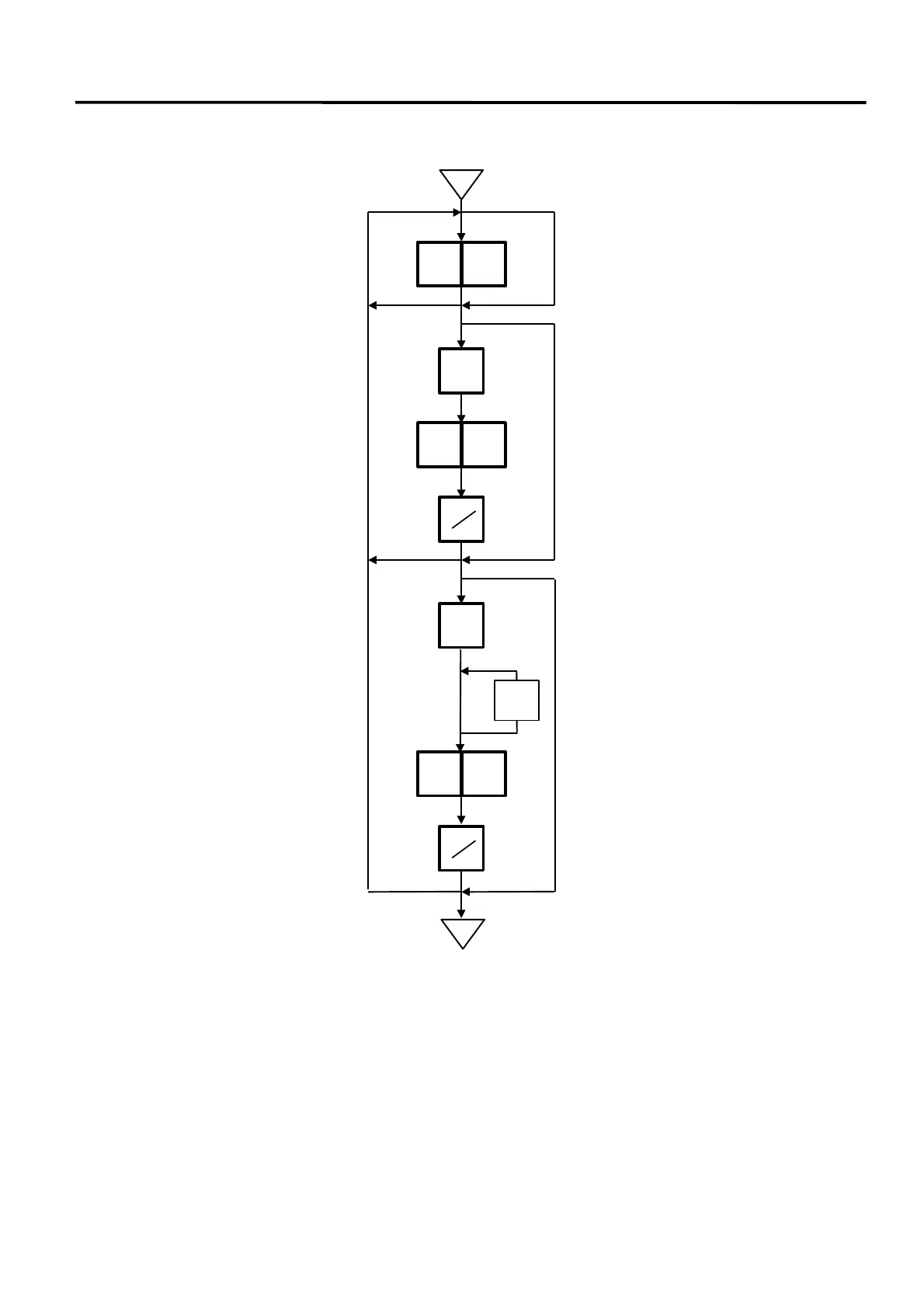
Changing a Unit Price and Calling G.Line/LOGO
NOTE:
By calling the PLU designation LOGO, the LOGO can be designated per PLU and printed. When
the PLU dose not designate the LOGO, the LOGO programmed before entering Batch Print Mode is
printed.
Enter the quantity.
Call the Grade Line.
LOGO
x
GRADE
LINE
Enter the required Grade Line#
(1 to 49).
Press:
Press:
Call PLU designation
LOGO. (see NOTE)
Enter the required
LOGO# (1 to 26).
Select the LOGO type
(LOGO (1) ↔ LOGO (2) ↔ F.Shopper).
◇
PRT
3 0
1 2
1 0
PRT
*
y



 To Next Page