tousek / EN_PULL-T8-T10-T15-M-S_02 / 25. 03. 2020 - 29 -
$$$$$$$$$$$$$$$$
$$$$$$$$$$$$$$$$
Sprachauswahl:
Deutsch
$$$$$$$$$$$$$$$$
$$$$$$$$$$$$$$$$
Tousek Digital
2
1
2
3
$$$$$$$$$$$$$$$$
$$$$$$$$$$$$$$$$
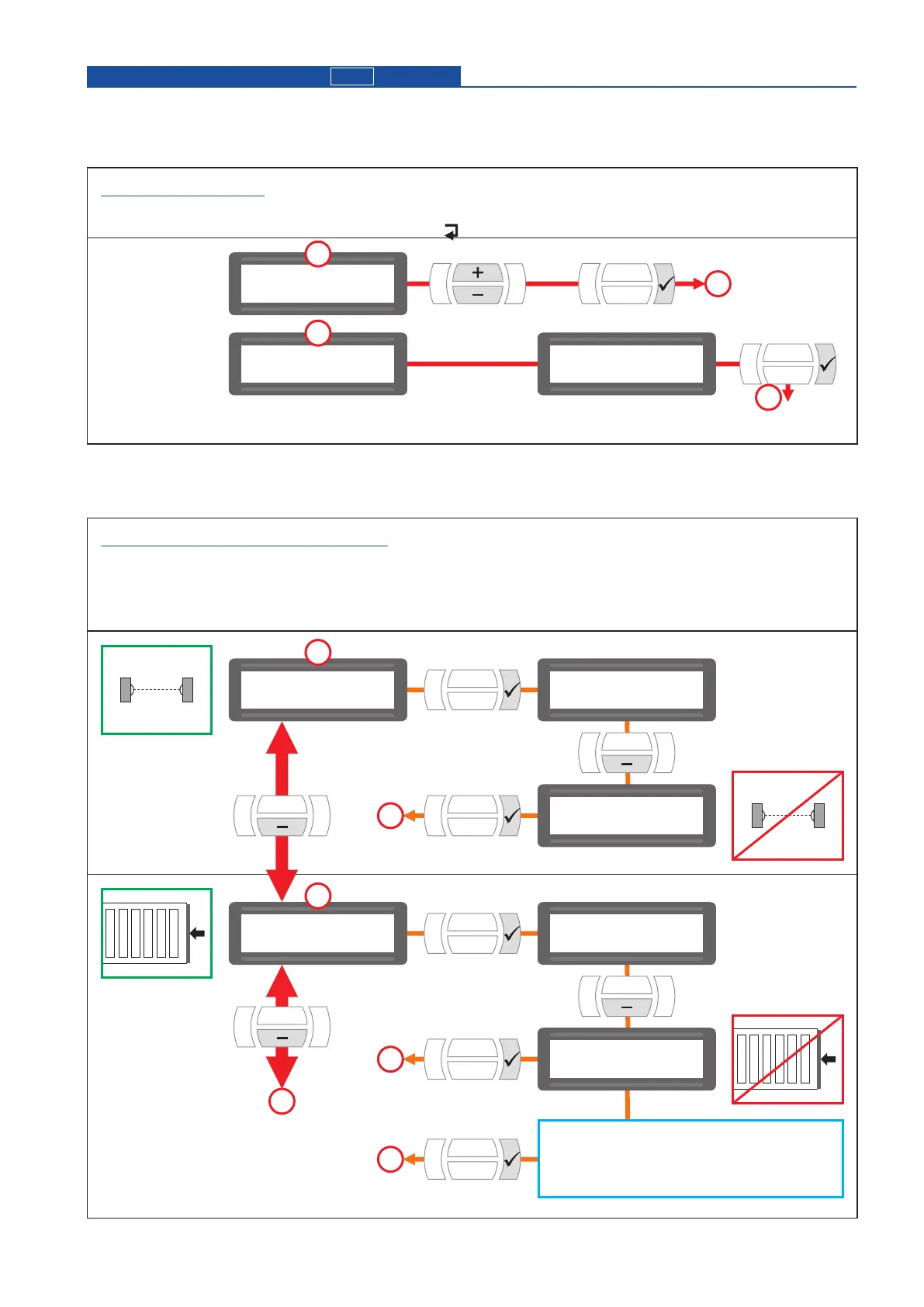
Grundeinstellung
scroll conrm
conrm
LANGUAGE SELECTION
• Can be selected during initial operation (hence after reset to factory settings).
• Can be also chosen by pressing the ESC button
( )
for 5s, from any position in menu.
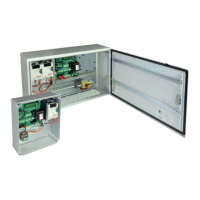
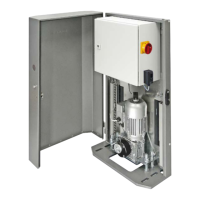
Master-control board
M
Putting into operation
BASIC SETTINGS for Master-control board
• For setting the most important adjustments for initial operation of motor.
• Can be selected during initial operation (hence when restoring the factory setting).
• All safety devices are activated when leaving factory (see menu page 13).
• The next programming adjustments are made in the main settings menu (see page 12, 13).
4
Conrm
additional options (with „-“ button):
radio edge TX
TX 400
$$$$$$$$$$$$$$$$
$$$$$$$$$$$$$$$$
Photocell
$$$$$$$$$$$$$$$$
$$$$$$$$$$$$$$$$
Main safety edge
3
3
4
4
5
$$$$$$$$$$$$$$$$
$$$$$$$$$$$$$$$$
Photocell
active
$$$$$$$$$$$$$$$$
$$$$$$$$$$$$$$$$
Main safety edge
active
$$$$$$$$$$$$$$$$
$$$$$$$$$$$$$$$$
Photocell
not active
$$$$$$$$$$$$$$$$
$$$$$$$$$$$$$$$$
Main safety edge
not active
Conrm
Conrm
Change ?
YES
Change ?
YES


 To Next Page