12
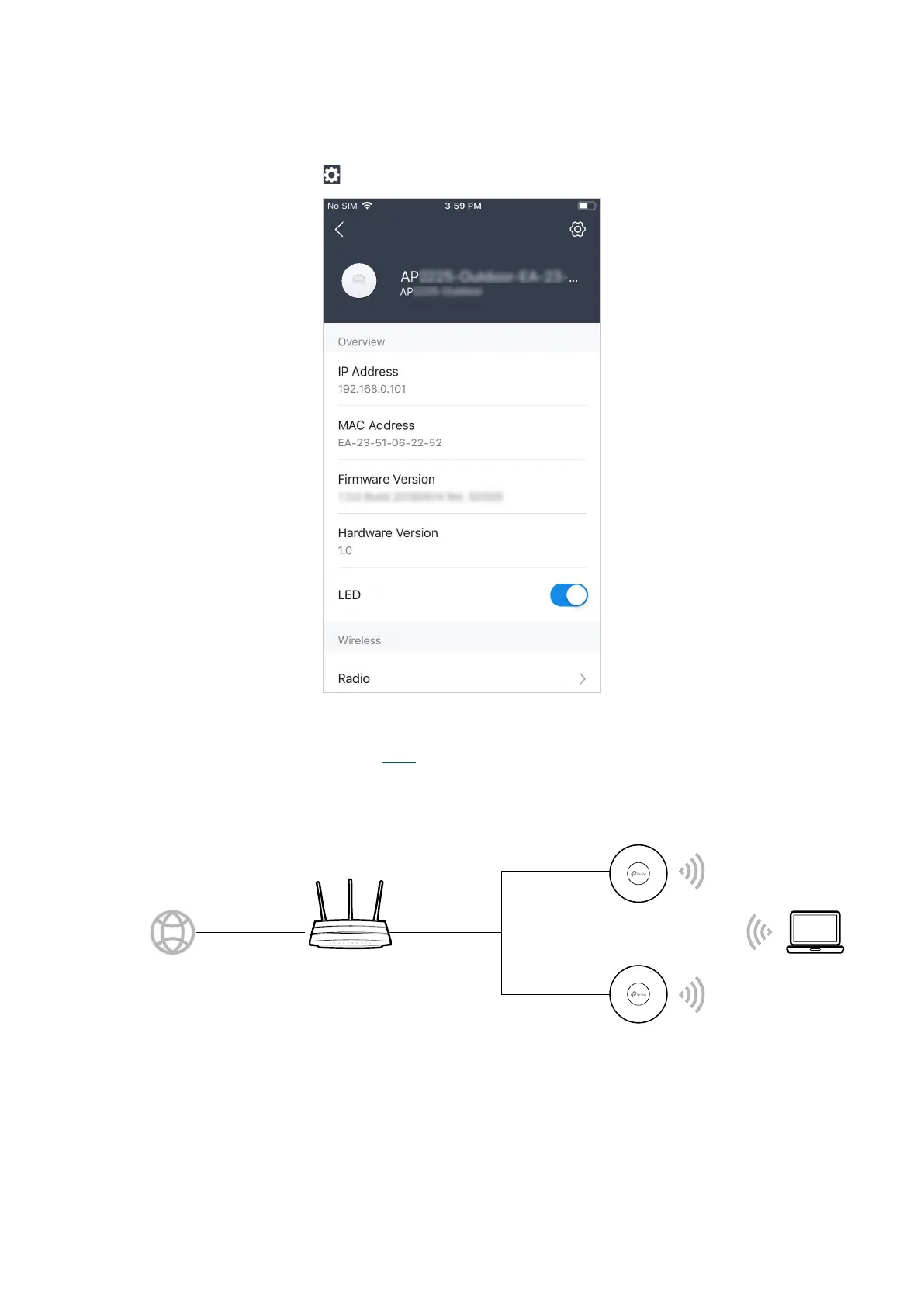
8. Tap Continue to go to the managment page. In this page, you can view the information
and settings of the AP. If you want to change the settings incuding radio, SSID and
device account, tap
.
Now you can connect your phones, tablets and laptops to the new WiFi. If you cannot
access the internet, follow the FAQ to troubleshoot the problem.
■ Using Web Browser on Your PC and Connecting to the WiFi
ternet
Router (DHCP Server)
WANLAN
PC
AP








 To Next Page