76
4.1 Manage the IP Address of the AP
The IP address of the AP can be a dynamic IP address assigned by the DHCP server or
a static IP address manually specified by yourself. By default, the AP gets a dynamic IP
address from the DHCP server. You can also specify a static IP address according to your
needs.
Tips:
For detailed introduction about how to find the dynamic IP address of the AP, refer to
Using Web
Browser on Your PC and Connecting to the Ethernet
.
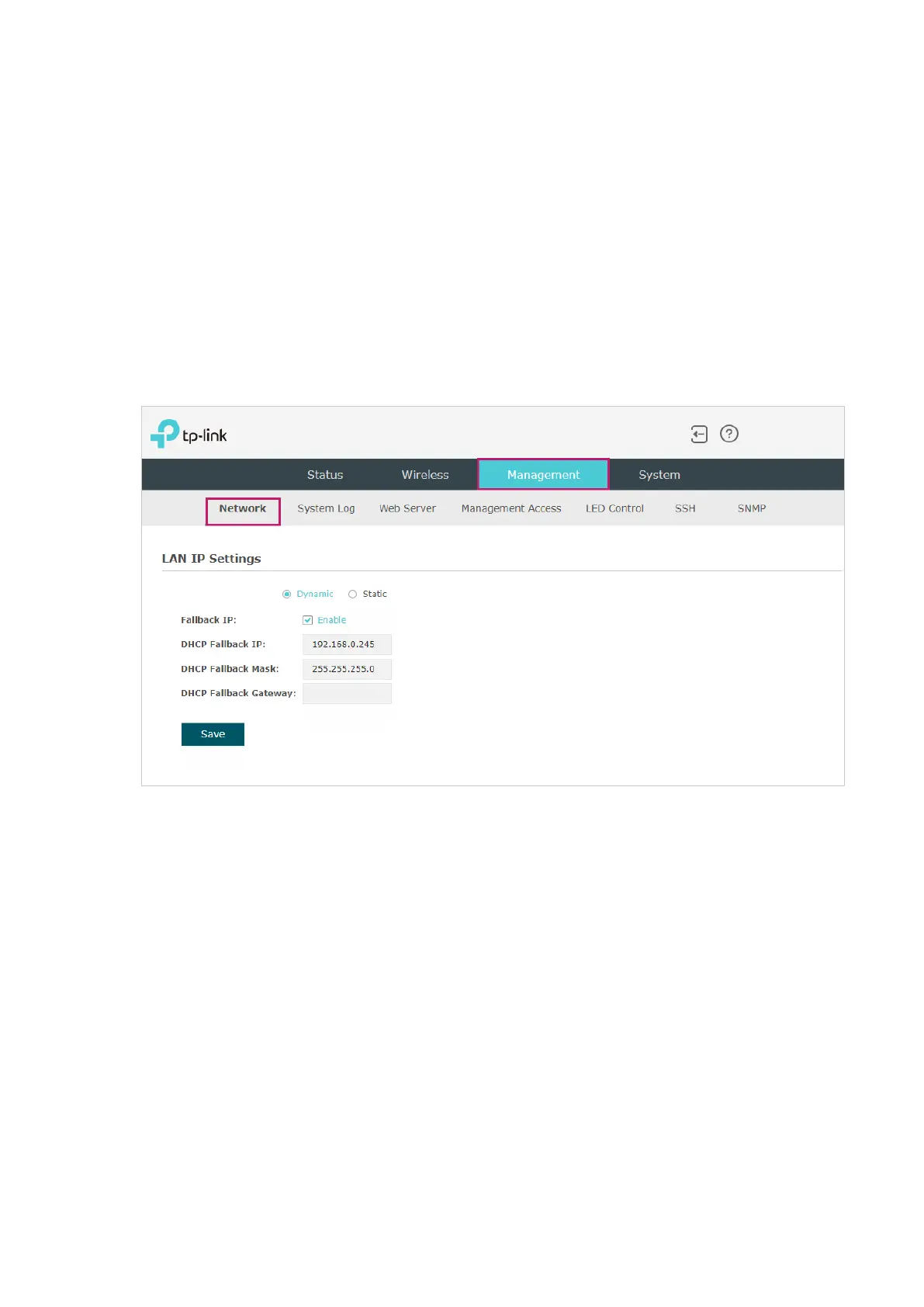
To configure the IP address of the AP, go to the Management > Network page.
Follow the steps below to configure the IP address of the AP:
1. Choose your desired IP address mode: Dynamic or Static.
2. Configure the related parameters according to your selection.








 To Next Page