68
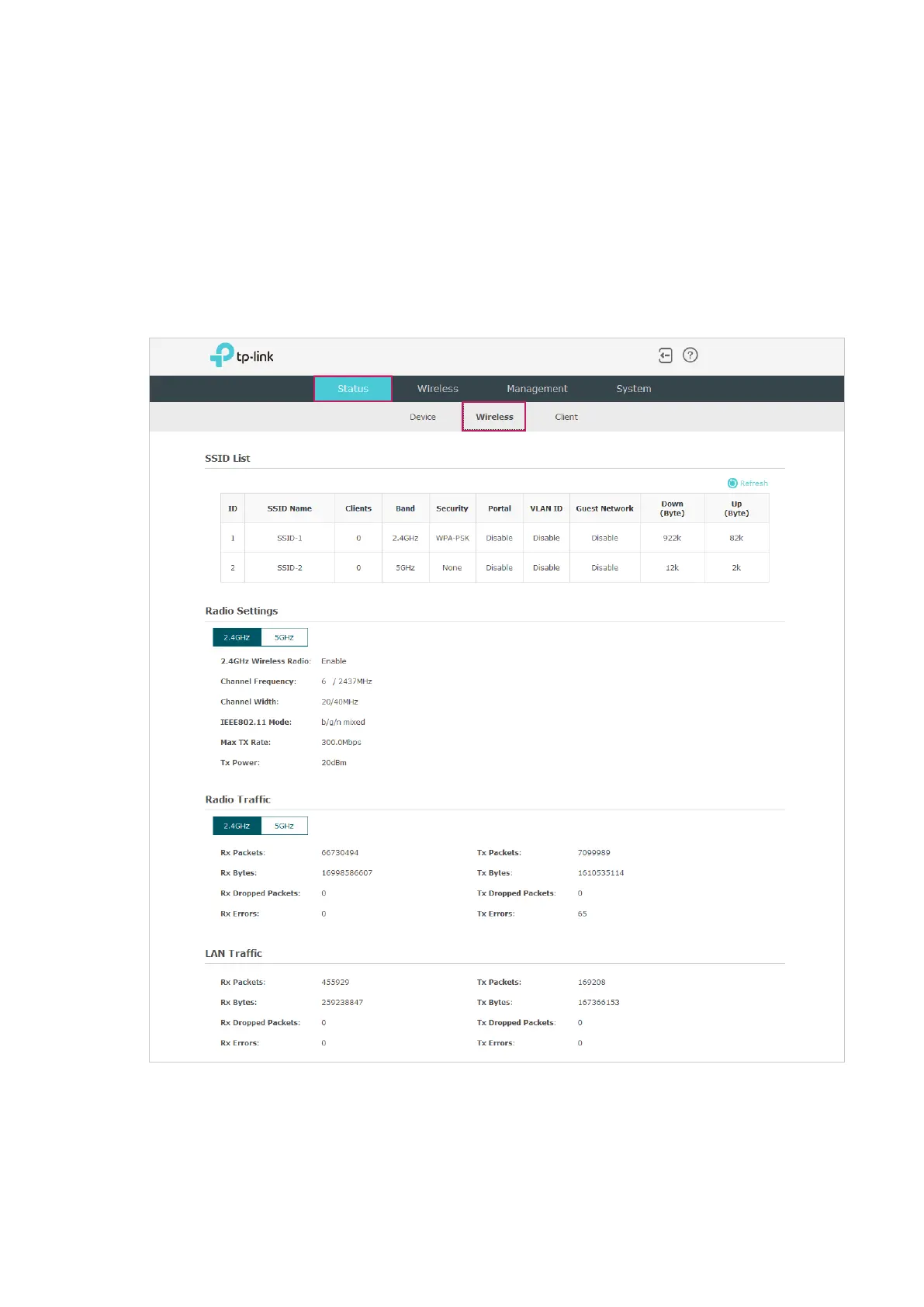
3.2 Monitor the Wireless Parameters
You can view the wireless parameters of the AP, including SSID lists, radio settings, radio
traffic and LAN traffic.
Tips:
To change the wireless parameters, you can refer to
2.1 Configure the Wireless Parameters
.
To monitor the wireless parameters, go to the Status > Wireless page.








 To Next Page