71
Rx Bytes Displays the total received traffic on the current band since the AP starts
up.
Tx Bytes Displays the total sent traffic on the current band since the AP starts up.
Rx Dropped
Packets
Displays the total number of the dropped packets which are received on
the current band since the AP starts up.
Tx Dropped
Packets
Displays the total number of the dropped packets which are sent on the
current band since the AP starts up.
Rx Errors Displays the total number of error packets which are received on the
current band since the AP starts up.
Tx Errors Displays the total number of error packets which are sent on the current
band since the AP starts up.
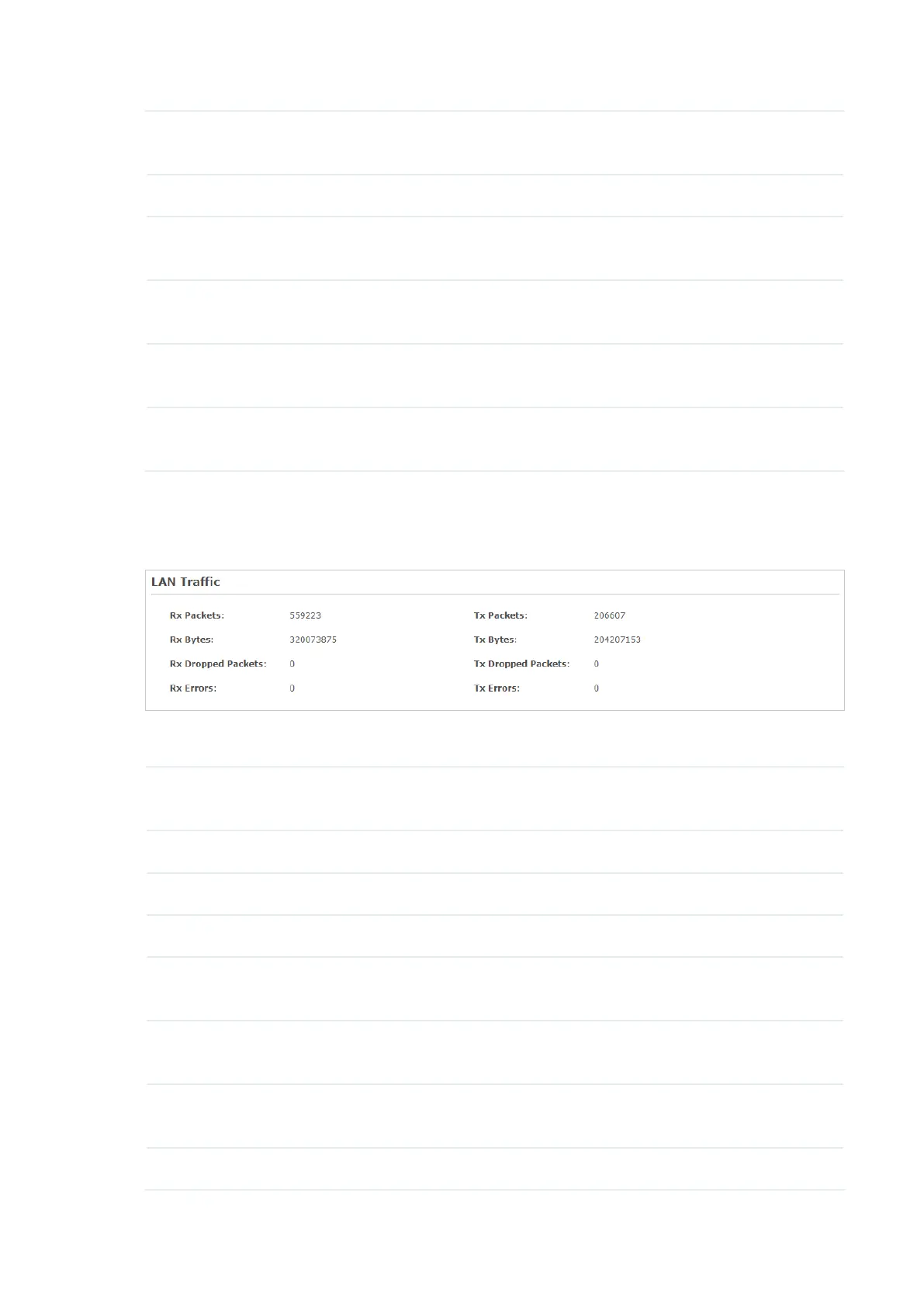
Monitor LAN Traffic
You can view the LAN traffic of AP.
The following traffic information of the LAN is displayed:
Rx Packets Displays the total number of received packets in the LAN since the AP
starts up.
Tx Packets Displays the total number of sent packets in the LAN since the AP starts up.
Rx Bytes Displays the total received traffic in the LAN since the AP starts up.
Tx Bytes Displays the total sent traffic in the LAN since the AP starts up.
Rx Dropped
Packets
Displays the total number of the dropped packets which are received by the
AP since it starts up.
Tx Dropped
Packets
Displays the total number of the dropped packets which are sent by the AP
since it starts up.
Rx Errors Displays the total number of the received error packets since the AP starts
up.
Tx Errors Displays the total number of the sent error packets since the AP starts up.








 To Next Page