8
1.3 Log in to the AP and Change the SSID
By default, anyone can connect to the WiFi of AP without authentication, because the
default SSID has no password. For security purposes, we recommend changing the default
SSID.
Log in to the AP before changing the default SSID. You can use either Omada App on
your mobile device or the web browser on your PC. Choose a method from the following
sections and follow the instructions.
Tips:
• Only one user is allowed to log in to the AP at one time.
• Omada app is designed to help you quickly configure some basic settings. To configure advanced
functions, use the web browser on your PC.
• Omada app is only compatible with certain firmware versions of the AP. To check the firmware
versions of the supported APs, please refer to https://www.tp-link.com/omada_compatibility_list.
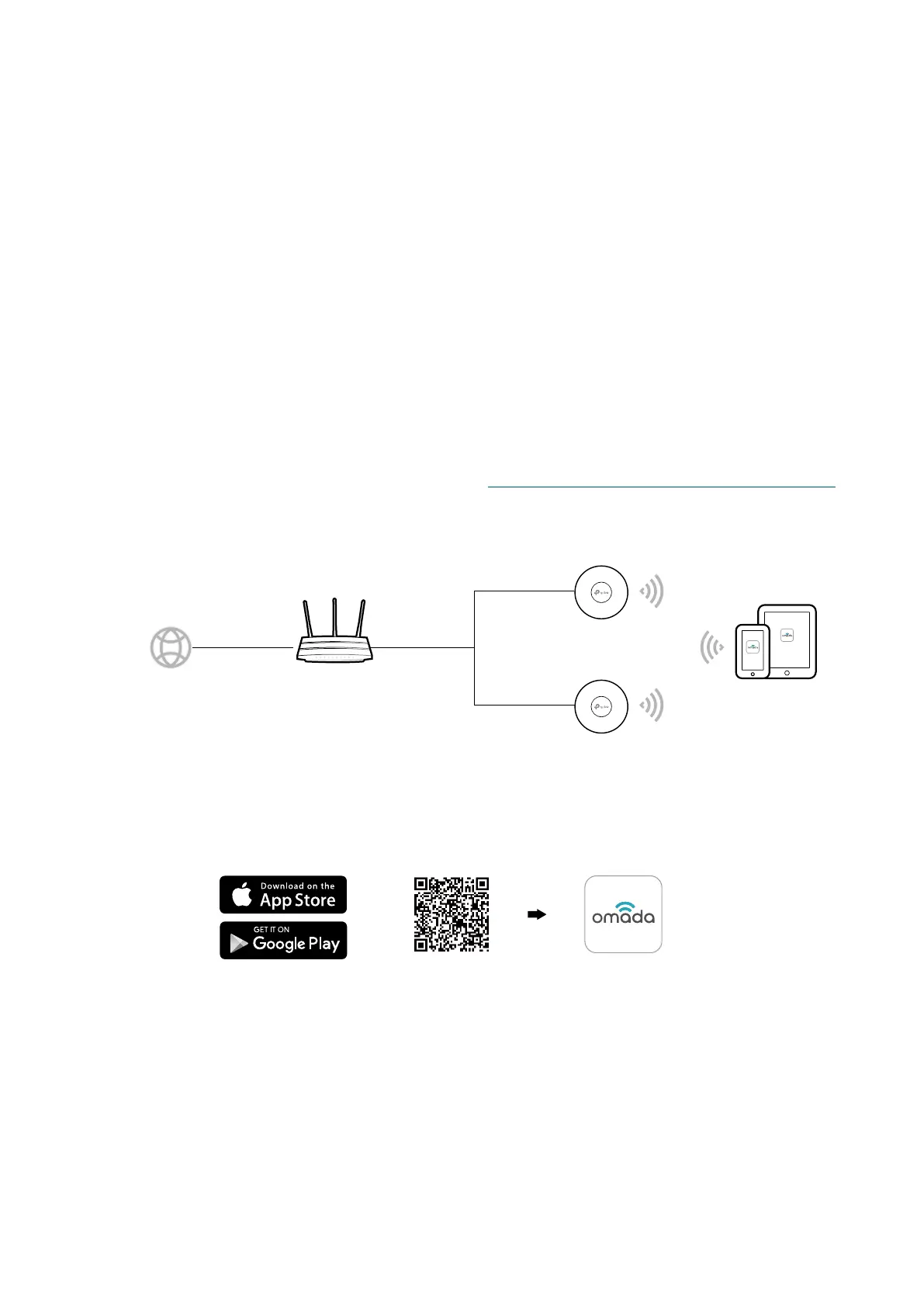
■ Using Omada App on Your Mobile Device
ternet
Router (DHCP Server)
WANLAN
Mobile Device Installed
with Omada App
AP
AP
1. To install Omada App, launch the Apple App Store (iOS) or Google Play store (Android)
and search “TP-Link Omada” or simply scan the QR code to download and install the
app.
Scan for Omada App Download Omada App
or








 To Next Page