18
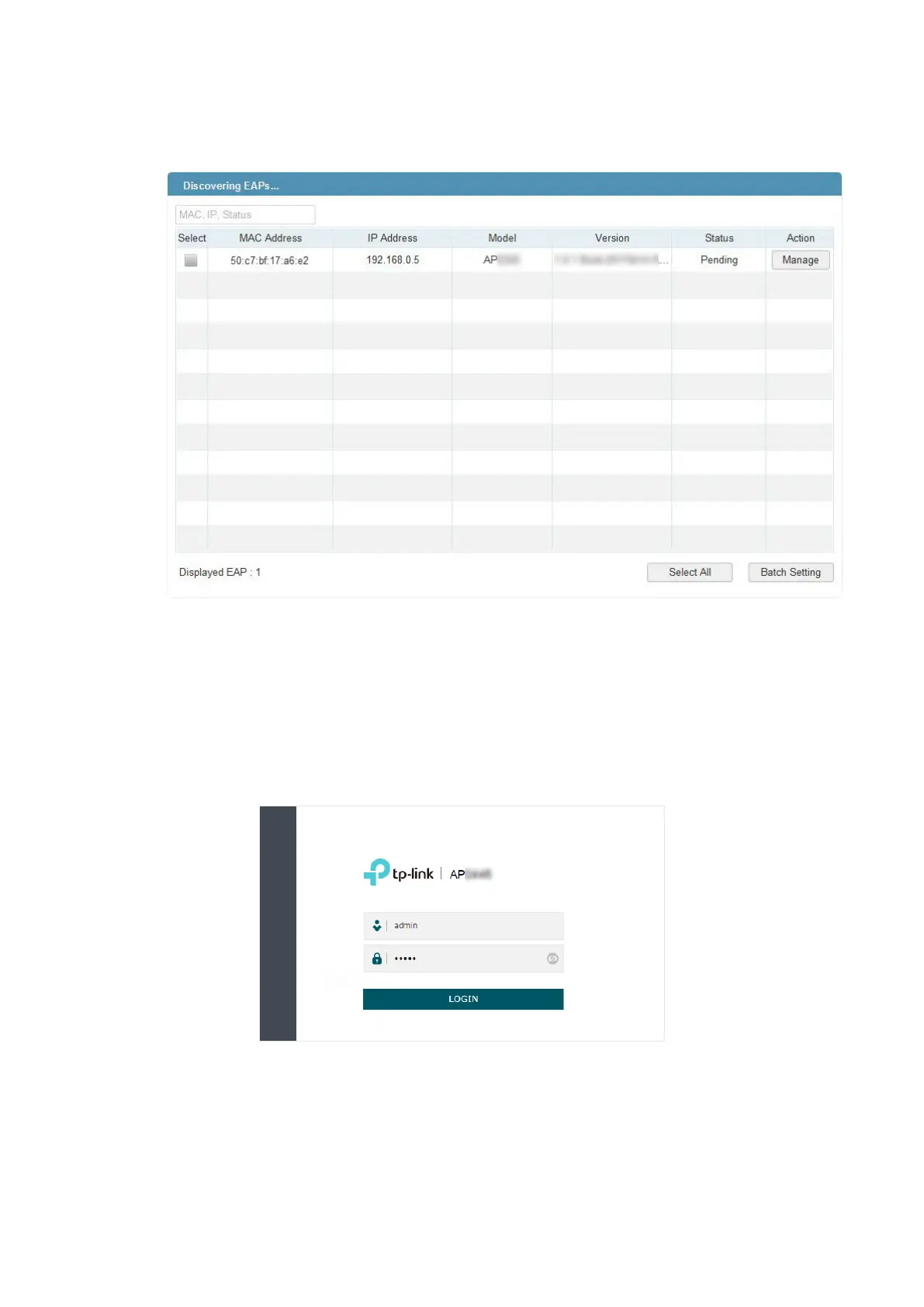
Discovery Utility can scan all APs in the same network segment, and find the IP address
of the AP. In the following figure, for example, the IP address of the AP is 192.168.0.5.
Tips:
Some AP models only works with certain software version of Discovery Utility. If your Discovery
Utility can’t discover your AP anyway, try a different software version.
2. To log in to the AP, launch a web browser and enter the IP address of the AP in the
address bar. The login page will appear. By default, both the username and password
are admin.
Tips:
To facilitate access to the AP, you can set a static IP address for the AP and remember it well or write
it down. But make sure that this IP address is not being used by other devices in the same LAN. For
detailed instructions about how to set a static IP address for the AP, refer to
4.1 Manage the IP
Address of the AP
.








 To Next Page