16
Smart Actions
Smart Actions is a function provided that enables device interconnections and home automations. With Smart Actions, your Kasa devices can work
together to create a smarter smart home. From the moment you wake up to the moment you drift asleep, Smart Actions make your home safer and
more comfortable.
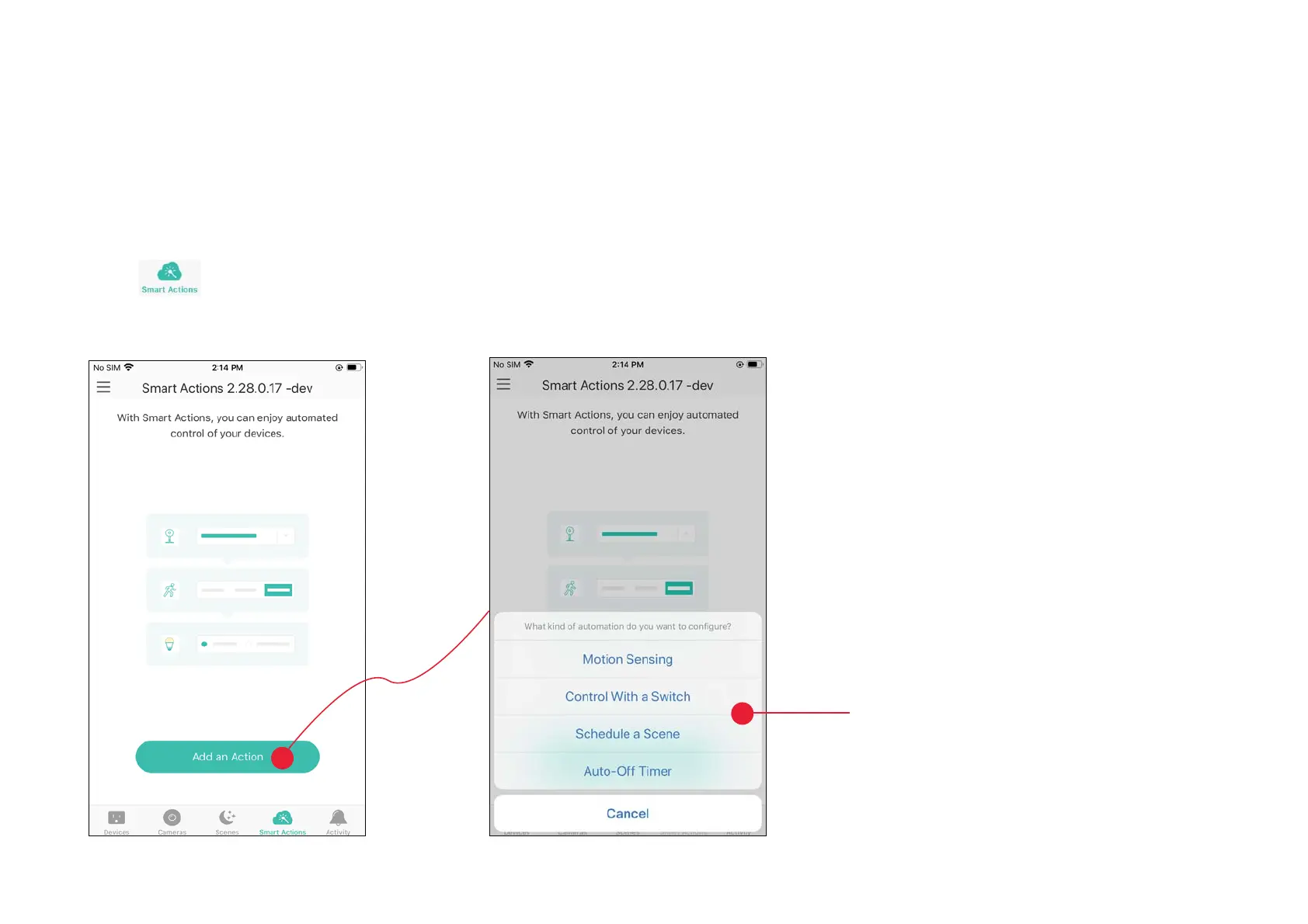
1. Tap
at the bottom, then tap Add
an Action
.
2. Select an automation type for your Smart
Actions.
Motion Sensing: Take actions when a Kasa
camera senses a motion.
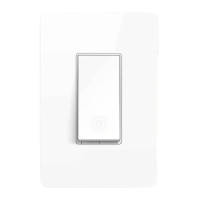
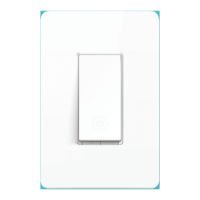
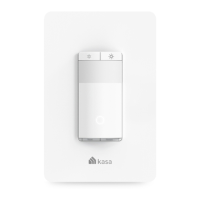
Control With a Switch: Extending the Smart
Switch control to other Kasa Smart devices. Turn
RQRƬDJURXSRIGHYLFHVZLWKWKH6PDUW6ZLWFK
all together.
Schedule a Scene: Schedule a “Scene” to be
WXUQHGRQDXWRPDWLFDOO\DWWKHWLPHVSHFLƮHG
Auto-off Timer: Whenever a Smart device is
WXUQHGRQWXUQLWRƬDIWHUWKHGHVLJQDWHGDPRXQW
of time.







 To Next Page