3
Appearance
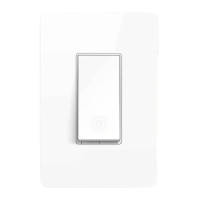
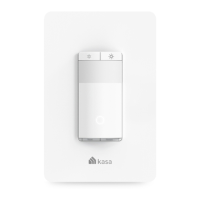
7KH6PDUW6ZLWFKLVFRPSDWLEOHZLWKLQFDQGHVFHQW/('+DORJHQDQGFRPSDFWưXRUHVFHQWOLJKWEXOEV7KHVZLWFKDOVRLQFOXGHVDZKLWHEDFNOLJKW/('
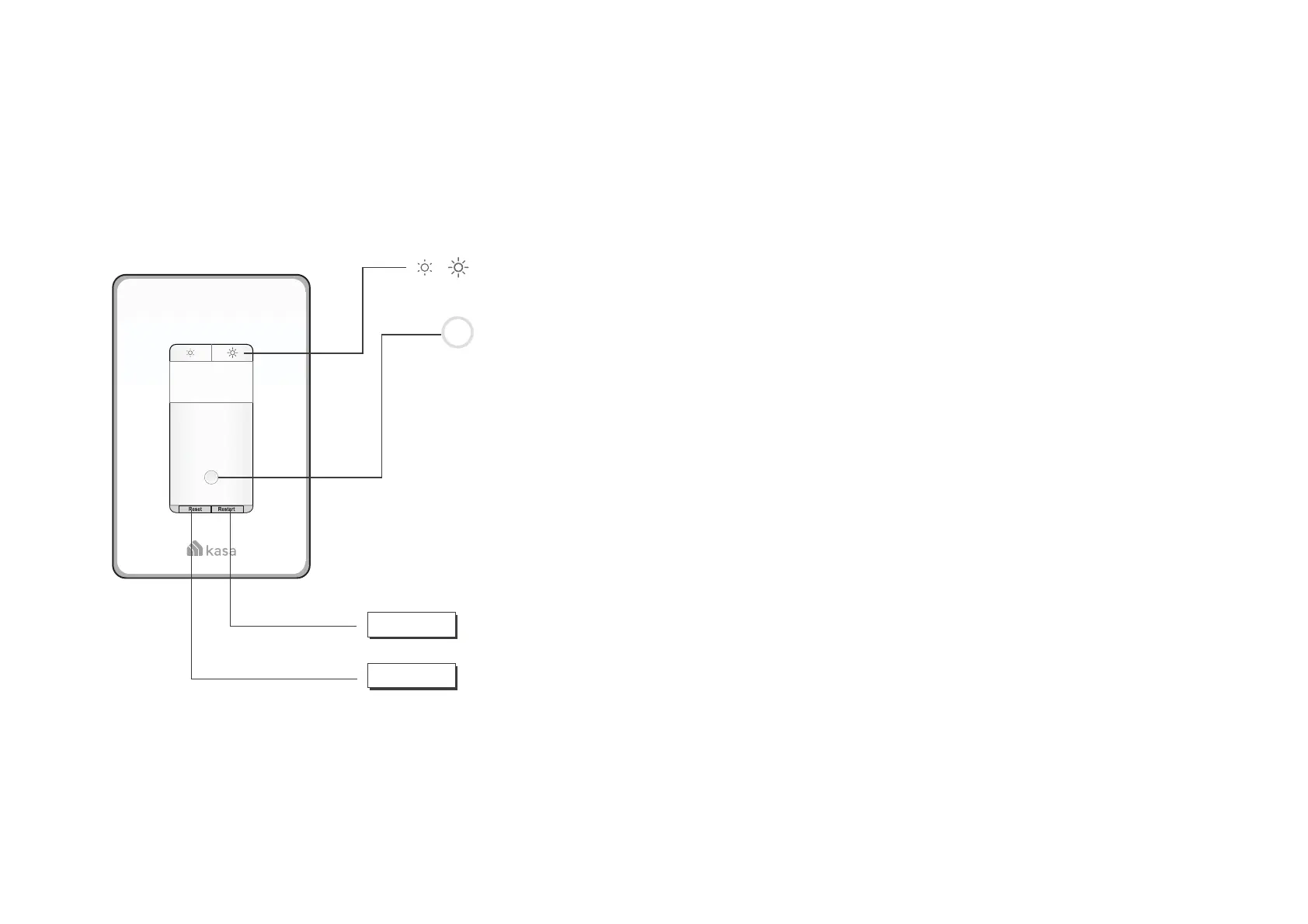
indicator to easily locate the switch at night. See the explanation below:
RT
Blinking Amber and Green: Ready for setup.
Blinking Green: Connecting to Wi-Fi.
Stay Green for 30s: Connected to Wi-Fi.
Blinking Amber: Resetting.
Red: No Wi-Fi connection.
White: /LWXSZKHQWKHOLJKWLVRƬWRVKRZWKHVZLWFKORFDWLRQLQWKHGDUN
Press to reboot the Smart Switch.
Press and hold for about 5VHFRQGVXQWLOWKH:L)LVWDWXV/('EOLQNV
DPEHUDQGJUHHQDOWHUQDWHO\WRLQLWLDWH$SS&RQƮJPRGH
Press and hold for about 10VHFRQGVXQWLOWKH:L)LVWDWXV/('EOLQNV
amber rapidly to factory reset the Smart Switch.
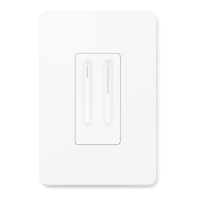
Decrease or increase the brightness of the light.
Reset
Restart







 To Next Page