4
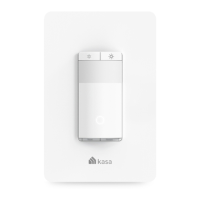
Set Up Your Smart Light Switch
Follow the steps below to set up your Smart Light Switch via Kasa Smart app.
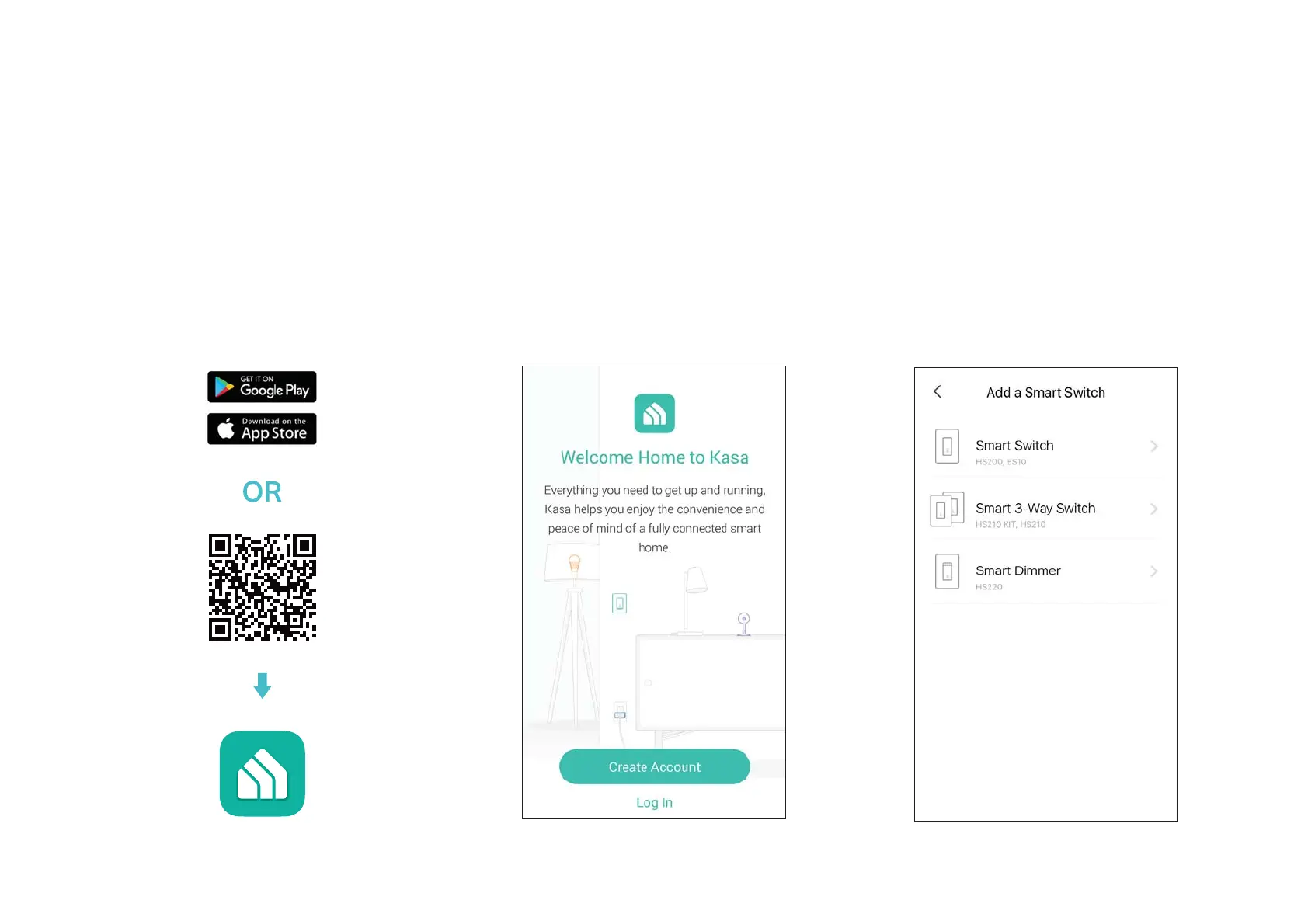
1. Download and install Kasa app
Go to Google Play or the Apple App Store
or scan the QR code below to download the
Kasa app on your Android or iOS smartphone
or tablet.
2. Log in or sign up with TP-Link ID
Open the app. Use your TP-Link ID to log in.
,I\RXGRQoWKDYHD73/LQN,'WDS
Create
Account
and the Kasa app will guide you
through the rest.
3. Add Device
Tap the + button in the Kasa app, select Smart
Switches
> Smart Switch, and then follow
step-by-step app instructions to complete the
installation and setup.







 To Next Page