52
Chapter 6 VoIP
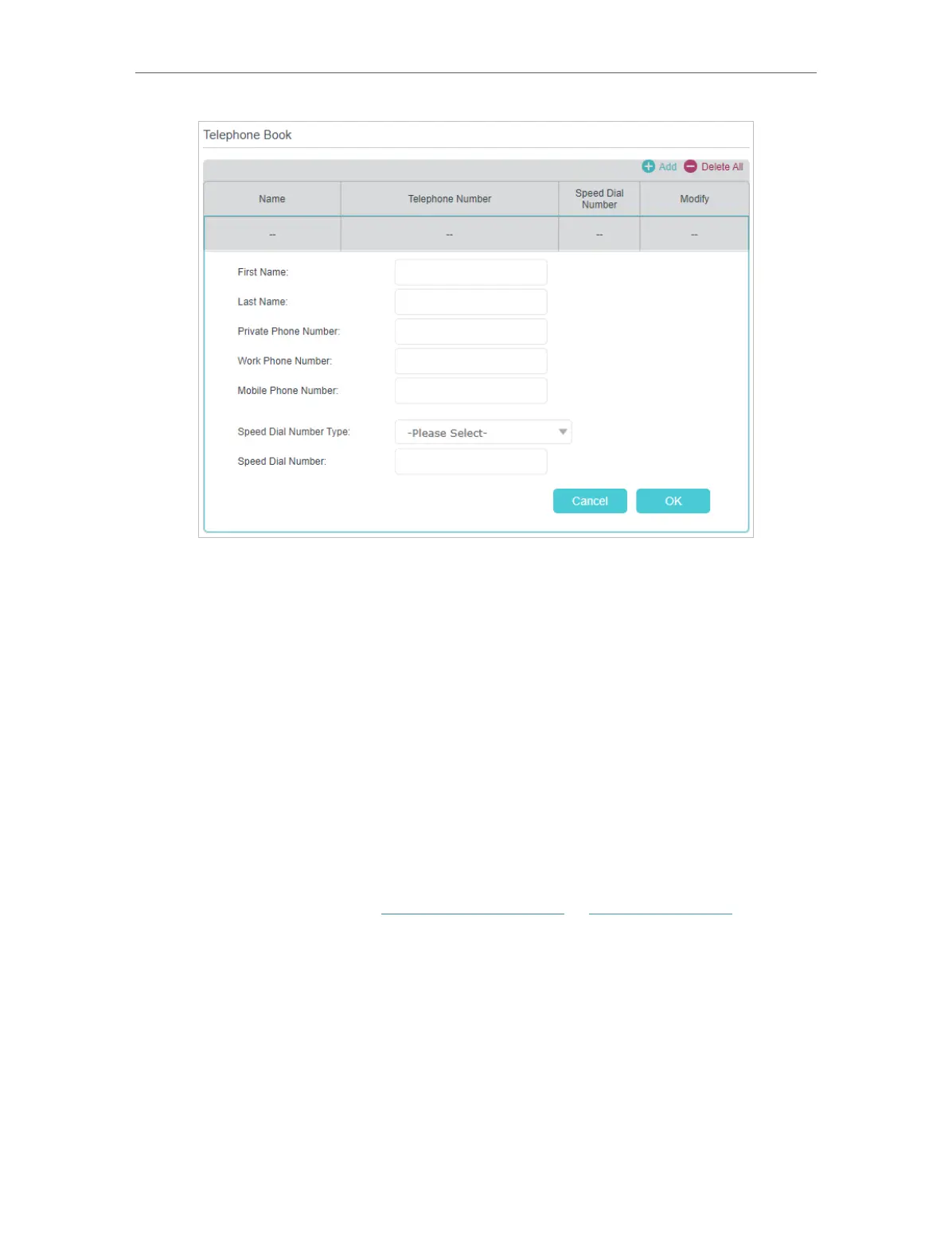
3. You can set speed dial number for certain numbers. Speed dial function allows you
to reach the desired party by dialing the reduced number of keys rather than a long
phone number.
4. Click OK to save the settings.
6. 3. 2. Emergency Calls
Make my telephone automatically call a specific contact when
the handset is picked up but no operation is done within a period
of time. In this way the old, the kids, the patient or the pregnant
in house are able to send signals for help when emergencies
occur.
1. Visit http://tplinkmodem.net or http://192.168.1.1, and log in
with the password you set for the GPON router.
2. Go to Advanced > Telephony > Telephone Book.
I want to:
How can I
do that?




 To Next Page