TIREBOSS
TM
Tire Pressure Control
SERVICE MANUAL
4-5
f:tec\manuals\Service\SERVICEv5.indd - V6-0615
Static Tank Orifi ce Testing
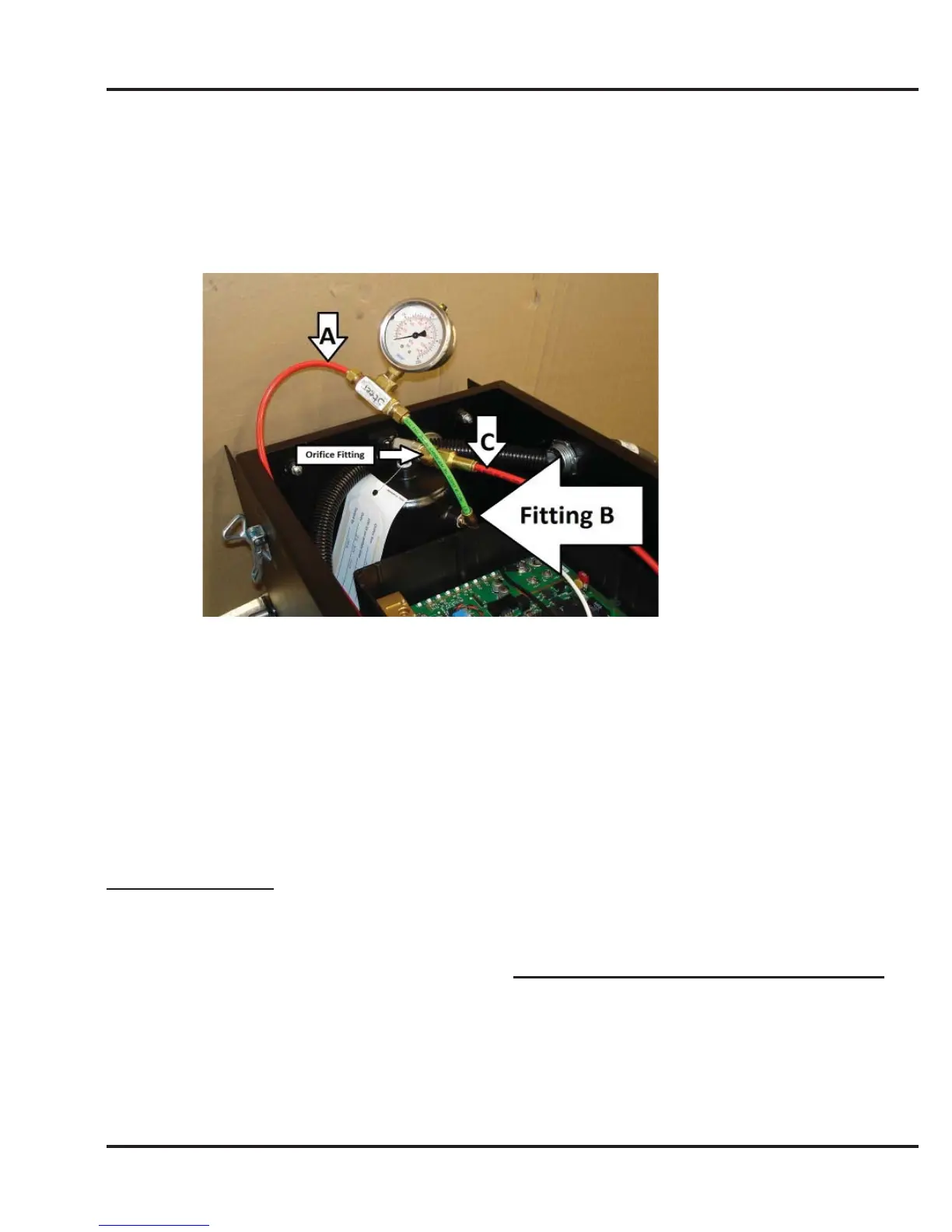
1. Shut off all wheel valves at the tires
2. Remove air line (indicated as “A”) from fi tting on side of tank (indicated as “Fitting B”) and install
a 200 p.s.i. test pressure gauge. Install gauge in line as shown.
3. Open all wheel valves and air up truck to 100 psi.
4. Close all wheel valves at the tires.
5. With a stop watch ready, remove the air line on top off tank (indicated as “C”) and time how long it
takes to drain tank to 35 psi. Times should be within range shown below
Steer 0.009 Orfi ce Defl ate 100 to 35 psi (between 2:30 - 3:15 min)
Drive 0.012 Orfi ce Defl ate 100 to 35 psi (between 1:30 - 2:00 min)
Trailer 0.012 Orfi ce Defl ate 100 to 35 psi (between 1:30 - 2:00 min)
If the times are not within the ranges shown, the orifi ce should be replaced.
Cleaning Procedure:
1. Remove orfi ce from static tank.
2. Remove fi lters from both ends of orifi ce. Do this by removing snap rings with O-ring pick.
3. Soak orifi ce in Pure Alcohol (99.9%) for 5 minutes. (Do not soak overnight - will tarnish brass)
4. Blow out with air gun from each end of orifi ce. (Do not use metallic tools to clean out orifi ce)
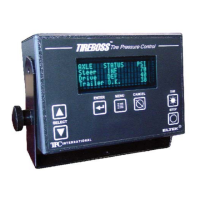
NOTE: If you do not have a 200 psi gauge to measure pressure you may use the Operator Control Unit to
read pressure, although it is not as accurate. Follow procedure starting at Step #3 and at Step 4. Turn key
back on so controller is in normal status mode. Operator Control Unit will fl ash between “TIRE PRESSURE
LOSS” and the existing pressure when you remove air line “C”.
6. After testing is complete, open all wheel end valves


 To Next Page