9
MUSIC Mode
Before buying DRM (Digital Rights Management) protected music online, please be
advised that the T.sonic 650 only supports WMA-DRM10 music files
and you must use
the MTP Music Transfer Mode to transfer the files to the player.
Play MP3, WMA, or WMA-DRM10 Music
1. Press and hold the
button to power ON the unit. The MUSIC mode will automatically start.
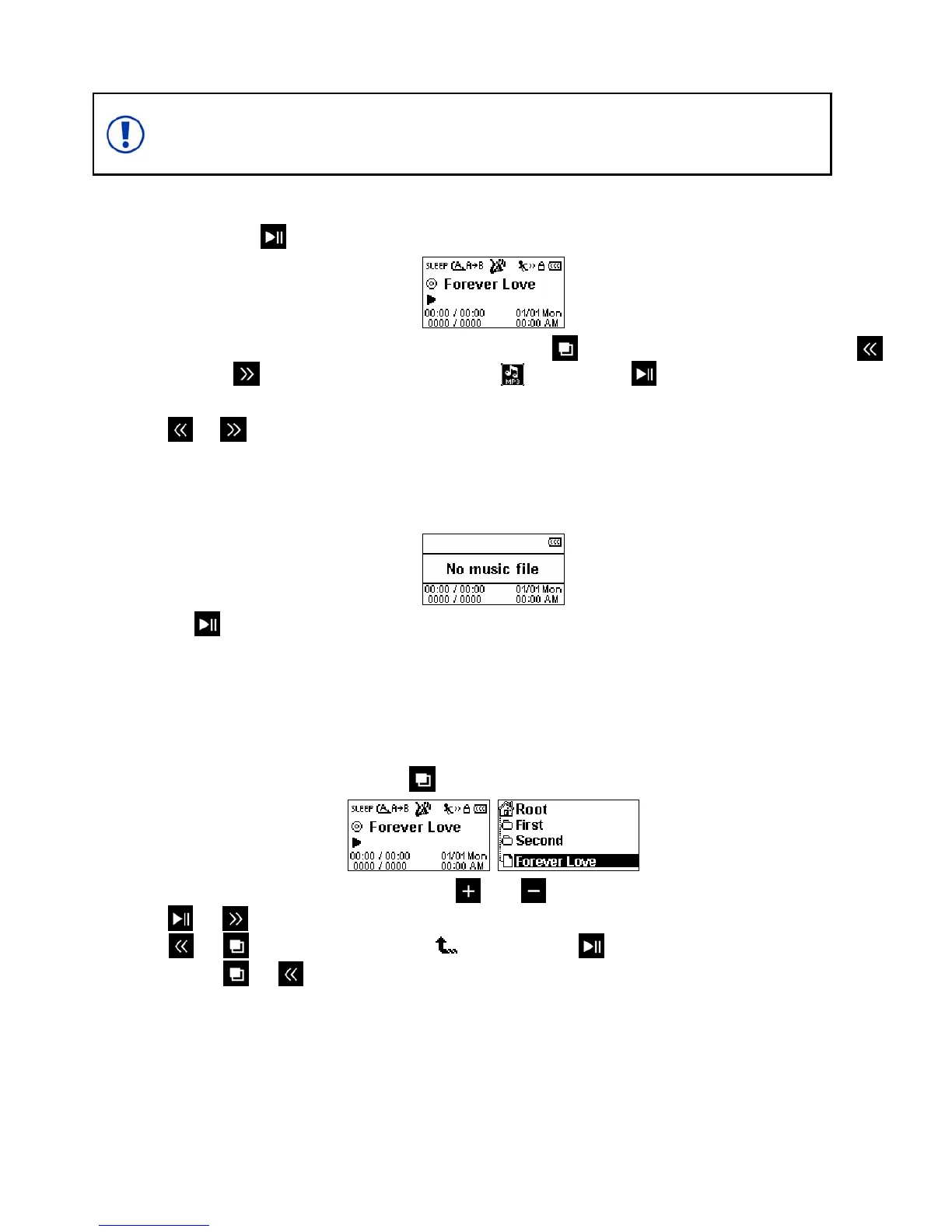
¾ You can also enter the MUSIC mode by pressing to enter the Main Menu and using the
and
buttons to select the “MP3” icon and pressing to confirm.
2. Press
or to select your desired MP3 / WMA /or WMA-DRM10 file.
¾ If the T.sonic can’t find any MP3, WMA, or WMA-DRM10 files, a **No music file** message will
be displayed.
¾ WAV files can only be played in the Record mode.
3. Press the button to play the MP3/WMA, or WMA-DRM10 music file.
¾ T.sonic 650 only supports Mpeg I Layer 3 and WMA files compressed at a rate between
32Kbps – 320Kbps.
File Navigator
The File Navigator is a fast and convenient way of moving between tracks, files and folders.
1. In the MUSIC mode, press and hold the
button to enter the File Navigator.
2. The “Root” directory will be displayed. Use the and buttons to move up and down the list.
3. Press
or to play the selected song or to enter the selected folder.
4. Press
or
to go back, or select the icon and press to move up one folder level.
5. To exit, press
or
while in the “Root” directory.















 To Next Page