32
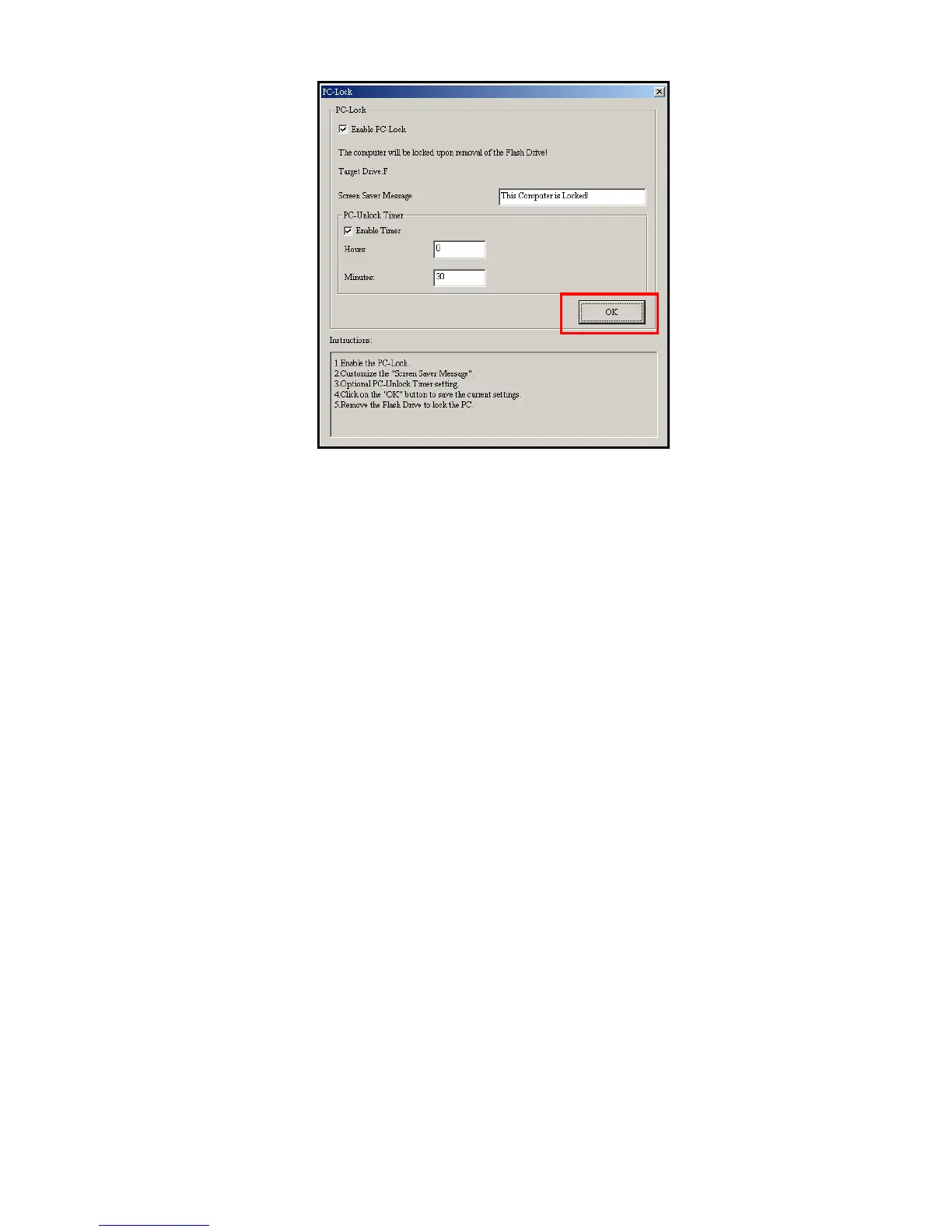
6. Click the “OK” button to start the PC-Lock.
Figure 21: Start PC-Lock
¾ When PC-Lock is enabled, your computer will be locked when the T.sonic is unplugged
¾
While your computer is locked, the screen will display the “Screen Saver Message” text.
Unlock Your Computer
To unlock the computer, you must reconnect your T.sonic to your computer. The PC-Lock message text will
disappear and you will be free to use your computer again. The computer will also unlock itself automatically
when the lock timer expires.















 To Next Page