12
Recalling a Saved Station
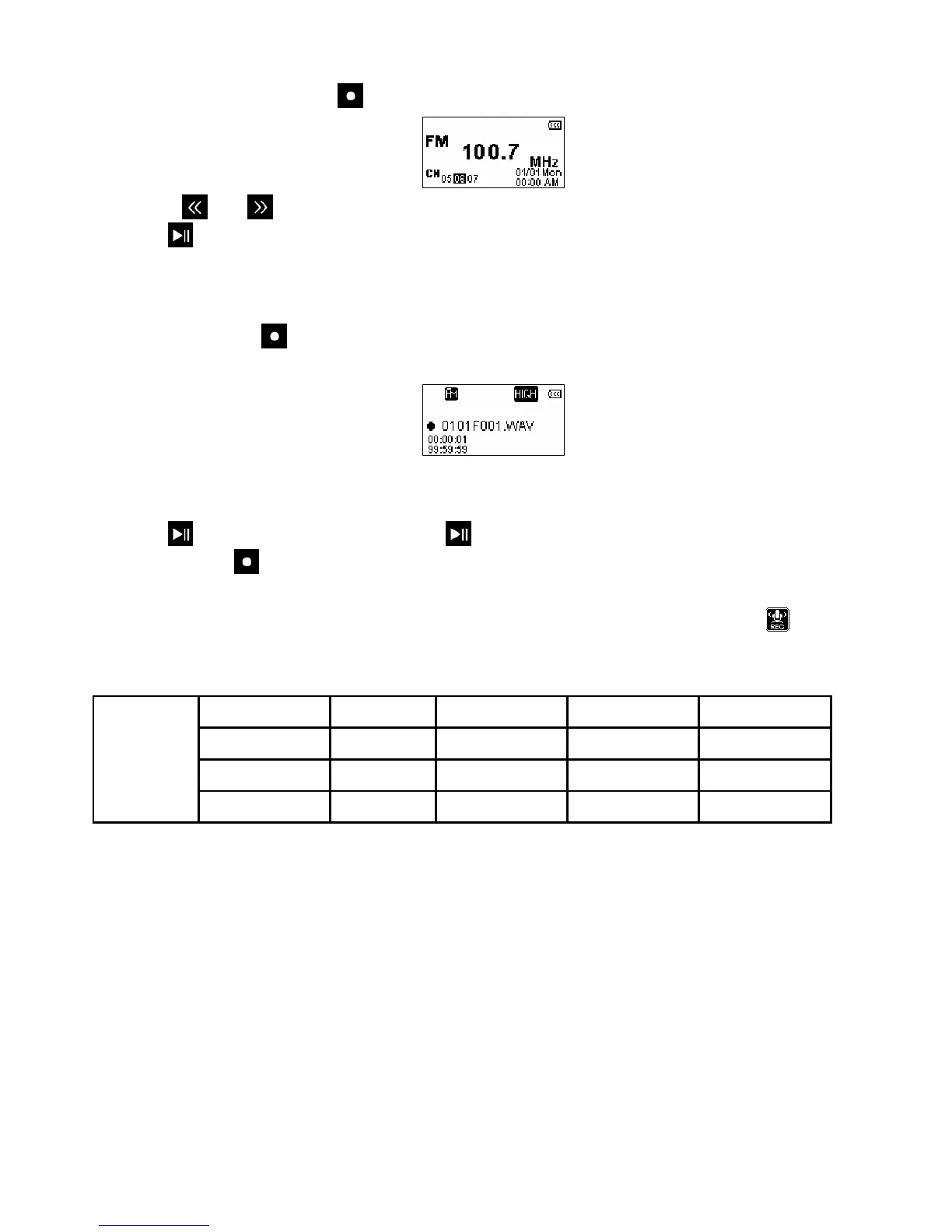
1. In the RADIO mode press the to display your saved stations (
CH
01 to
CH
20).
2. Use the
and buttons to select the channel you want to listen to.
3. Press
to listen to that saved radio station.
Recording the Radio
1. Select a radio station that you want to record.
2. Press and hold the
button for 2 seconds to begin recording the station.
3. An automatically generated file name for your recording will appear.
¾ FM Recordings are named in this format: “MonthDayF###.WAV”
Ex: “ 0101F012.WAV “ would be the twelfth FM recording made on January 1st
4. Press
to pause the recording, and press again to resume.
5. Press and hold
again to finish the recording. The player will return to the RADIO mode.
¾ FM recordings are saved in the /FMIN.DIR/ folder
¾ FM recordings can be accessed by using the File Navigator in RECORD mode
¾ To adjust the recording sample rate, please see the “Record Settings” section of this manual.
Sample rate Channels 2GB 4GB 8GB
Low (8KHz) 2 (stereo) 64 hrs 128 hrs 256 hrs
Med (16KHz) 2 (stereo) 32 hrs 64 hrs 128 hrs
FM Radio
Recording
High (32KHz) 2 (stereo) 16 hrs 32 hrs 64 hrs
Figure 4: FM Radio Recording Quality Table
**If there is not enough space available or the battery power is too low, the T.sonic 650 cannot support the maximum
recording capacity as outlined in the above table.















 To Next Page