14
File Navigator
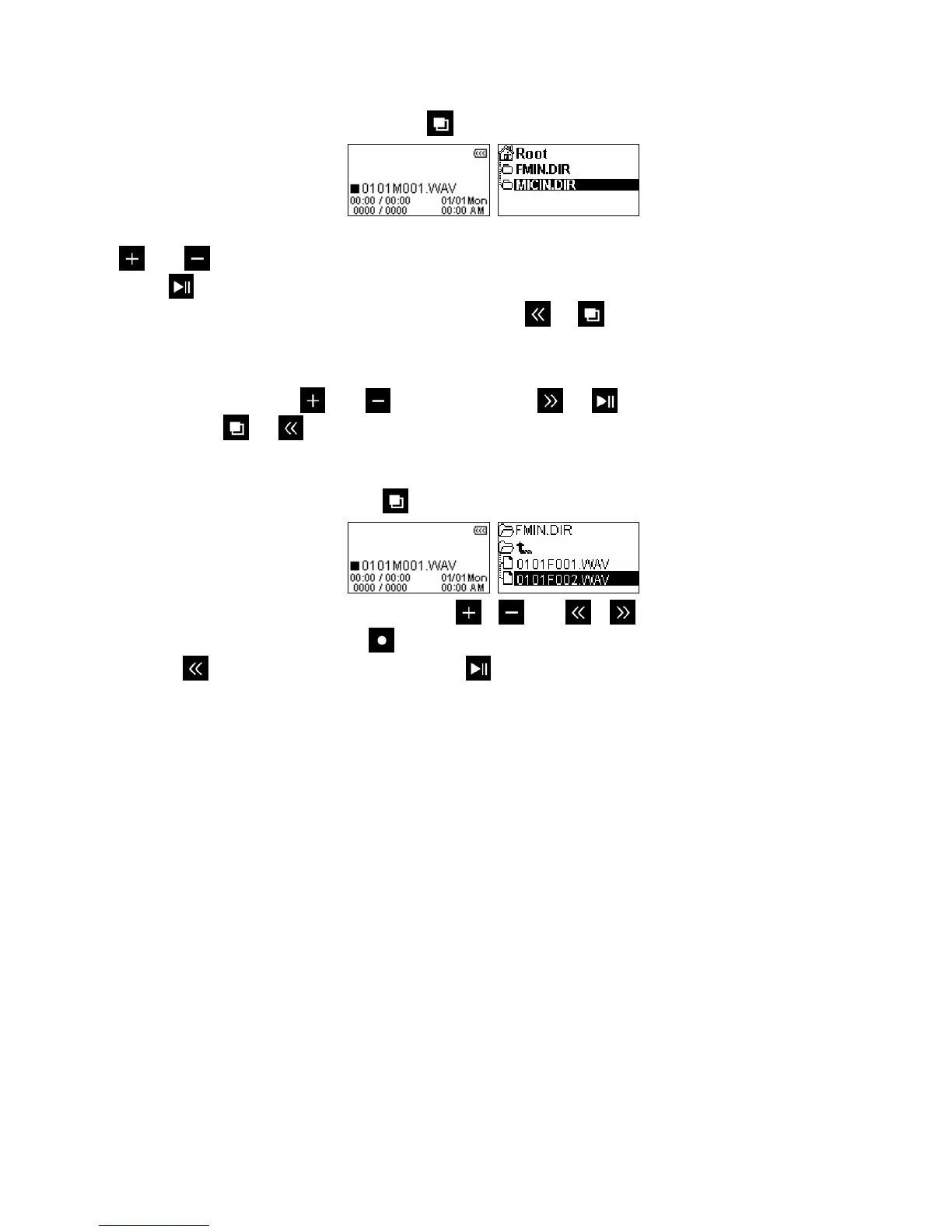
The File Navigator is a fast and convenient way of moving between tracks, files and folders.
1. In the RECORD mode, press and hold the
button to enter the File Navigator.
2. The “MICIN.DIR” or “FMIN.DIR” folder will appear, and a list of available recordings will be shown. Use the
and buttons to move up and down the list.
3. Press
to play the selected recording.
4. To switch between the MICIN.DIR and FMIN.DIR, press
or to go up to the “Root” directory.
¾ Voice recordings can be found in the /MICIN.DIR/ folder
¾ FM recordings can be found in the /FMIN.DIR/ folder
5. Select a folder using the
and buttons, and press or
to open it.
6. To exit, press
or
while in the “Root” directory.
Deleting Recorded Files
1. In the MUSIC mode, press and hold
to enter the File Navigator.
2. Navigate to the file you want to delete with the /
and
/
buttons.
3. With the file highlighted, press the
button. A “Delete? yes / no” message will appear.
4. Use the
button to highlight “yes” and press
to permanently delete the file.















 To Next Page