19
2. Use
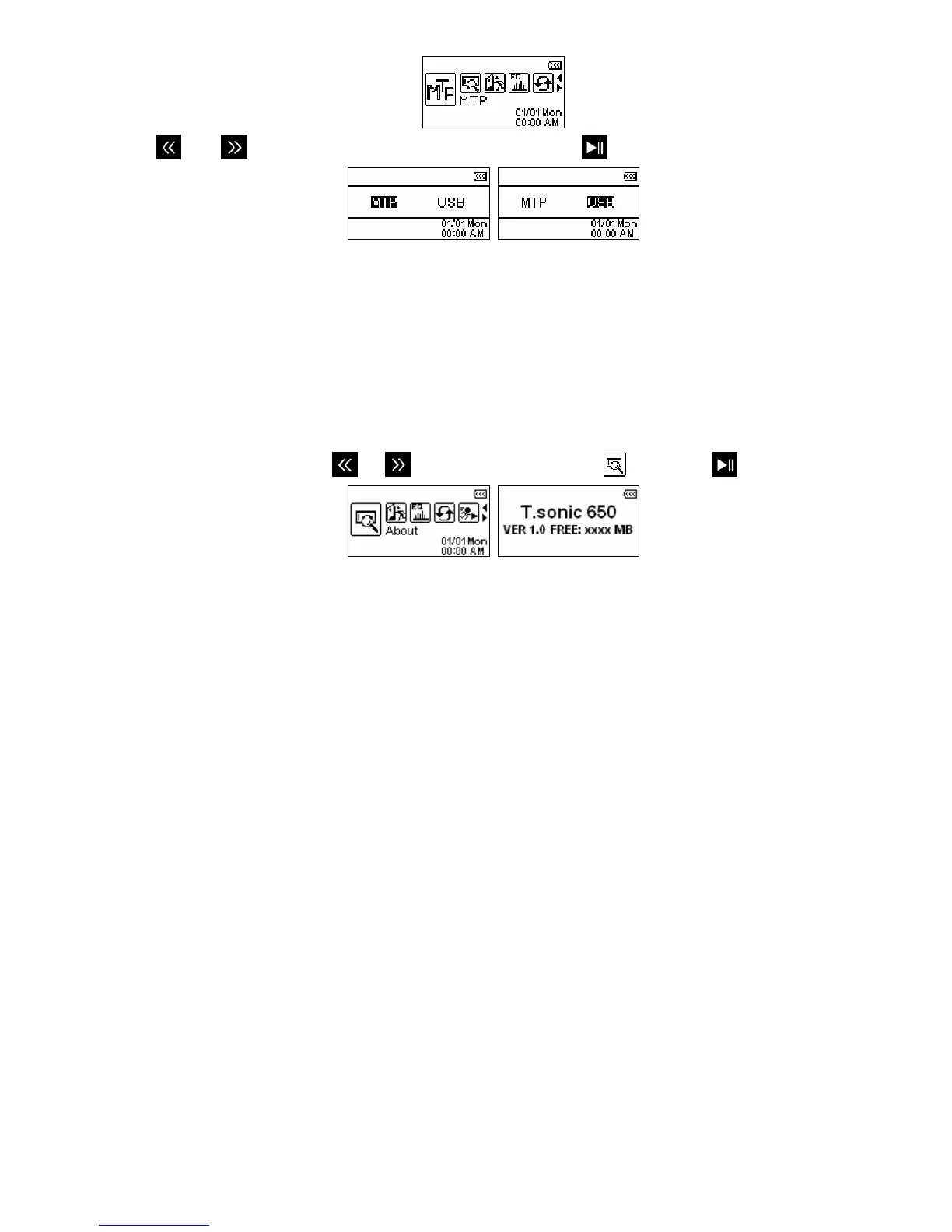
and to switch between “MTP” or “USB” and press .
3. Set the T.sonic to “MTP” mode for synchronizing files with Windows Media Player 10 and transferring
DRM10 protected files. During MTP transfer, WMA and MP3 files should be transferred to the “Music” folder.
All other files should be saved in the “Data” Folder.
¾ WMA-DRM10 is not supported on Mac or Linux – please use USB transfer mode.
4. Set the T.sonic to “USB” to drag and drop music and other files (except WMA-DRM10) to the T.sonic.
About (System Information)
Displays the T.sonic 650’s firmware version and available memory capacity.
1. In the SETTINGS menu, use
or to select the “About” icon
and press
.















 To Next Page