25
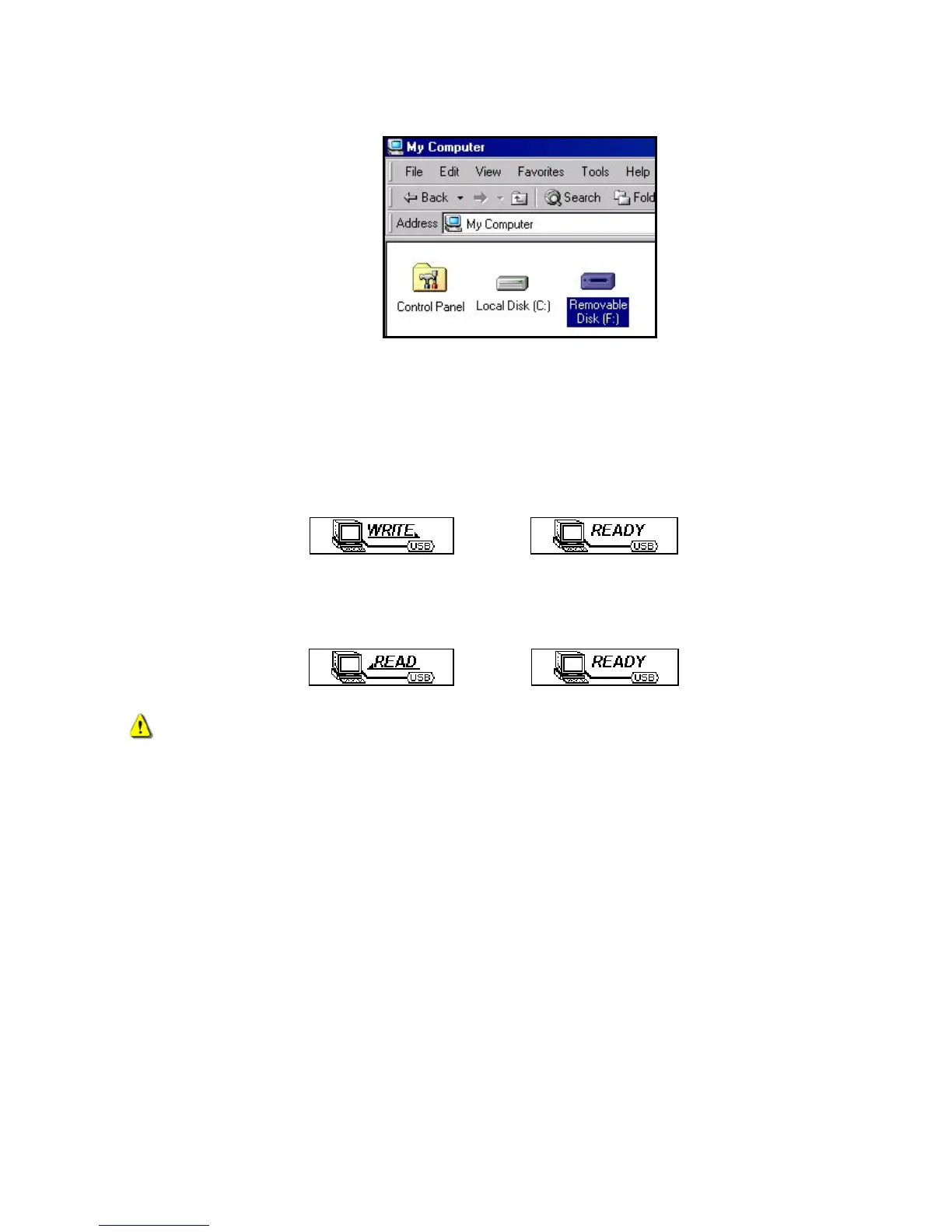
If you are using Windows® a new Removable Disk drive with a newly assigned drive letter representing the
T.sonic 650 will appear in the My Computer window.
Figure 9: The T.sonic 650 shows up as a Removable Disk in the My Computer window
*Note: “(F:)” is an example drive letter – your “My Computer" window may differ
3. To transfer normal MP3 and WMA music files to the T.sonic, the MTP (see Music Transfer Mode) mode in
the Settings menu must be set to “USB.” You can transfer music and data files to the T.sonic by simply
dragging them onto the T.sonic 650’s “Removable Disk” drive letter.
4. While files are being transferred to the T.sonic, the screen will display a “WRITE” message. After files have
been successfully transferred, the “READY” message will be displayed again.
5. If you choose to upload files or folders to the computer, the players’ screen will display a “READ” message
indicating that the files are being transferred to the computer. When the players’ screen returns to the
“READY” message you will know that the files have successfully transferred.
NEVER unplug the T.sonic during file transfer. Unplug the T.sonic only when Windows informs it is
safe (see Disconnecting from a Computer) and the “READY” screen disappears.



 To Next Page