28
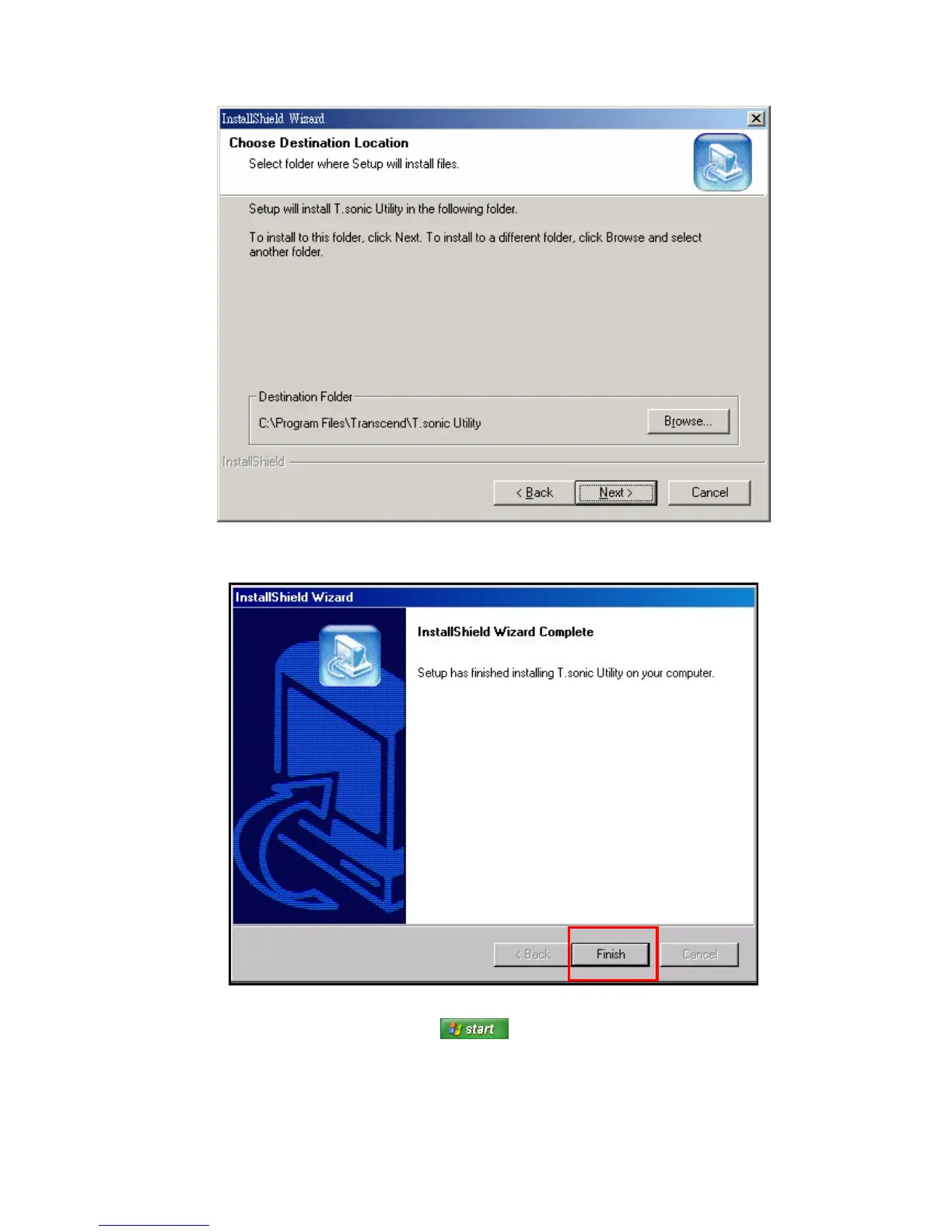
5. The “InstallShield Wizard” window will appear. Click the “Next” button to continue. The InstallShield Wizard
will guide you through the installation process.
Figure 14: T.sonic Utility InstallShield Wizard
6. When the T.sonic 650 Utility is finished installing, click the “Finish” button to exit the wizard.
Figure 15: Installation complete
7. The T.sonic Utility program can be found in: “ -> Programs -> T.sonic Utility.”















 To Next Page