32 TREK SERVICE INFORMATION August 2016
12. DuoTrap Computer Sensor
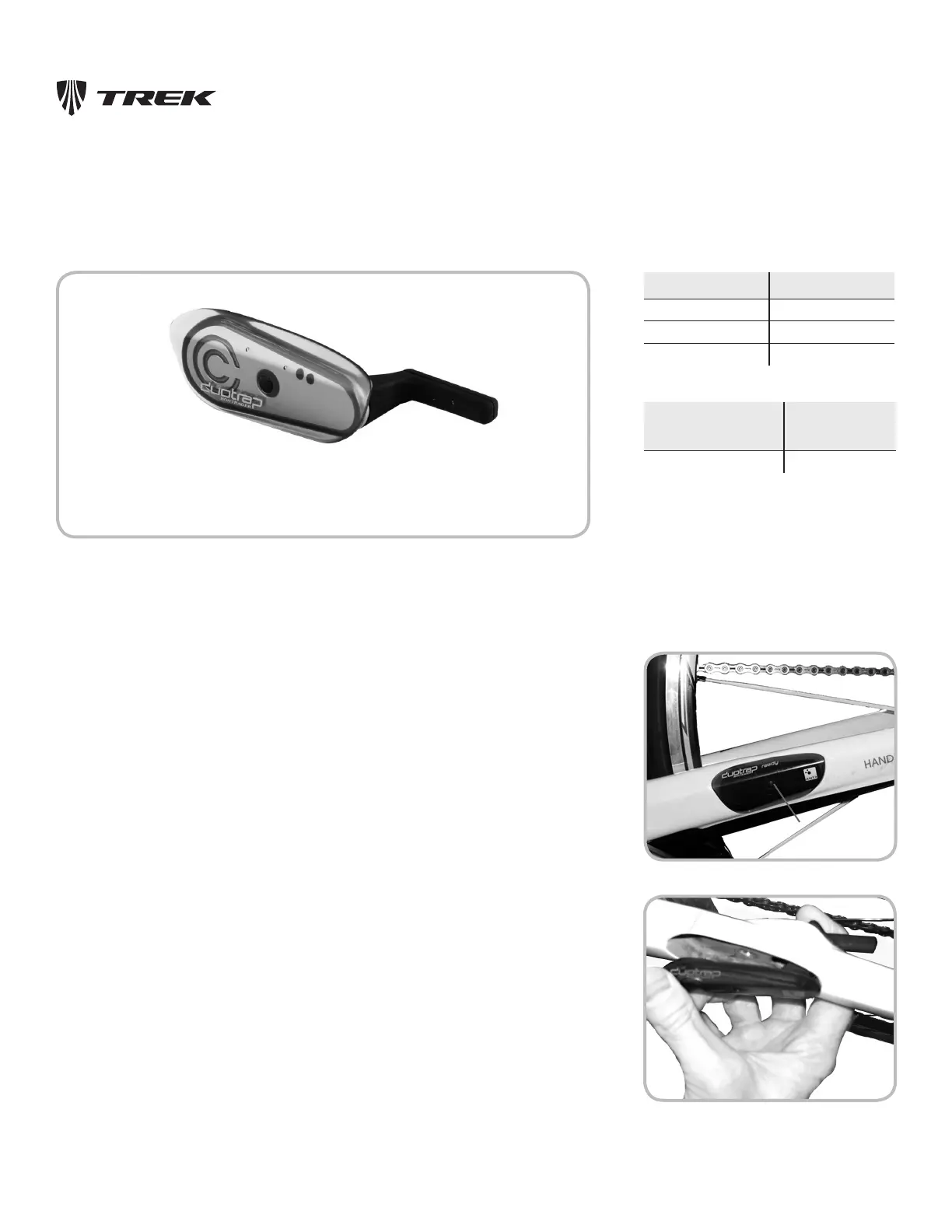
The 2014 Speed Concept frame includes a special pocket on the left chainstay for the
Bontrager DuoTrap sensor, which combines speed and cadence sensing in a single, wireless
unit (Figure 12.1).
Figure 12.3. Sliding the speed cylinder of a DuoTrap
sensor through the chainstay
Figure 12.2. Locaon of aachment bolt
Rubber plug
To Install A DuoTrap Sensor
1. On the chainstay, locate the DuoTrap cover. Remove the rubber plug that covers the
attachment bolt (Figure 12.2). Remove the bolt and the cover plate.
2. Slide the cylindrical part of the sensor through the chainstay (Figure 12.3) until the
sensor sits flush with the surface of the chainstay.
3. Install the attachment bolt and tighten to 0.6-0.8 Nm.
Figure 12.1. DuoTrap sensor
Part PN
DuoTrap sensor 426618
Rubber plug 296415
Cover /plug 411777
Part Torque Spec
(Nm)
Attachment bolt 0.6-0.8
Tools and materials required
• Phillips-head screwdriver
4. Place the rubber plug over the attachment bolt.




 To Next Page