EasyManua.ls Logo

TREND CDJ600 - Routing Through Dovetail Pins

TREND CDJ600
50 pages
Print Icon
To Next Page IconTo Next Page
To Previous Page IconTo Previous Page
Loading...
-38-
CDJ300 & CDJ600
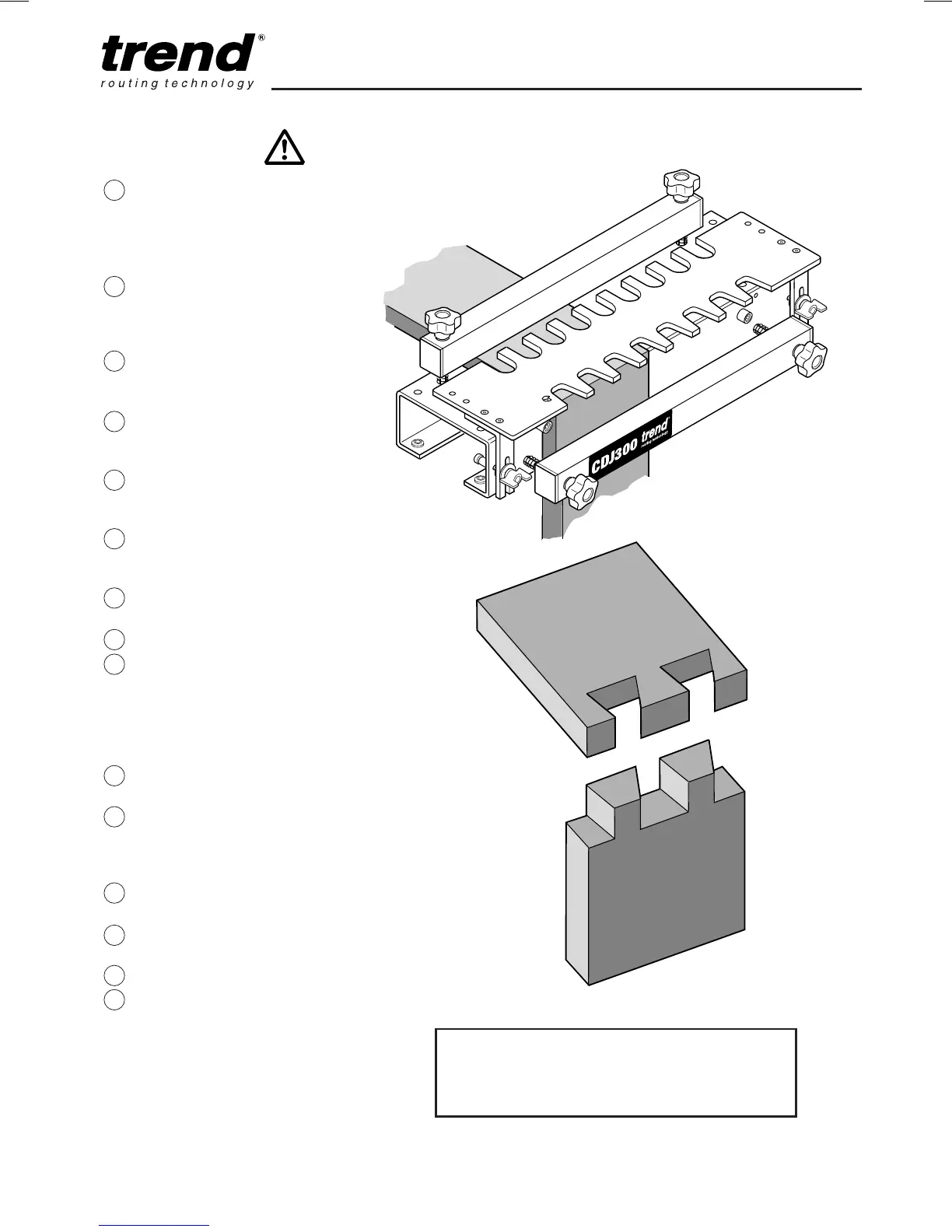
Routing the Pins
Loosen screws holding
template comb to
brackets, and remove
comb. Leave brackets
attached to jig.
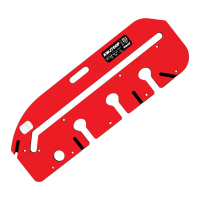
Flip over template
comb 180° with
tapered slot towards
front.
Refit template comb to
brackets and tighten
screws.
Fit guide bush to
router according to
table.
Fit straight cutter into
router according to
table.
Adjust the height of
the cutter to equal
workpiece thickness.
Place router onto
template comb.
Switch on.
Carefully rout from left
to right following the
guide bush in each of
the slots. Take light
cuts to rout out the
pocket for the tail.
Switch off router and
remove from jig.
Examine each of the
slots to ensure all the
workpiece has been
cleanly routed.
Remove template
comb assembly.
Remove workpiece
from jig.
Test fit joint.
After use, keep jig
fitted to workboard and
store carefully.
38
39
37
36
35
34
33
32
31
30
29
28
27
26
25
Joint too loose = move template for pin away
from jig body.
Joint too tight = move template for pins towards
jig body.

Related product manuals