TRENDnet User’s Guide
TEW-820AP
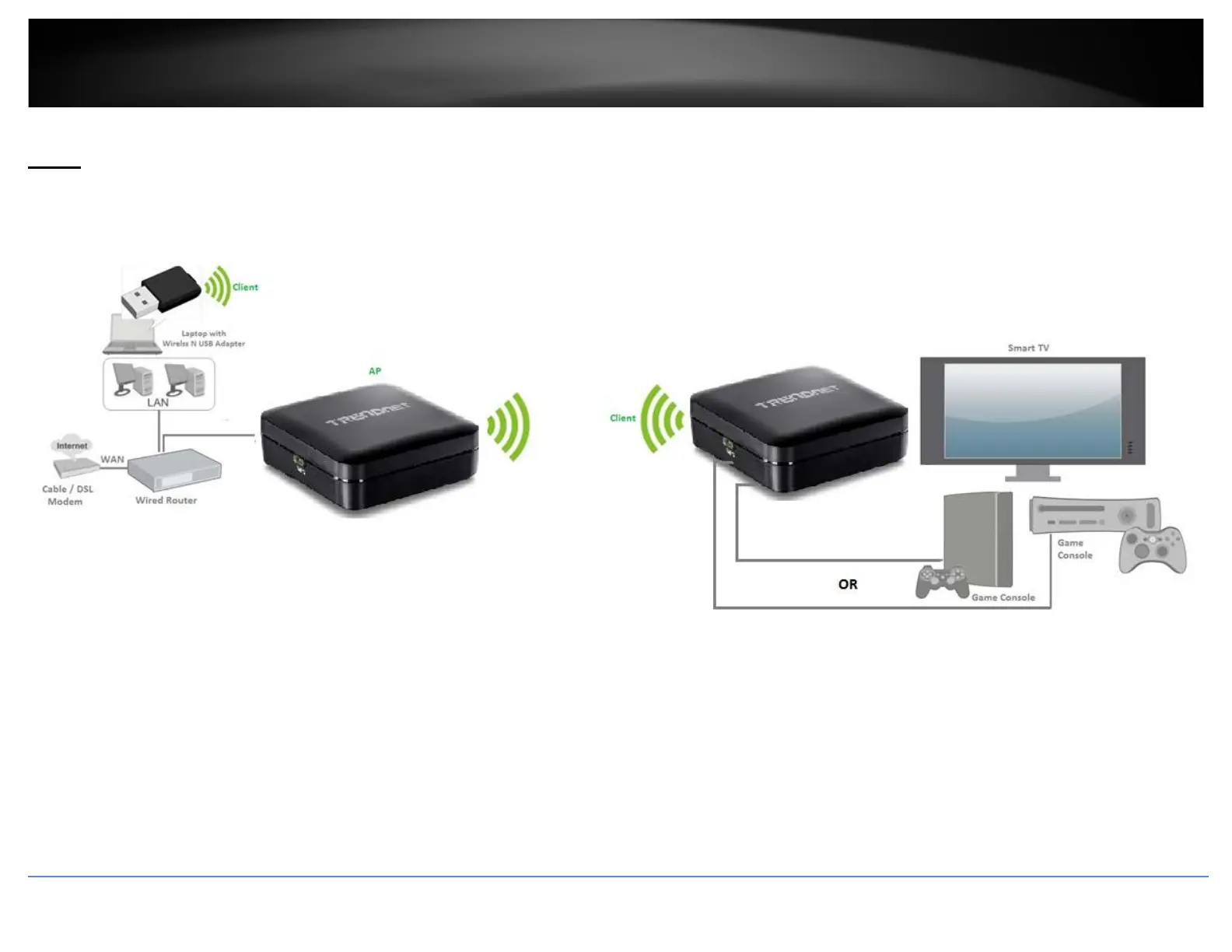
Client
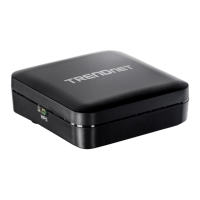
Client mode allows the device to act as a wireless client device to connect to your wireless network and bridge the wireless connection from the wireless network to the LAN port located
on the back of the device. Client devices with wired network capability such as in a media or entertainment center (ex. Smart TV, Game Console, DVR, etc.) can connect to one of the
available LAN port using an Ethernet cable to establish wired connectivity to your network.
© Copyright 2014 TRENDnet. All Rights Reserved.
28



 To Next Page