5.6 Menus
In the BMS there are two levels of Menu , a USER MENU and a SECRET (INSTALLER)
MENU. The USER MENU allows the User to perform some basic functions such as:
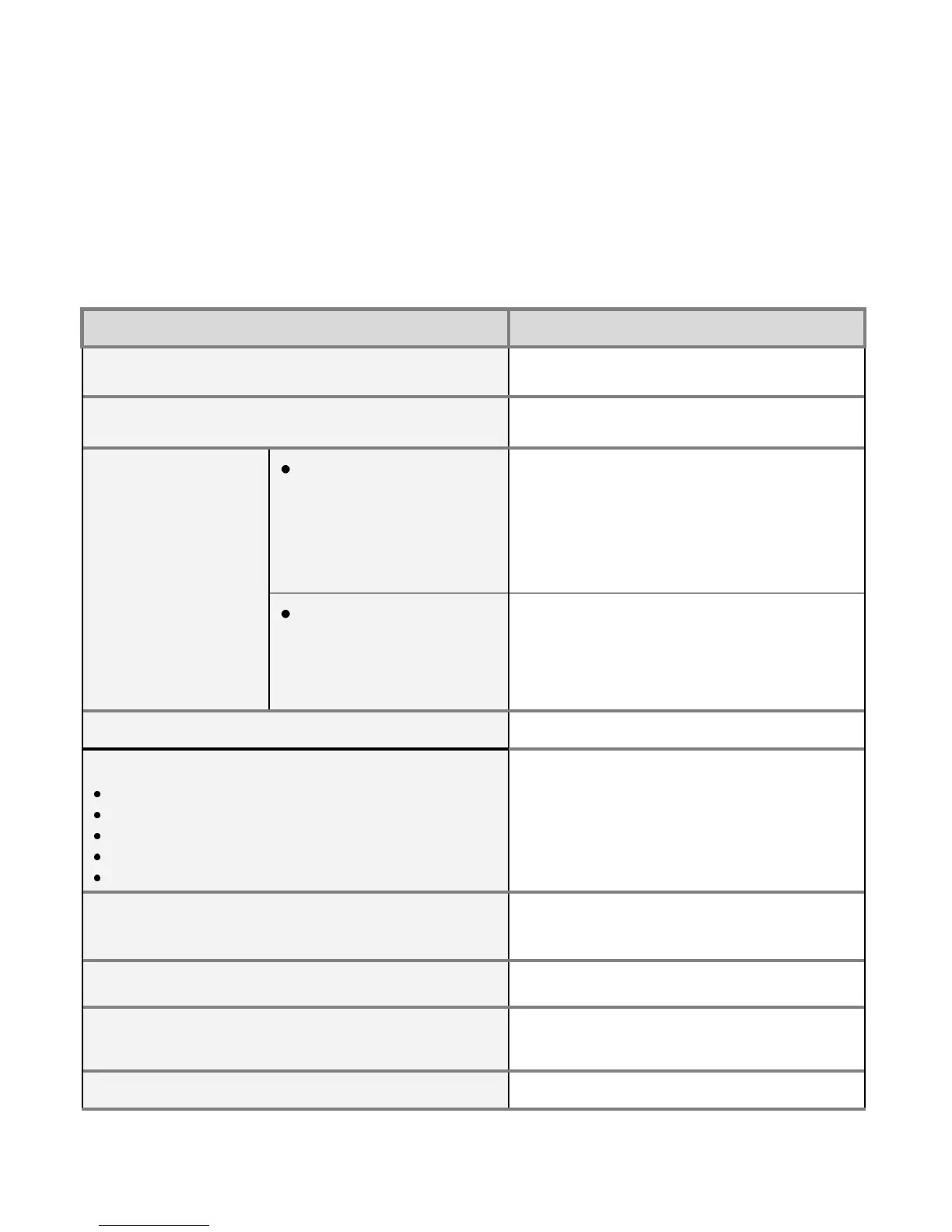
USER MENU
DESCRIPTION
Power
Allows to User modify the combustion
power if the controller is set to Manual Mode
Boiler Thermostat
Menu which allows the User to modify the
Boiler Standby temperature
Chrono
Modality
o Disabled
o Daily
o Weekly
o Week-end
Menu used to select the functioning mode of
the internal time clock in the BMS system.
Chrono Program
o Daily
o Weekly
o Week-end
Menu which allows the User to program 3
periods of time to switch on and switch off the
boiler for each programming mode.
Time and Date
Menu to select time and date
Monitor
Smoke Temperature
Water Temperature
Flame Light
Ignitions’ N
Product Code
Menu to display the temperatures and other
values
Load
Menu which allows to load the auger.
(Used only on commissioning and during
auger cleaning).
Language
Menu which allows to change the languages
Keyboard Menu
Menu to test the connection and to update the
panel (see section Learn Menu)
System Menu
Menu to enter into Secret Menu
5.6.1 User Menu
35



 To Next Page