General Settings Administration
32
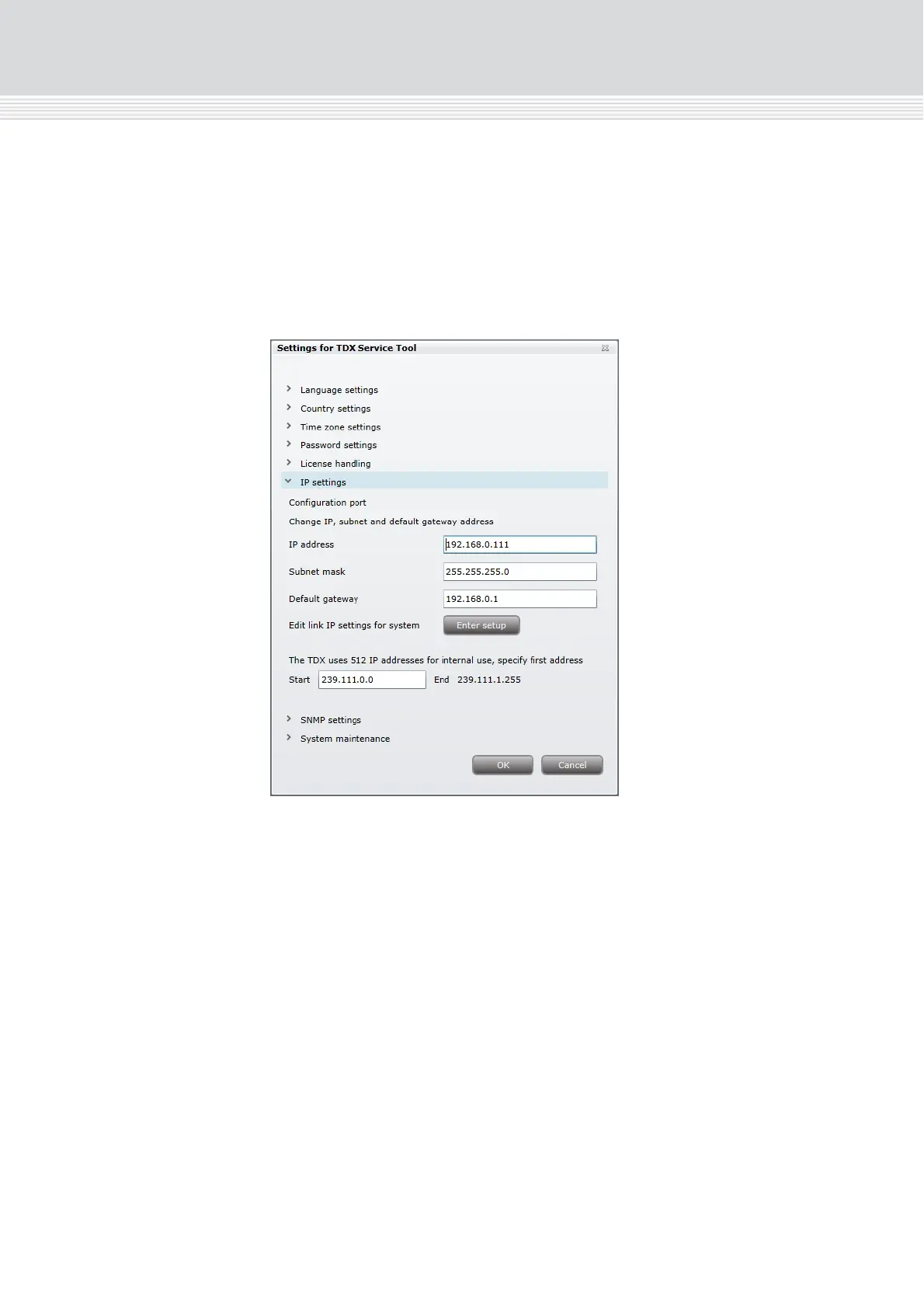
It may be necessary to specify specific IP addresses for the headend to
avoid network IP address conflicts.
Note:
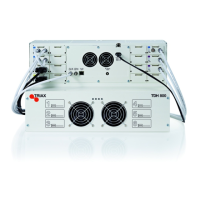
Headend IP addresses can be reset to factory default settings if
required. This is done via the ID switch located on the headend unit(s).
1. Press the Admin button at the top right-hand corner of the
System window.
2. Expand the IP settings area.
3. Specify the headend‟s IP address, subnet mask and default
gateway in the corresponding fields.
Next step is only relevant where Main and sub units are
connected to the network via a Gigabit network switch.
4. Press the Enter Setup button.


 To Next Page