84 D01-051en202111 Manual TriBox3
Annex // TriBox3
4. Slave Addresses
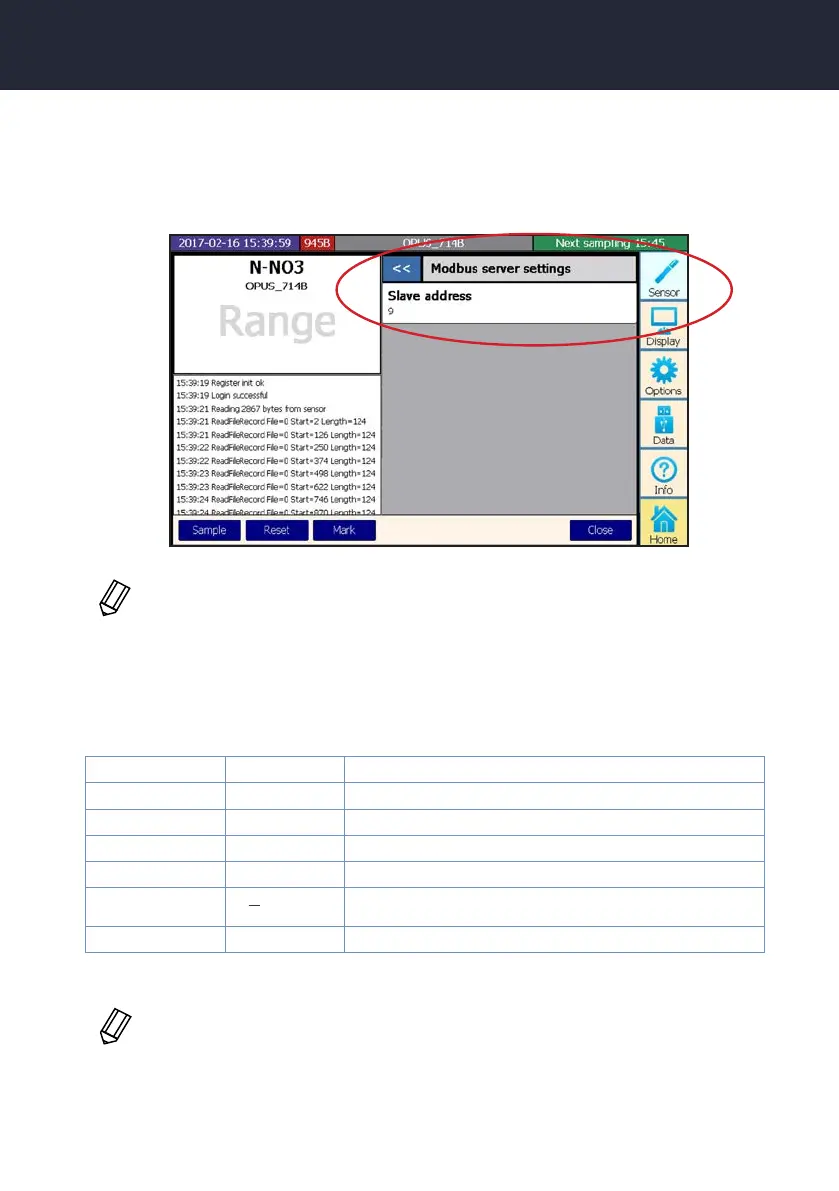
To handle any number of sensors with its own register tables, the TriBox assigns each sensor its own slave
address the rst time it is detected. By default, the TriBox itself uses slave address 1. The slave address of the
sensors can be set in the sensor menu.
To get an overview of all slave addresses to which a slave address has been assigned, the le ‘
ModbusStatus.txt can be viewed, which is part of the “Support Information”.
5. Data types
Name Count Format or Range
Boolean 1 False = 0,;True ≠ 0
Int16 1 16 bit integer. Range: -32,768 ... 32,767
Int32 2 32 bit integer.Range: −2,147,483,648 ... 2,147,483,647
Float 2 IEEE 754 32 bit oating point value
Char[n]
[ ]
ASCII String, padded with Null characters at the end
DateTime 6 Year, Month, Day, Hour, Minute, Second
n
2
≥
Attention: All data types longer than 16 bits, such as oats, are processed in big endian
format.
If no address has been assigned here, the TriBox3 must be restarted.



 To Next Page