15
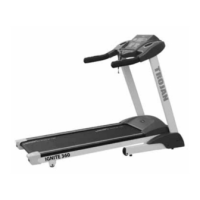
FOLDING THE MACHINE:
Pull up the Base Frame at (A), as illustrated, until you hear
a click sound indicating that the Air Pressure Bar (B) is in
position.
Note: Please unplug the power cord to shut down the
machine completely before folding and unfolding
the machine.
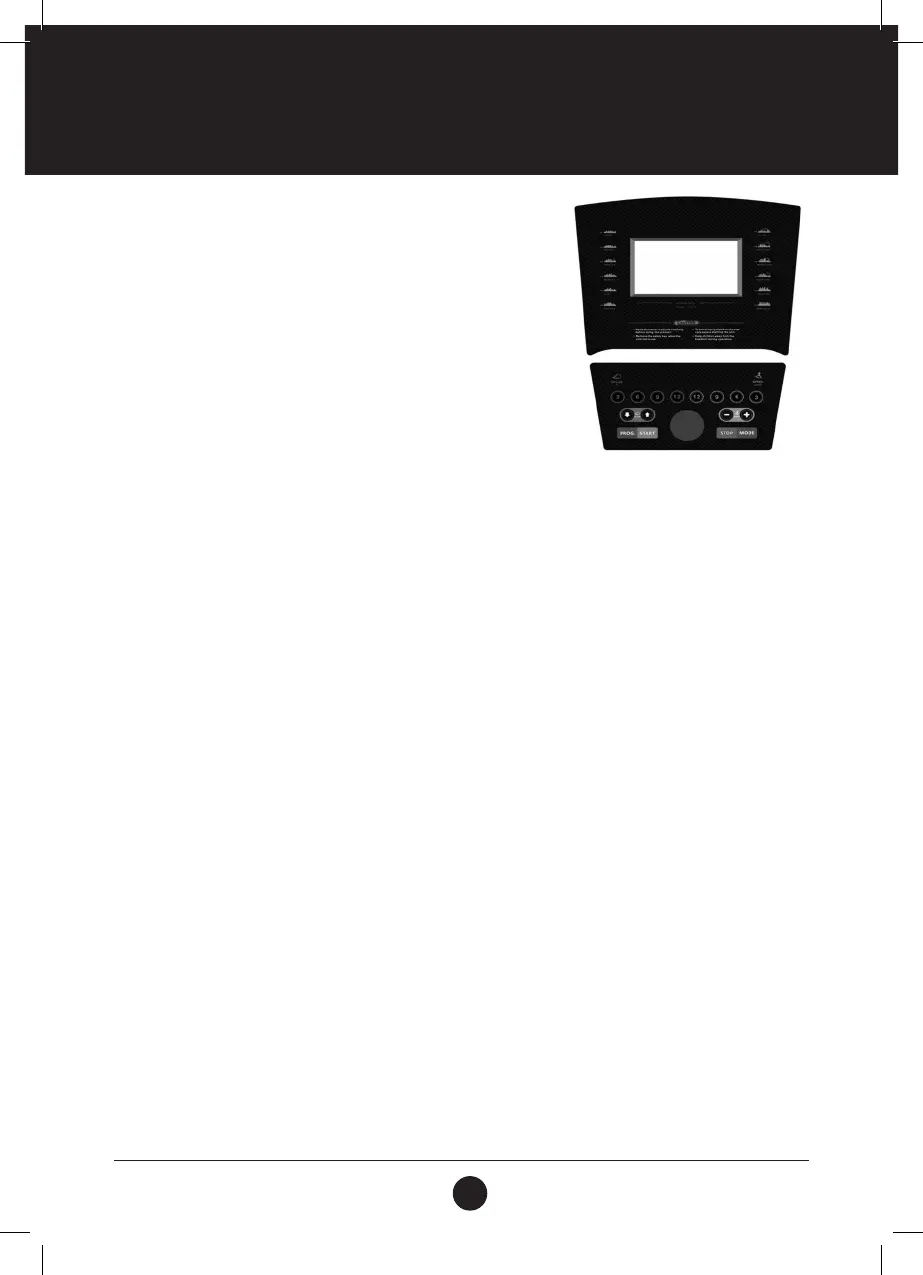
FUNCTION BUTTON:
SPEED: Displays the speed.
INCLINE: Displays the incline.
TIME: Displays the time.
DIS.: Displays the distance.
CAL.: Displays the calories.
PULSE: Displays the heart rate.
FUNCTIONS AND OPERATIONS:
PROGRAM: When the treadmill is in standby mode, press PROGRAM to make a selection
between: P01 – P20 as well as U01 - U03 and FAT.
MODE: When the treadmill is in standby mode, press MODE to make a selection between:
default mode, time countdown, distance countdown and calorie countdown mode.
START: When the treadmill is in standby mode, press START to start the treadmill.
STOP: When the motor is running, press STOP to stop the treadmill.
SPEED+: When the treadmill is in standby mode press SPEED+ to increase the set value.
When the treadmill is running, press SPEED+ to increase the speed.
SPEED-: When the treadmill is in standby mode press SPEED- to decrease the set value.
When the treadmill is running, press SPEED- to decrease the speed.
INCLINE+: When the treadmill is in standby mode press INCLINE+ to increase the set value.
When the motor is running, press INCLINE+ to increase the incline.
INCLINE-: When the treadmill is in standby mode press INCLINE- to decrease the set value.
When the motor is running, press INCLINE- to decrease the incline.
SPEED (3, 6, 9, 12): These are preset speed settings for a quick speed selection.
INCLINE (3, 6, 9, 12): These are preset incline settings for a quick incline selection.
COMPUTER FUNCTIONS



 To Next Page