EasyManua.ls Logo

TRU-BOLT 1742002 - User Manual

TRU-BOLT 1742002
30 pages
Print Icon
To Next Page IconTo Next Page
Loading...
M1742002 1742006 V1
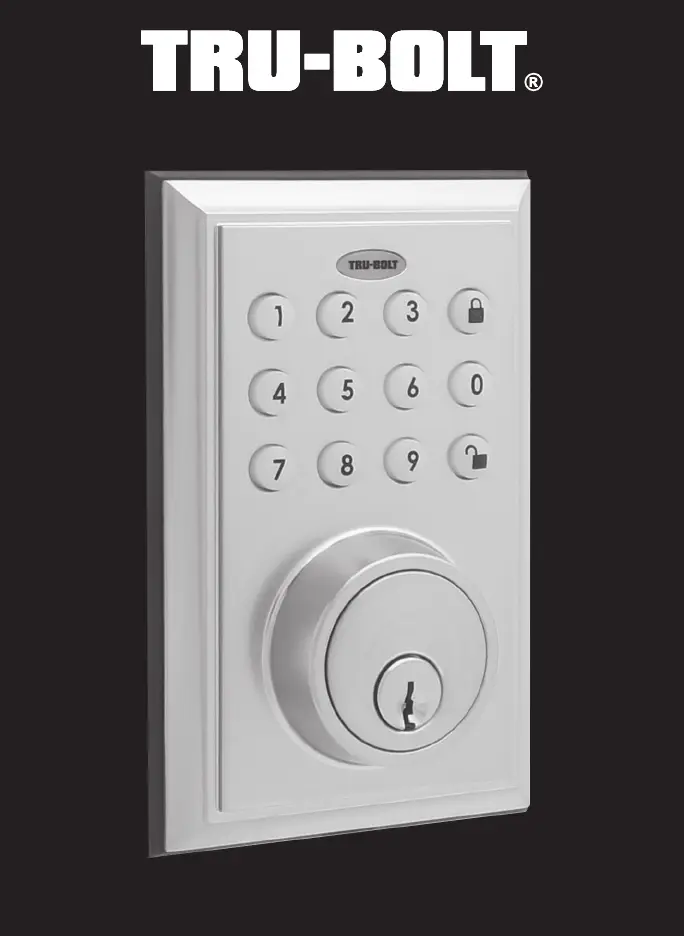
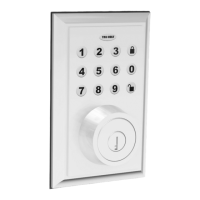
Bluetooth Square Electronic Deadbolt

Questions and Answers

Summary

INSTALLATION INSTRUCTIONS

PREPARE DOOR AND JAMB

Instructions for preparing the door and jamb for lock installation, including drilling.

ADJUSTING DEADBOLT LATCH SET

Details on how to adjust the deadbolt latch set for different backsets (2-3/8" or 2-3/4").

INSTALLING DEADBOLT LATCH SET

Steps for installing the deadbolt latch set into the door edge.

PREPARING THE INTERIOR ASSEMBLY

Steps to prepare the interior assembly, including setting the entry switch and knob position.

INSTALLING THE EXTERIOR ASSEMBLY

Instructions for installing the exterior part of the electronic deadbolt onto the door.

INSTALLING INTERIOR ASSEMBLY

Instructions on how to attach the control wire to the interior assembly.

INSTALLING INTERIOR ASSEMBLY (CONT.)

Instructions for installing the batteries into the interior assembly.

TESTING LOCK

Procedures for testing the lock's functionality after installation.

MY KEY MOBILE APPLICATION INSTALLATION & USE

APPLICATION SETUP OPTIONS

Guides the user through downloading and installing the mobile application.

ADD;REMOVE LOCKS

Instructions for initially connecting and later removing locks from the mobile app.

USING THE APP

How to perform basic functions like unlocking and locking the door using the app.

LOCK SETTINGS

Options for customizing lock settings like name, group, and auto lock via the app.

KEY PAD PROGRAMMING

ASSISTANCE AND TROUBLESHOOTING

INSTALLATION ISSUES

Lists common installation issues and their corresponding solutions.

TRU-BOLT 1742002 Specifications

General IconGeneral
BrandTRU-BOLT
Model1742002
CategoryDoor locks
LanguageEnglish

Related product manuals