8 EN
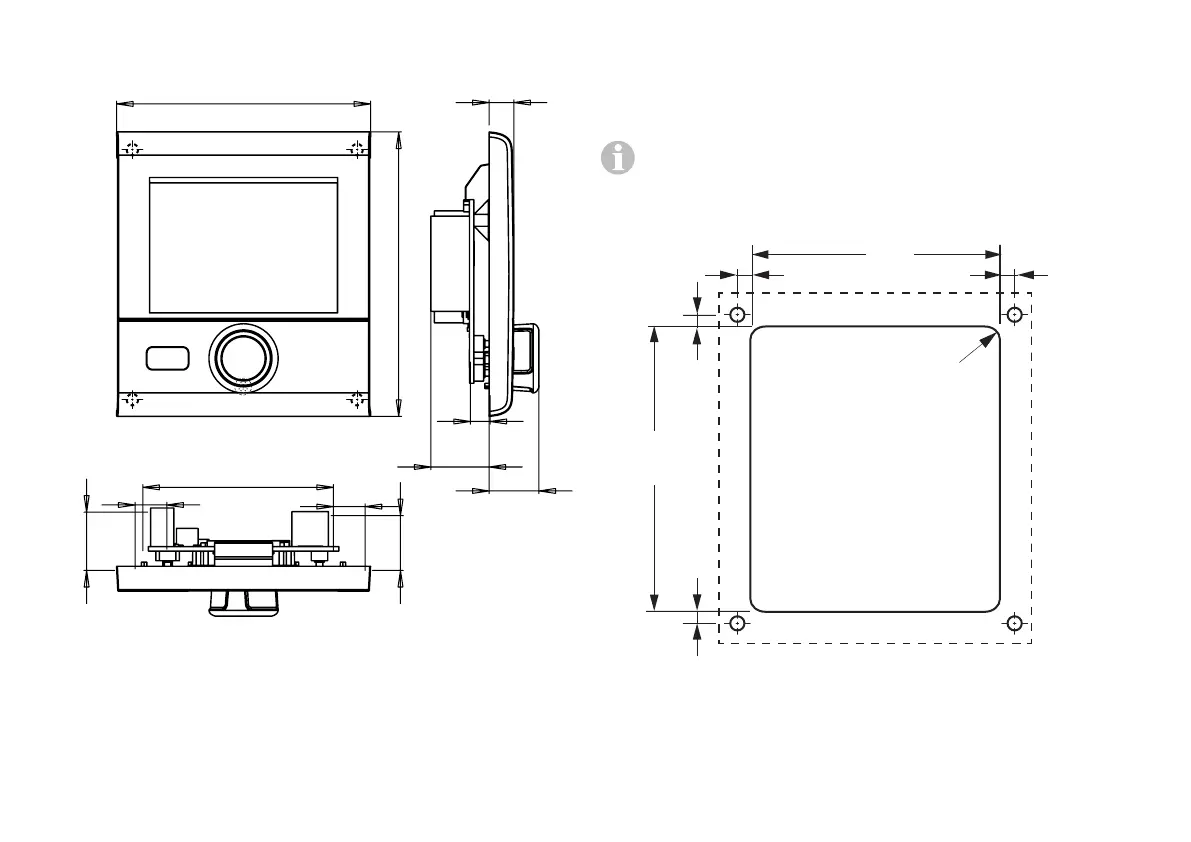
Dimensions
92
103
7
22
18
69
19.8
11.5
11.5
Figure 1 – Dimensions in mm. Illustration not to scale
Selecting a location
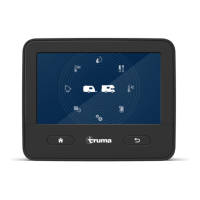
Install the Truma CP plus control panel in a location that is
protected from moisture and humidity.
Mount the Truma CP plus control panel at eye level for
optimum character legibility.
– Make the installation opening.
3±1
73
+1
84
+1
3.53.5
3.5
Figure 2 – Dimensions in mm. Illustration not to scale






 To Next Page