34020-01385 · 00 · 07/2022
11EN
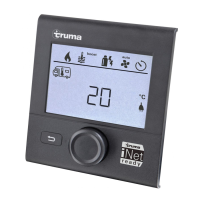
Menu controlTruma CP plus
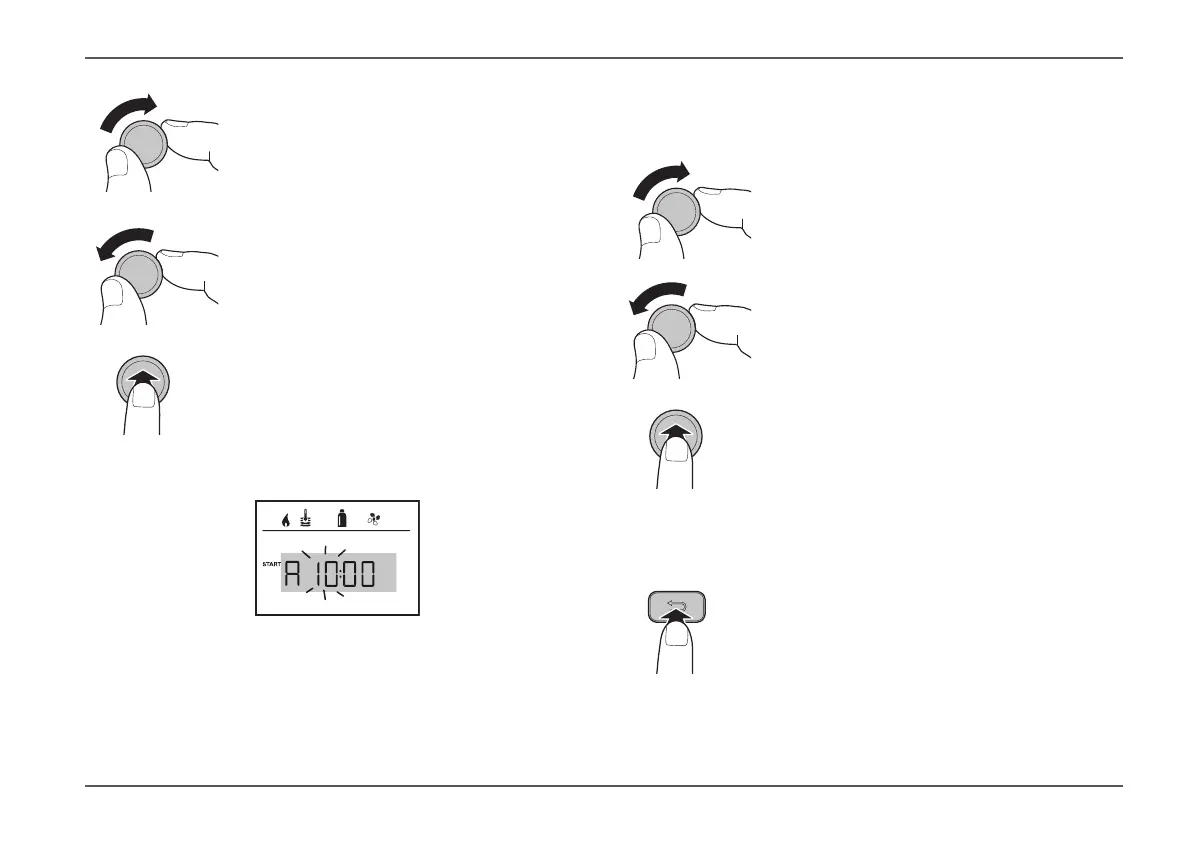
Turn the rotary push button
clockwise
•
Menu is run through from left to
right�
Turn the rotary push button
anti-clockwise
•
Menu is run through from right to
left�
Press the rotary push button
•
Select a menu item, switch to set-
ting level�
5.2 Setting a parameter
hot
The backlit screen shows the setting level� The operat-
ing parameters of the selected menu item are shown in
“Settings / values”� Use the rotary push button to select
and change setpoints and parameters; press the button
to save these� Selected menu items flash�
Turn the rotary push button
clockwise
•
Increase values (+)�
Turn the rotary push button
anti-clockwise
•
Decrease values (-)�
Press the rotary push button
•
Apply (save) a selected value�
5.3 Exiting the menu and/or settings
level
Press the Back button
•
Go back from a menu
•
Go back from the setting lev-
el and reject settings; in other
words, the previous values remain
unchanged�








 To Next Page