34020-01385 · 00 · 07/2022
3EN
About these instructionsTruma CP plus
1 About these instructions
These instructions are part of the product�
Always carry the operating instructions in the
vehicle�
Also make the safety instructions available to other
users�
1.1 Document number
The document number of these instructions can be
found in the footer of every inside page and on the back
page�
The document number consists of
•
Part number (10 digits)
•
Revision status (2 digits)
•
Publication date (month/year)
1.2 Validity
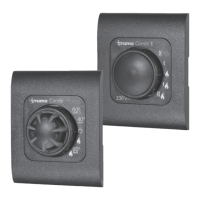
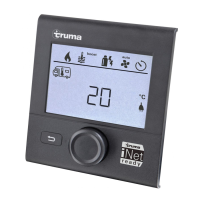
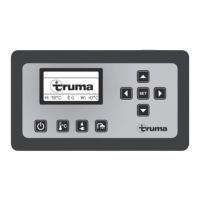
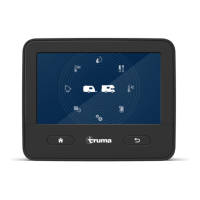
These instructions apply to the Truma CP plus control
panel, referred to a CP plus below�
1.3 Product names
Aventa eco and Aventa comfort are referred to as
Aventa below�
Truma iNet Box is referred to as iNet Box below�
1.4 Target group
These instructions are intended for users�
To make the text easier to read, no gender-specific
distinction is made�
1.5 Symbols and means of
representation
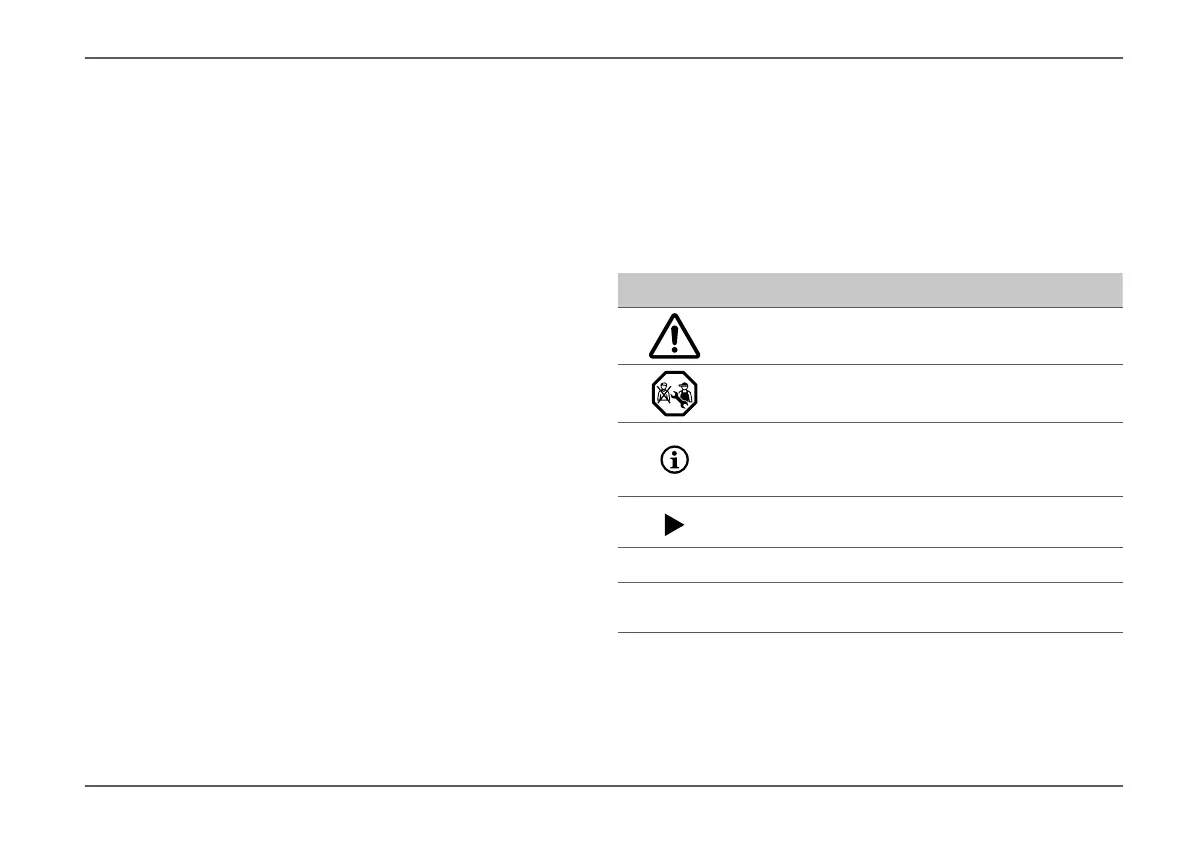
Symbol Meaning
Warning about dangers to persons
Expert
Additional information to provide a bet-
ter understanding or to optimise work
processes�
Symbol for an action�
Something must be done here�
Optional parts
(Fig� 3-1)
Reference to a picture
e�g� Figure 3 - number 1







 To Next Page