TTL Air curtain systems - control and automation panel type Touch
28
9. Displays and general operating settings (cont.)
9.2.8 Menue 8 - key lock
9.2.9 Menue 9 - display
OK
Cancel
level key lock
code key lock
time key lock
1 2 3 4 5 6 7 8 9 10
1
2
20
0=Off, minutes to lock
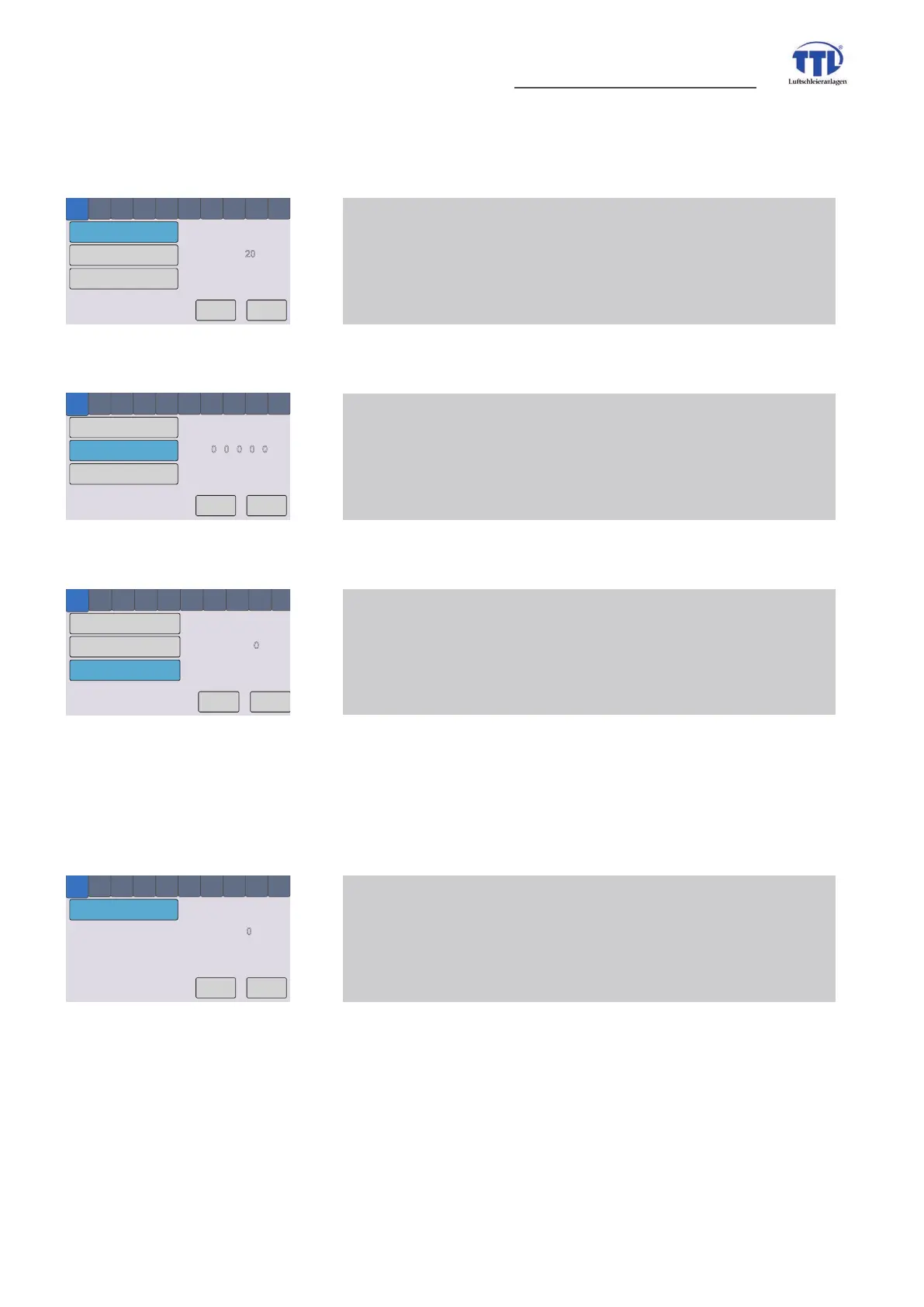
/key lock/time key lock
8 Key lock menue 1 - time key lock
time to automatically activating of key lock
OK
Cancel
level key lock
code key lock
time key lock
1 2 3 4 5 6 7 8 9 10
1
2
0 0 0 0 0
/key lock/code key lock
8 Key lock menue 2 - code key lock
change of factory set key lock code (0-0-0-0-0)
to customers requirements (5 digit)
OK
Cancel
level key lock
code key lock
time key lock
1 2 3 4 5 6 7 8 9 10
1
2
0
level key lock
/key lock/level key lock
8 Key lock menue 3 - level key lock
impact of key lock for OFF(0)/Hand/Auto button,
button AUS(0)/Hand/Auto locked (level 1)
or button AUS(0)/Hand/Auto released (level 0)
OK
Cancel
time exit menue
1
2 3
4
5 6 7 8 9 10
1
2
0
0=Off, minutes to exit
/display settings/time exit menue
9 Display menue 1 - time exit menue
time to quit menue


 To Next Page