7
TTL Air curtain systems - control and automation panel type Touch
4. Quick start guide
c Connect the control lines resp. check them
air curtain unit — control and automation panel Touch
air curtain unit — infrared sensor (IR sensor)
DLUFXUWDLQXQLW³FRQWUROYDOYHLQWKHÁRZSLSH
WHPSHUDWXUHFODPERQVHQVRUDWWKHÁRZSLSH
If necesarry. control lines at groupings
d Switch-on power supply for air curtain unit(s)
e Controllers prompt by start screen
(system prompt with TTL logo, version and software status)
f After appr. 2 seconds automatic change of display figure into display power indicator
with the operation mode OFF
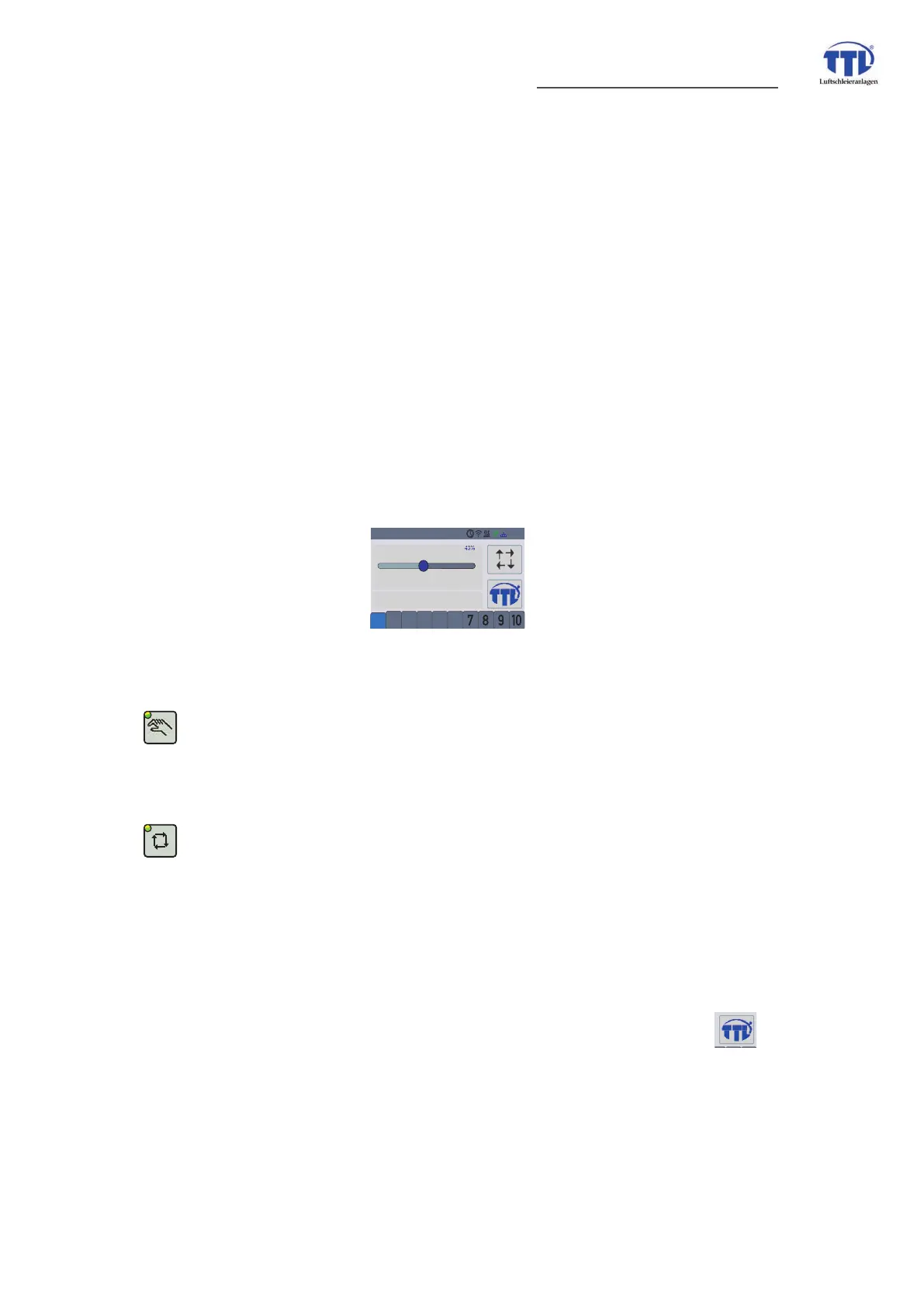
g Operating via TTL - Touch controller
Operation mode MANUAL mode/HAND mode:
chooce of air volume with slight bar
(air output power will be shown as percent value)
setting SUMMER/WINTER mode
Operation in AUTOMATIC mode:
Check preselected parameters like:
SUHVHOHFWHGYDOXHIRUYROXPHÁRZFRQWUROOHUYDOXHDLUYROXPHFRQWUROOHU
• preselected blow-out temperature (value air blow-out temperature)
DFWLYDWLRQVWDWXVYROXPHÁRZFRQWUROOHULQ:,17(5PRGH
• activation status volume flow controller in SUMMER mode
• preselection of nominal values for volume flow control in WINTER mode
and SUMMER mode
h Changing of preselections/programmings. Thereto press the Home button,
transition into the main menu and choice of the corresponding main menu or
submenu points.
Checking resp. setup of secondary and additional operating parameters like
frost protection programming (RESET)
adjustment of the selected temperatures to the local conditions
no malfunctions
2 3
4
5 6 7 8 9 10
1
2
TTL Touch
air volume 43%
05:04


 To Next Page