Speech Module
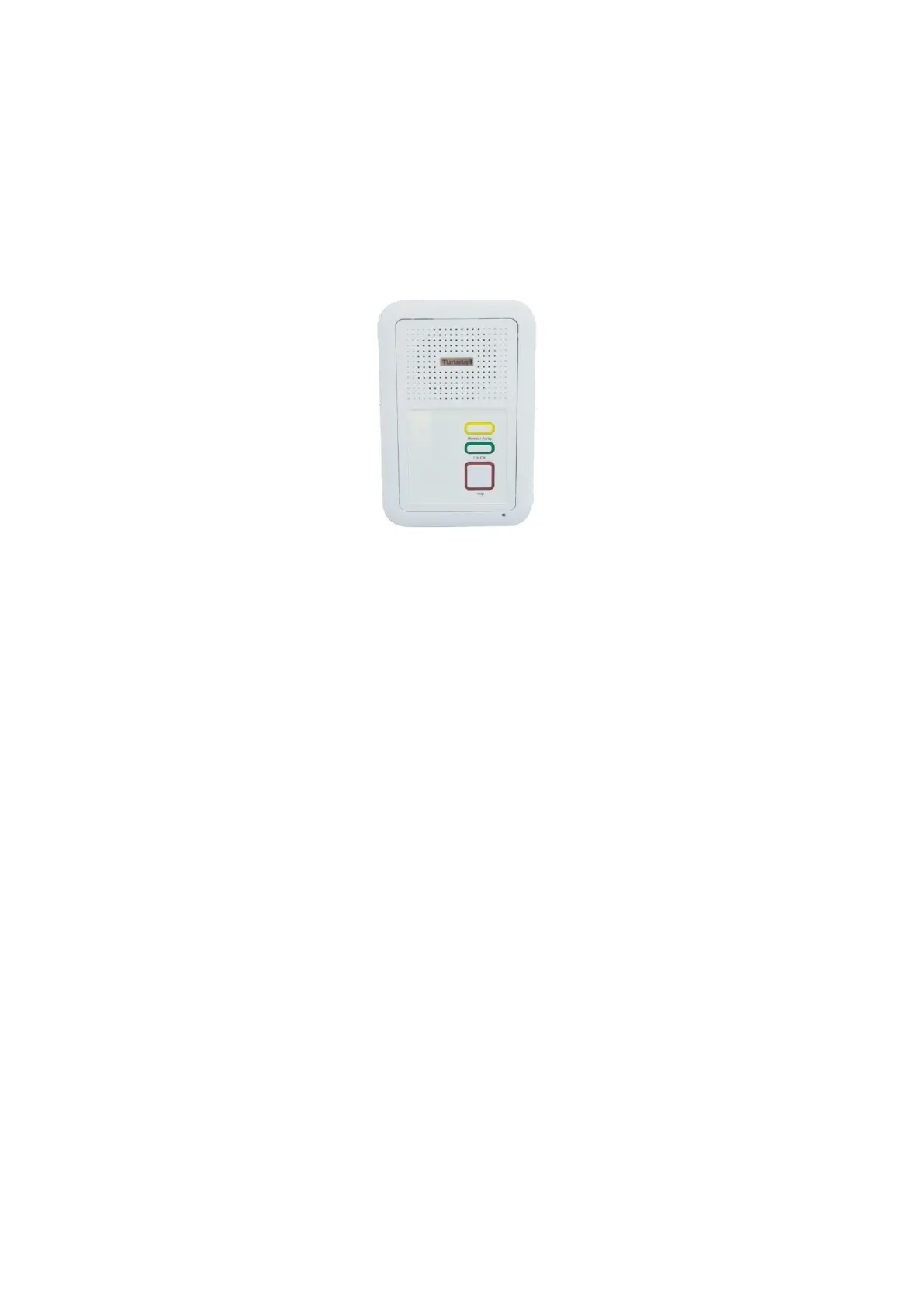
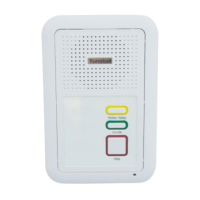
What does the speech module look like?
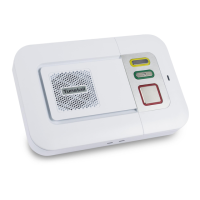
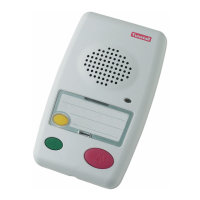
The following speech module comes with and without the door entry handset. Below is an image of
the speech module.
The speech module has an alarm button, I’m OK button and a Home/Away button. The alarm button
can be set to be permanently illuminated, this is to help users find the alarm button in the dark. The
speech module can be fitted with an optional pull cord.
In addition to the red alarm button, speech modules have a Home/Away button which is used to turn
the away mode on and off. An away light is also provided to clearly indicate to the user which state
the module is in (illuminated is Away, non-illuminated is Home). The I’m OK button can be used to
signal to the scheme manager/ control centre that the resident is active (optional).
To raise an alarm
Press the alarm button or pull the red alarm pull cord (optional). The calls will then be sent to the
relevant handset or the control centre depending on the site status (You do not need to speak directly
into the unit).
Privacy
Privacy mode allows the resident to set their speech module to disable the microphone when the
handset or control centre call into them. The microphone is automatically enabled in an alarm
condition.
To enable privacy press and hold the I’m OK button for a period of over 10 seconds until the module
emits a bleep. To indicate that privacy is on the I’m OK button will flash once every 5 seconds.
To disable privacy press and hold the I’m OK button for a period of over 10 seconds until the module
emits a bleep. To indicate that privacy is off the I’m OK will not flash.
To indicate that you are away
Press the Away button once (you will see the Away light illuminate).
To indicate that you have returned
Press the Away button once (you will see the Away light go off).
To indicate that you are OK
Press the I’m OK button once. When pressed the module will bleep to indicate the button has been
pressed.


 To Next Page