Advanced Menu
The advanced menu has the following options:
Engineer This is PIN protected for use by engineers only.
Restart The user is asked to confirm before system displays ‘please wait’. It could take
several minutes.
Shutdown This option allows the user to shut down the system; it should only be used when a
Tunstall engineer instructs the user to do so.
Backup DB Allows the user to back up the system database. The system will confirm successful
backup and then will return to the advanced menu screen.
Record Allows the user to customise the system by recording voice tags for resident names,
receivers and door panels. The user can also record messages to be left for residents
on their speech modules.
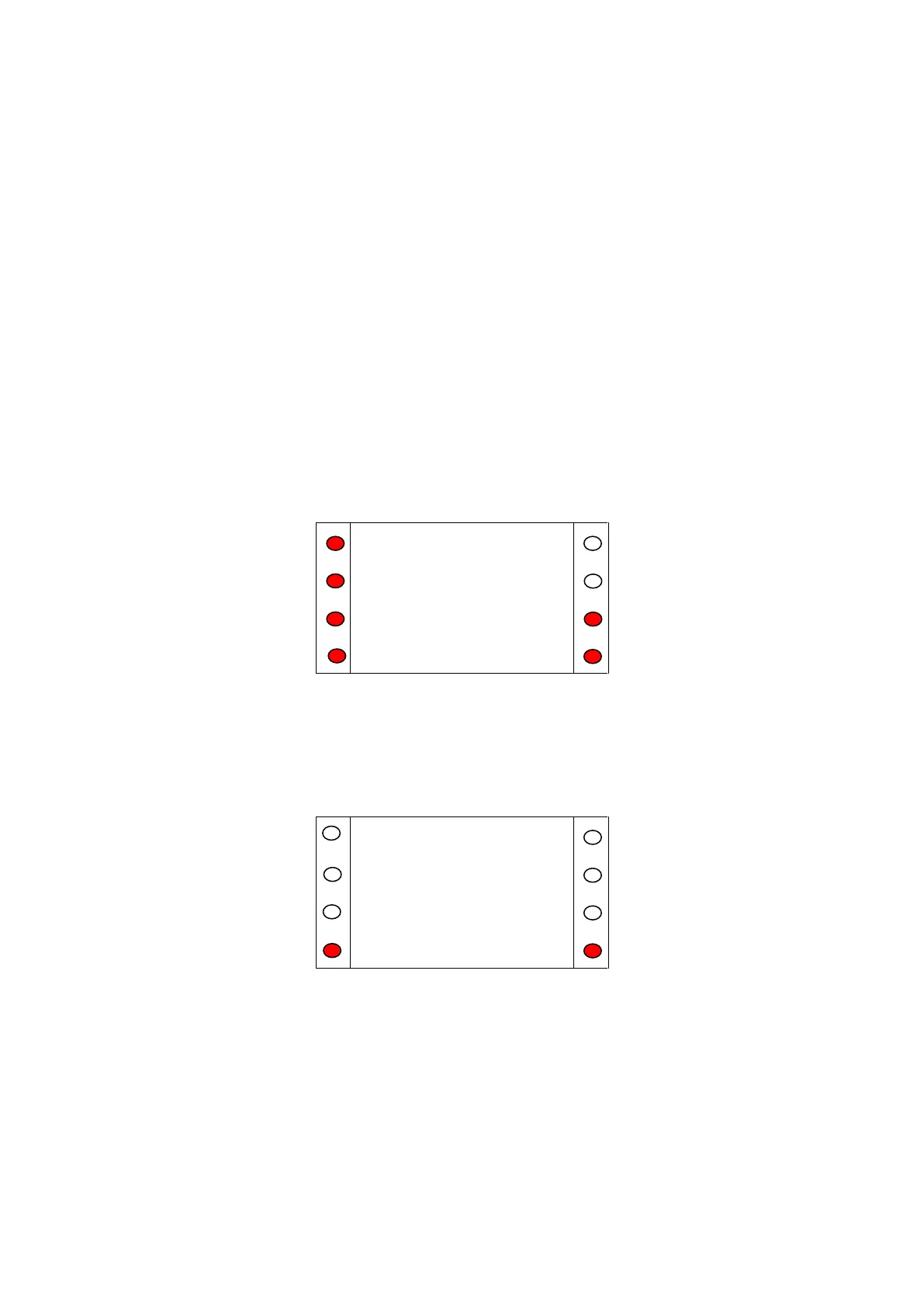
Press '<' and '>' to scroll up and down the list respectively.
Figure A.28
Restart Menu
The restart menu should only be used if instructed to via the help desk. After selecting ‘Restart’ the
user will be asked to confirm to avoid accidental presses.
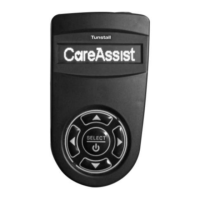
Figure A.29


 To Next Page