Settings Menu
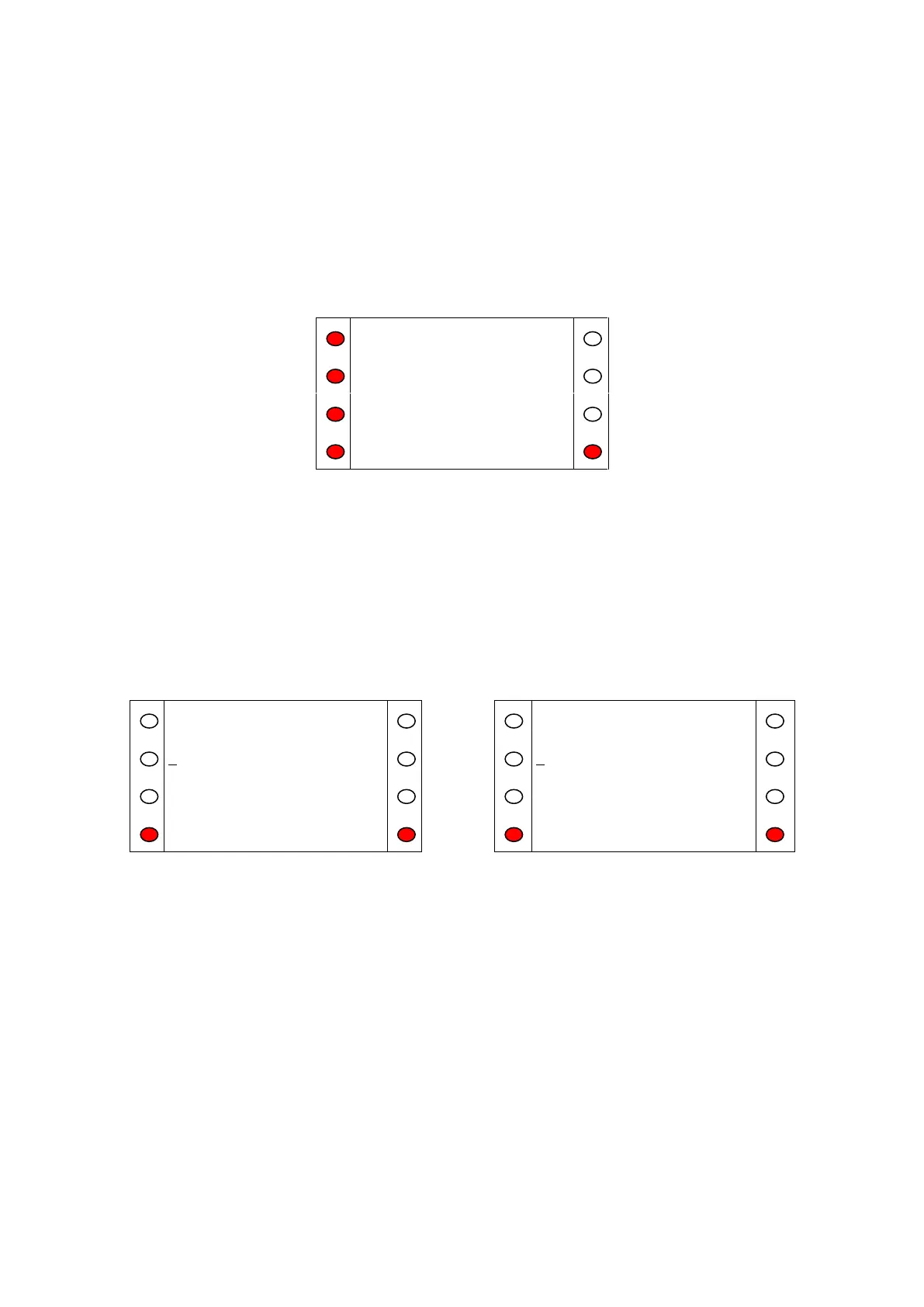
The settings menu allows the user 4 options:
Time Allows the user to enter the time in the format hh:mm
Date Allows the user to enter the date in the format dd/mm/yyyy
Keypad Sounds Turns the keypad sounds on or off
Onsite/OffSite Allows the user to change the site status
Figure A.14
Pressing the illuminated key next to any of the 4 options will take the user to the appropriate option,
while pressing ‘Exit’ returns the user to the main menu. For the time and date edit screens (Fig. A.15)
numeric keys allow input, 'Delete' deletes the previous number and 'OK' updates the system time and
returns the user to the Settings Menu. If the time or date is invalid, the SCP will beep and not return
to the Settings Menu until the error is cleared. Note that the system uses a 24 hour clock and the SCP
will not allow invalid times to be entered; thus it may be necessary to set both the hour digits to zero
before the correct time can be input (e.g. changing from 17:00 to 23:00 could be done by first
changing to 00:00 then changing to 23:00 on the 2nd cycle through).
Figure A.15 Time (left) and Date (right) Set Screens


 To Next Page