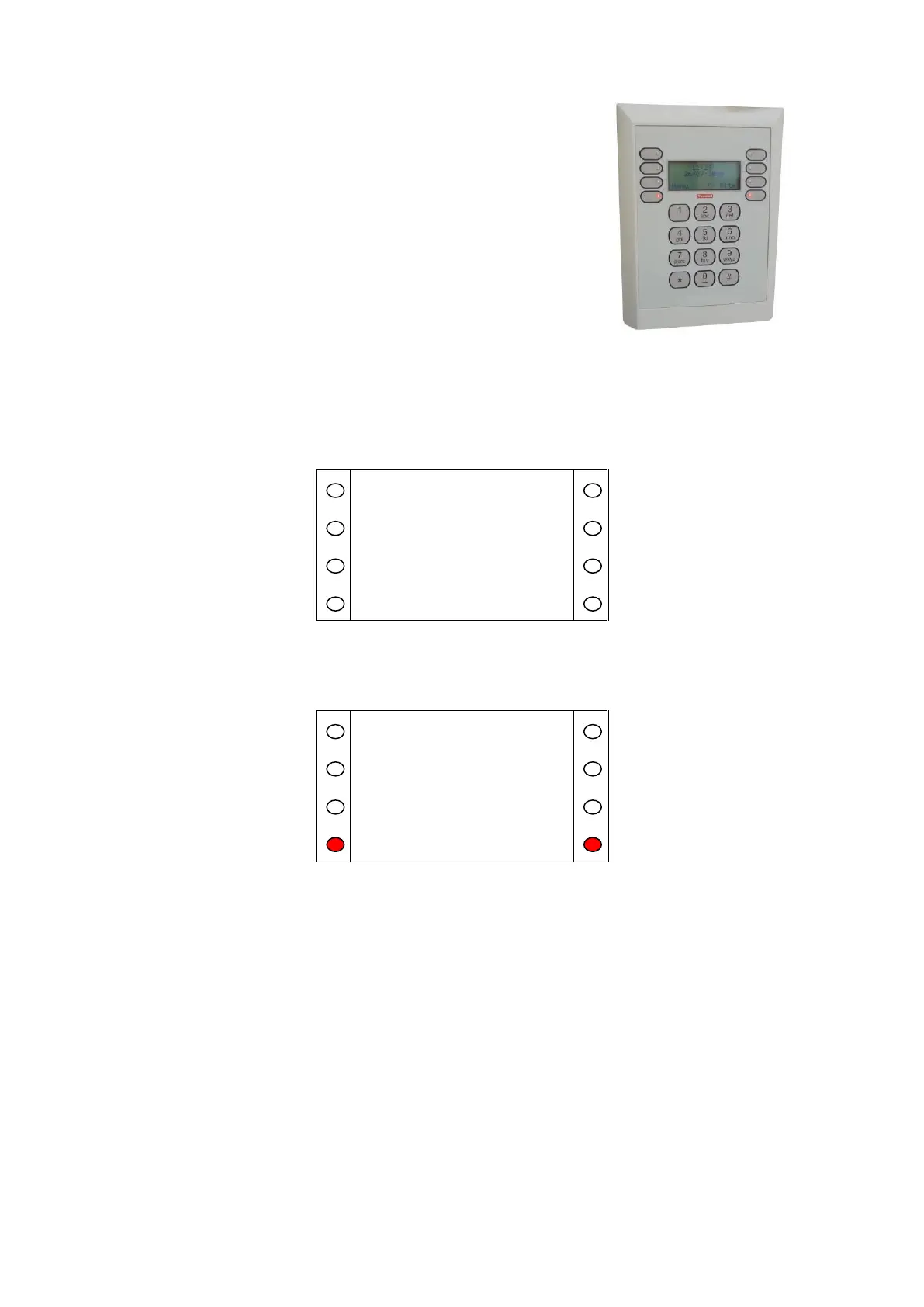
System Control Panel (SCP)
The System Control Panel (SCP) allows the user to place calls to
residents, perform simple radio trigger management tasks and to
perform certain system configuration tasks. The SCP user interface is
menu driven, with illuminated keys indicating available user options.
The SCP will have a big button telephone connected to it; this is
referred to as Line 3 in this guide.
Standby Screen
The 'standby' screen (Fig. A.1) displays the scheme system time, date and onsite / offsite status. To
move from the standby to the initial screen it is necessary to press the '*' (star) key to unlock the SCP.
Figure A.1
Initial Screen
Figure A.2
After unlocking the SCP, the initial screen (Fig. A.2) allows the user the option of either selecting
‘Menu’ or ‘On Site/Off Site’. Press the relevant illuminated key to move to the Change Site Status
screen (Fig. A.3) or to the Main Menu (Fig. A.4).


 To Next Page