Change Site Status
This screen enables the user to change the current site status to On Site, Local Offsite (optional) and
Off Site. When in On Site mode, an alarm's call group settings are processed as normal. In Off Site all
alarms calls are routed to the specified control centre.
Figure A.3
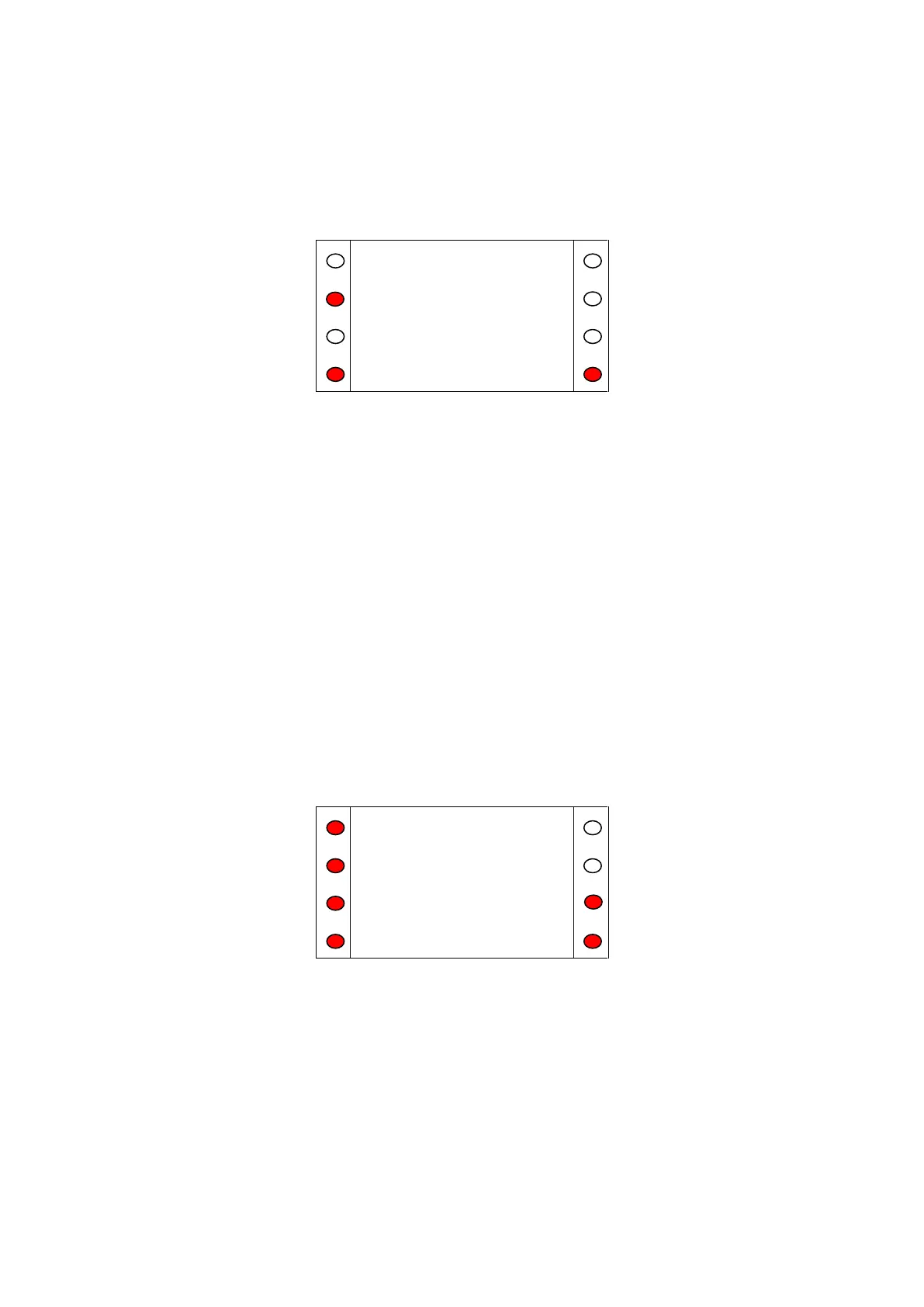
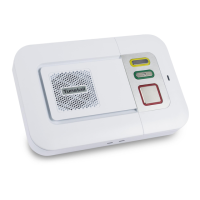
The site status is changed by pressing the illuminated key next to the site status. When the required
status is displayed press 'Set' to save the settings and the SCP will return to the Initial Screen.
Main Menu
The main menu allows the user 4 options:
Call Menu Allows the user to place calls, broadcast speech.
Trigger Menu Allows the user to view, assign and delete residents’ triggers.
Settings Allows the user to change date, time, and site status and turn keypad beeps
on or off.
Access Ctl Allows the user to add and remove access fobs
Advanced Allows the user to go to a ‘Restart’ or the engineer to go to ‘Engineer’.
Exit Exits to Initial Screen
Pressing the illuminated key next to any of the 4 options will take the user to the appropriate menu.
Pressing the illuminated key next to the arrow on the right of the screen will show the final menu
option of Advanced.
Figure A.4


 To Next Page