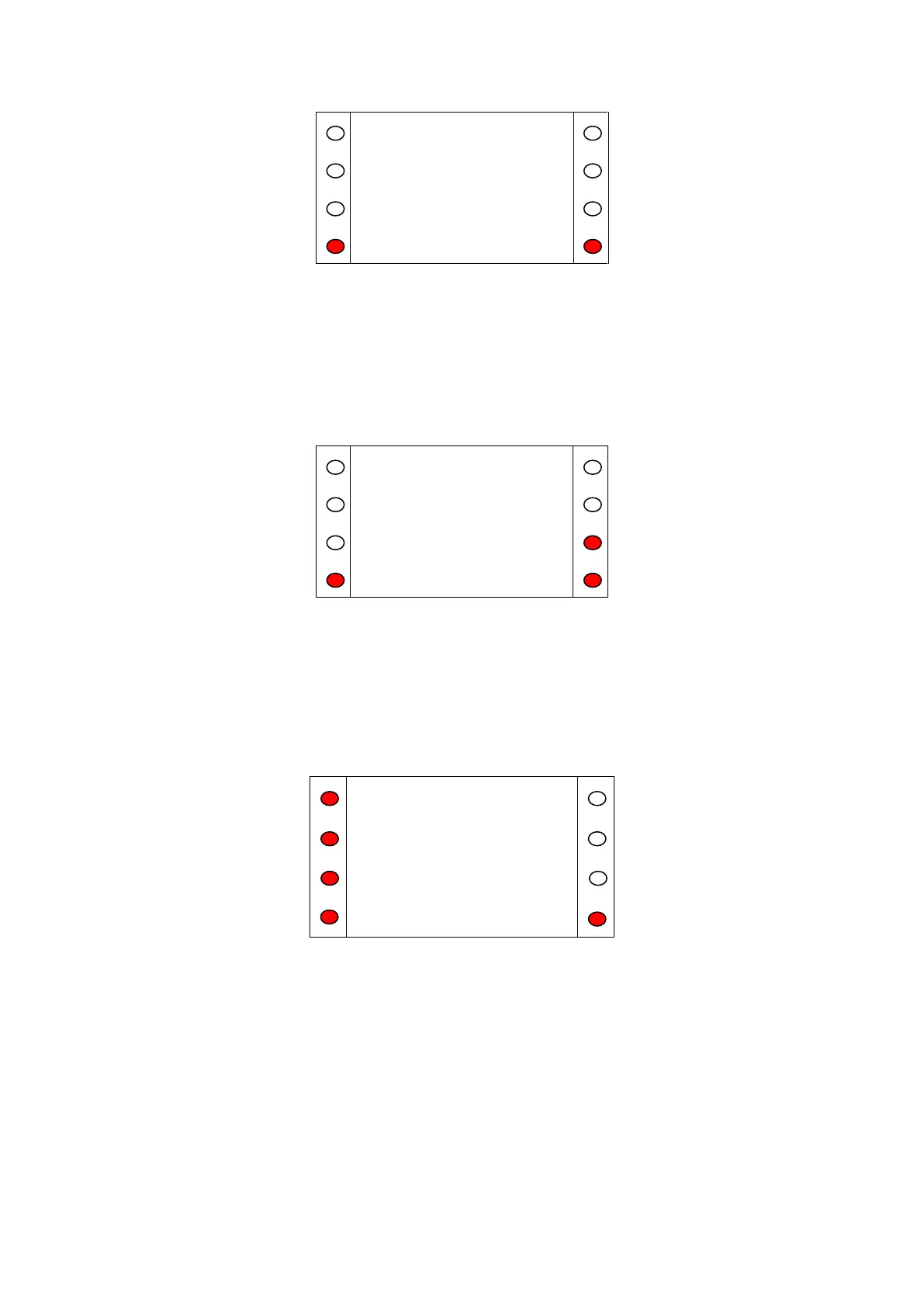
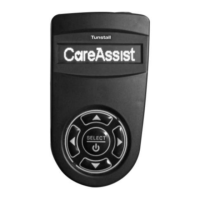
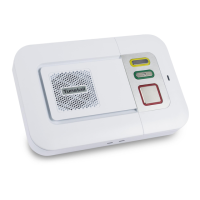
Figure A.6
After a Call
After a call has been finished, the SCP will display details of the next resident ID in the system (as
shown in Fig. A.7). To call this resident, press 'Call'. To skip to the next resident in the list, press 'Skip'.
To return to the Calls Menu, press 'Exit'.
Figure A.7
Broadcast Speech (this is an optional feature)
In broadcast speech mode audio is emitted from all speech modules that are broadcast enabled. Note
that if the system is not enabled for broadcast speech the button will not be illuminated.
Scroll down the Call Menu using the down key (<) until Broadcast Spch is shown. Then select
Broadcast Speech by pressing the corresponding button on the left.
Figure A.8
The display shows ‘Connecting……Broadcast Spch’, the phone connected to line 3 will ring. Answer the
call and speak into the microphone, this message will be broadcast to all speech modules that support
the broadcast speech feature. To end the broadcast, hang up the phone.


 To Next Page