Once Delete Device has been selected enter the numeric ID of the fob that needs to be deleted using
the keypad on the SCP.
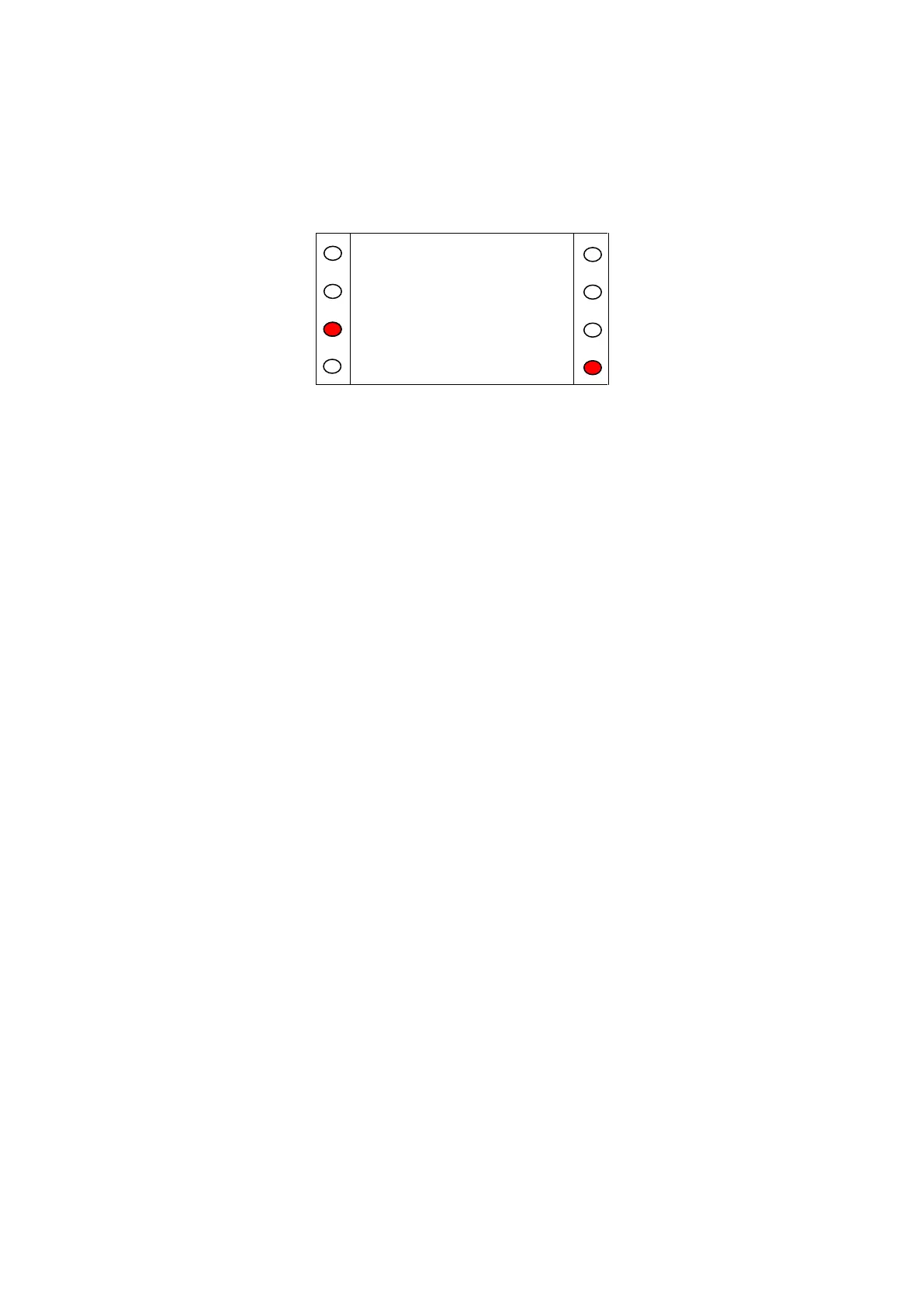
Figure A.27
If the fob ID that is entered is recognised by the system, the delete key will become available. This will
be indicated by the red LED being illuminated near the word ‘Delete’. Press the delete key (Figure
A.27) to remove the fob from the system.
Update the access fob log in the rear of this manual.


 To Next Page