8
Language Selection
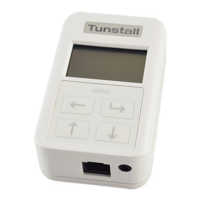
The Default language for a new Universal Sensor is English (UK). You can change the
language setting on the Universal Sensor if it is incorrect or if you have accidentally
changed the language to a language you do not understand.
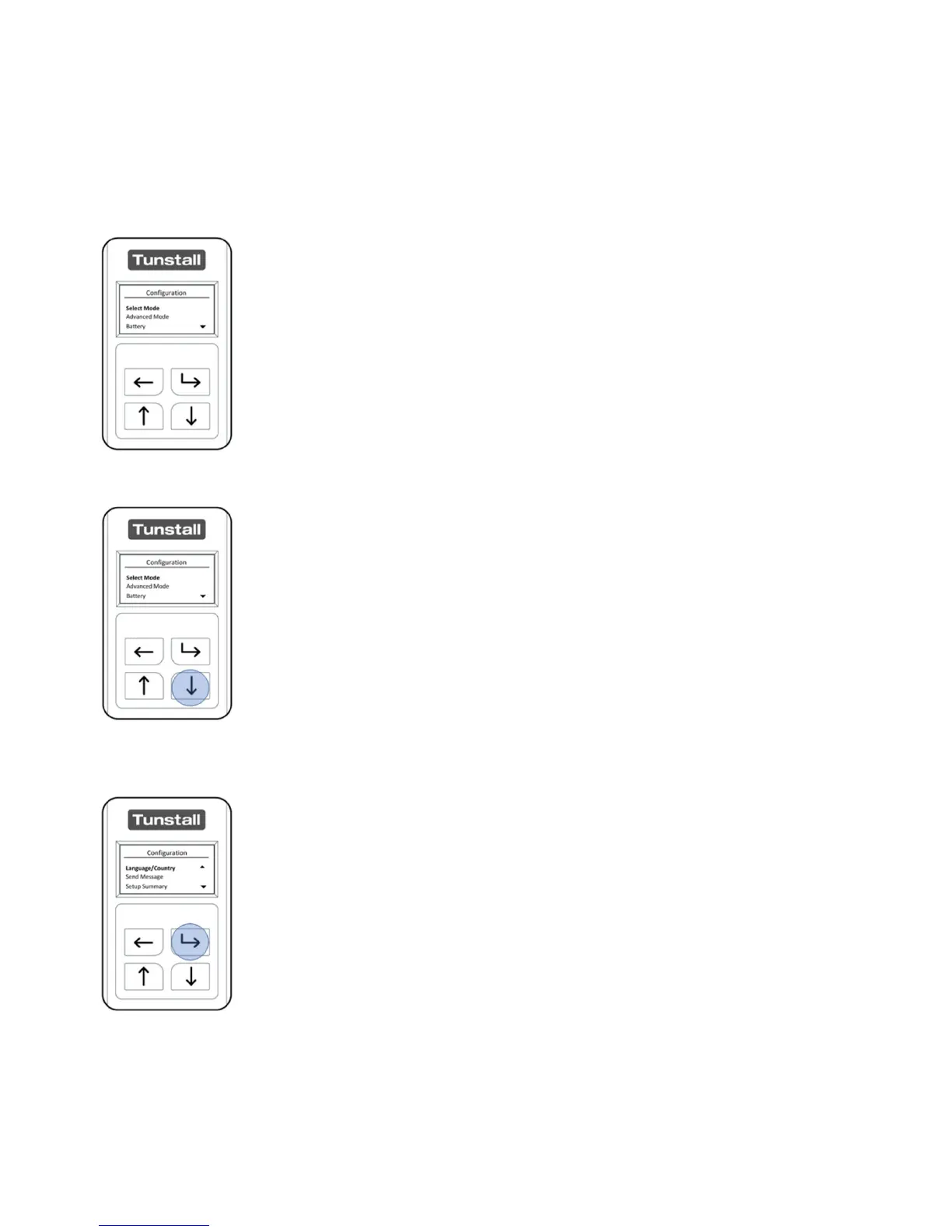
After unlocking the Universal Sensor, the “Configuration Menu will
be displayed.
Select ‘Language/Country’ from the ‘Configuration Menu’ by
pressing the “Down Button” 3 times, once highlighted press the
“Select Button”.
The “Language/Country” menu is the first option on the second
screen page of the “Configuration Menu”. Open this menu by
pressing the “Select Button”.


 To Next Page