998-2300 Rev. H Page 44
Most applications will integrate streaming data. Below are instructions on how to save
streaming data on a PC.
To save data:
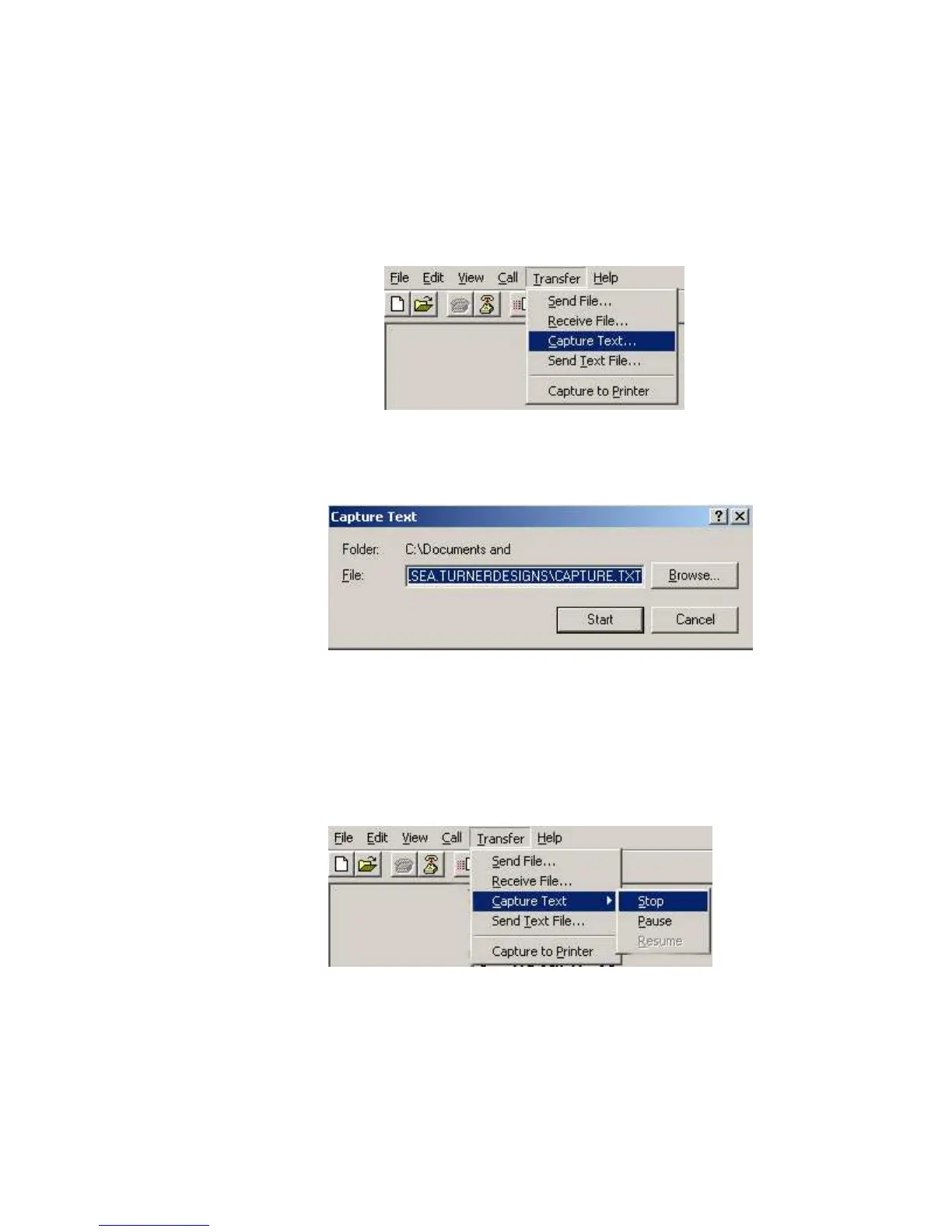
1. On the HyperTerminal window toolbar, choose Transfer and then Capture Text.
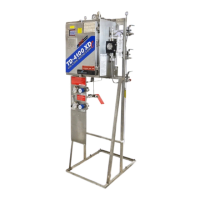
2. When you click on Capture Text, a window will appear asking you to name and
save the .txt file to the location of interest.
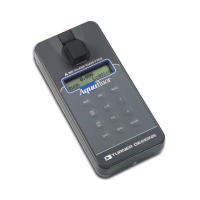
3. Once you are finished, you will need to return to the HyperTerminal window
toolbar, choose Transfer and then Capture Text and select Stop. This will stop
data capture to the .txt file.



 To Previous Page