13
Pairing Headset
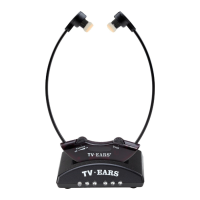
If the headset is not paired, aempt to pair headset using instrucons below. The
headset should come paired out of the box & should pair when charged.
Step 1 | With the remote labeled “TV•EARS TV” press MENU.
Step 2 | Scroll down unl SETTINGS is highlighted and press ENTER.
Step 3 | Scroll down unl TV Ears is highlighted and press ENTER.
Step 4 | Scroll down unl PASSWORD is highlighted and press ENTER.
Step 5 | Enter password (3277) and press ENTER.
Step 6 | Scroll down unl PAIR is highlighted and press ENTER.
Step 7 | Turn on the headset.
Step 8 | A pop up will appear on your screen that says “TV Ears pairing…press
menu to exit”.
Step 9 | Once pairing is complete your TV will say “TV Ears Pair Success…”.


 To Next Page