28
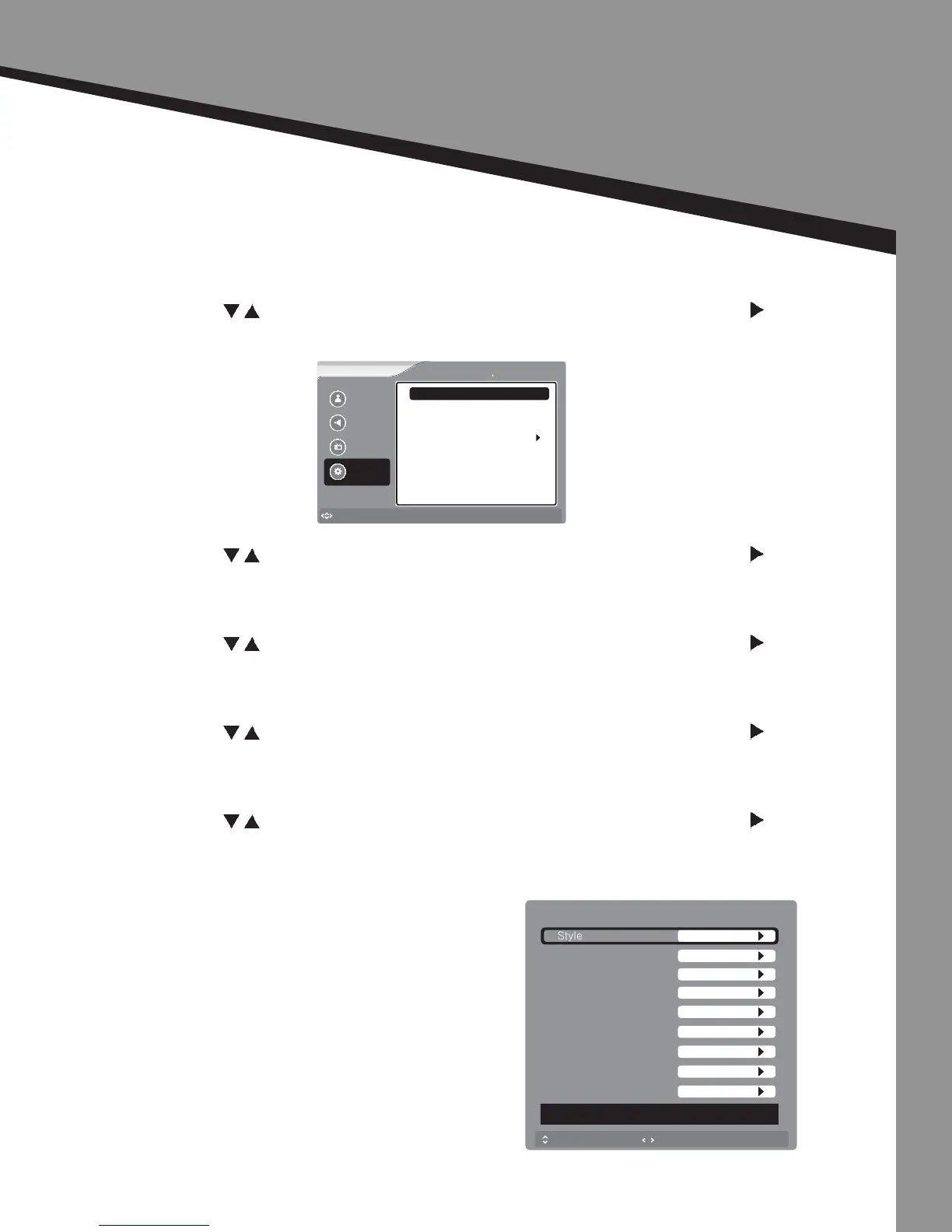
OSD Adjustments
Seng Opons
Closed Capon |
• Press to select the item you would like to adjust, then press ENTER or to select
that item.
CC Mode -
• Press to select the item you would like to adjust, then press ENTER or to select
that item.
Analog CC -
• Press to select the item you would like to adjust, then press ENTER or to select
that item.
Digital CC -
• Press to select the item you would like to adjust, then press ENTER or to select
that item.
Advanced CC Sengs -
• Press to select the item you would like to adjust, then press ENTER or to select
that item.
Picture
Sound
Channel
Settings
to Move
to Select
Enter
Menu
to Exit
Settings Close Caption
Analog CC
Digital CC
Advanced CC Settings
CC Mode
CS1
CC1
CC Off
to Move
to Select
Menu
to Exit
Digital Closed Caption
Size
Font
Text Color
Text Opacity
Background Color
Background Opacity
Edge Effect
Edge Color
Red
Solid
None
White
Solid
White
Default
Automatic
DECIDED BY AUTO
Style
Automatic


 To Next Page