29
OSD Adjustments
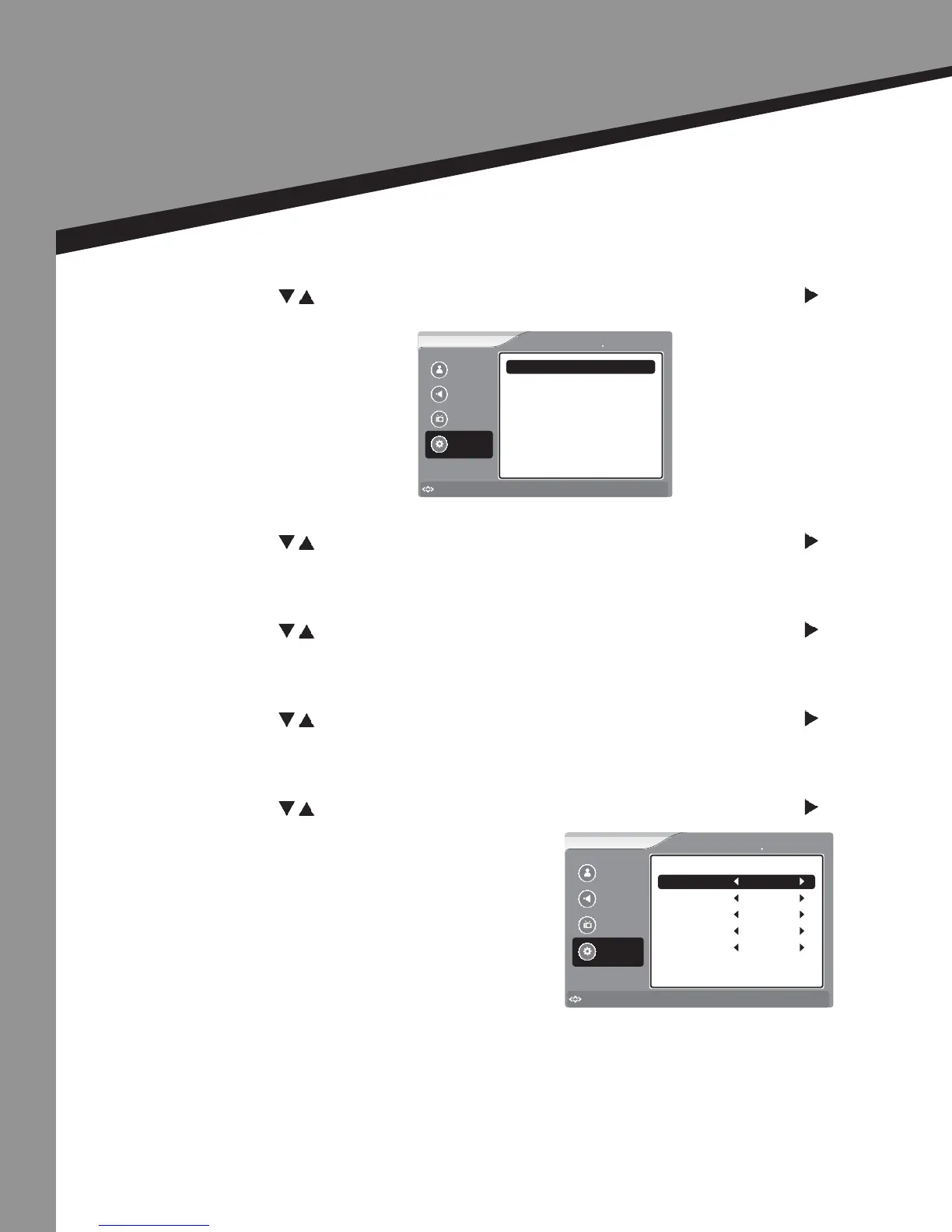
Seng Opons
Menu Sengs |
• Press to select the item you would like to adjust, then press ENTER or to select
that item.
Language -
• Press to select the item you would like to adjust, then press ENTER or to select
that item.
Transparency -
• Press to select the item you would like to adjust, then press ENTER or to select
that item.
Sleep Timer -
• Press to select the item you would like to adjust, then press ENTER or to select
that item.
Input Labels -
• Press to select the item you would like to adjust, then press ENTER or to select
that item.
Picture
Sound
Channel
Settings
to Move
to Select
Enter
Menu
to Exit
Settings Menu Setting
Transparency
Language English
9
Sleep Timer Off
Picture
Sound
Channel
Settings
to Move
to Select
Enter
Menu
to Exit
Settings Input Labels
Composite
HDMI/DVI
S-Video
VGA/PC
Component
Input Labels
Set Top Box
VCR
HDMI
PC
Satellite



 To Next Page